Situatie
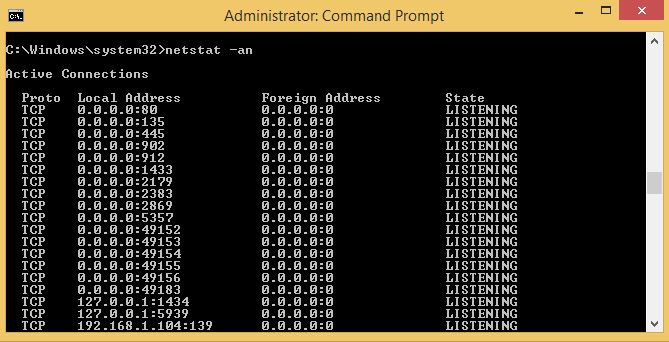
Se doreste o lista cu toate conexiunile deschise, toate porturile si IP-urile straine cu care se comunica printr-un anumit port.
Solutie
Se deschide command prompt ( tasta de windows + butonul R ) si se tasteaza comanda :
nestat -an

Soluții pentru problemele tale IT
Se doreste o lista cu toate conexiunile deschise, toate porturile si IP-urile straine cu care se comunica printr-un anumit port.
Se deschide command prompt ( tasta de windows + butonul R ) si se tasteaza comanda :
nestat -an
Leave A Comment?