
- Open Notes and select a note or create a new one.

- Tap the Camera button , then tap Scan documents.

- Place your document in view of the camera.
- If your device is in Auto mode, your document will automatically scan. If you need to manually capture a scan, tap the Shutter button or one of the Volume buttons. Then drag the corners to adjust the scan to fit the page, then tap Keep Scan.
- Tap Save or add additional scans to the document.


How to download and install iOS 15.4.1 on your iPhone
- Make sure you have a recent iCloud backup
- Launch Settings from your Home screen

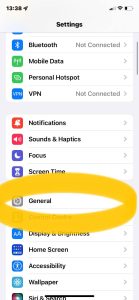
- Tap on General
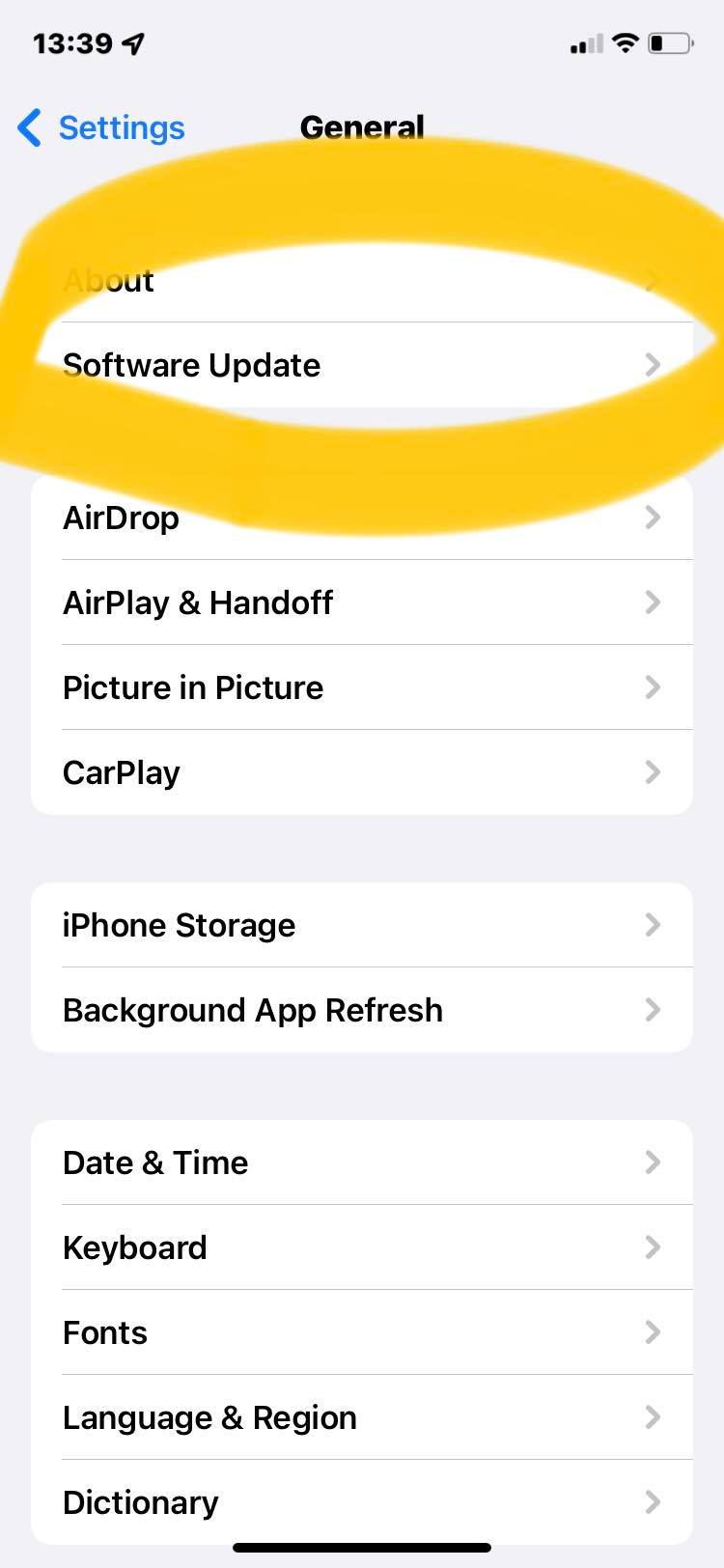
- Tap on Software Update

- Tap on Download and Install.
- Enter your Passcode, if prompted.
- Tap Agree to the Terms and Conditions.
- Tap Agree again to confirm.


Enable Secret password on CISCO Router
ENABLE SECRET PASSWORD
Router>en
Router#configure terminal
Enter configuration commands, one per line. End with CNTL/Z.
Router(config)#enable sec
Router(config)#enable secret cisco1234
Router(config)#service pass
Router(config)#service password-encryption
Router(config)#end
Router#
%SYS-5-CONFIG_I: Configured from console by console
Router#sh run
Building configuration…
Current configuration : 737 bytes
!
version 15.1
no service timestamps log datetime msec
no service timestamps debug datetime msec
service password-encryption
!
hostname Router
!
!
!
enable secret 5 $1$mERr$WKkcGROjDgUmPKrVvqyr10

How to Reset WinHTTP Proxy Server Settings in Windows 10
- Press Start key and type cmd.
- Right-click on it and select the option Run as administrator.
Type the following command and hit enter: netsh.exe winhttp show proxy
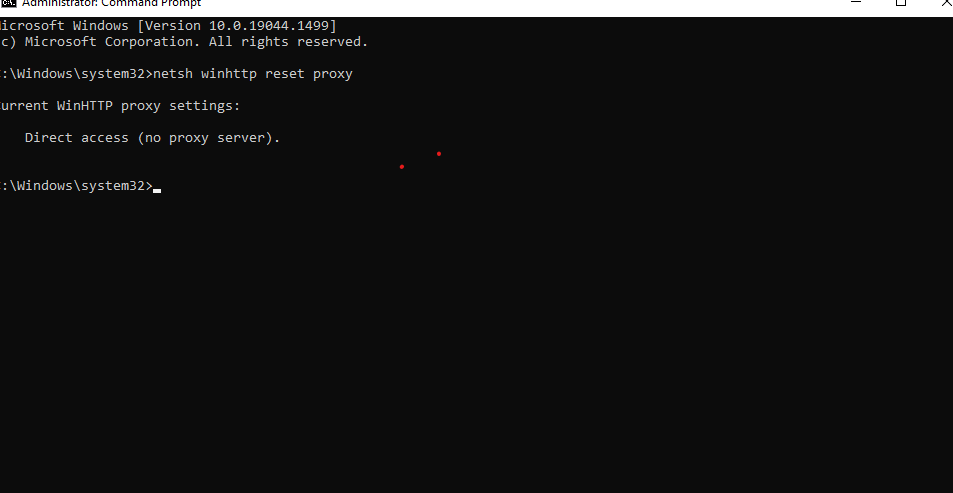
How Do I Reset the Browser Proxy Settings Using the Command Prompt?
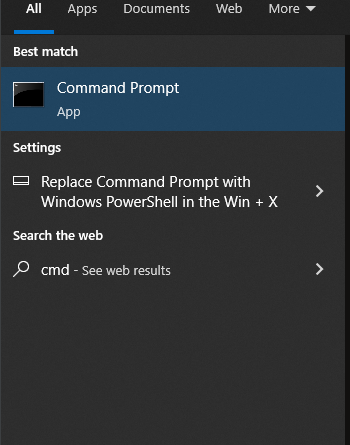
On Windows 10: Type cmd in the Type here to search field on the taskbar, right-click on it and select the option Run as administrator.

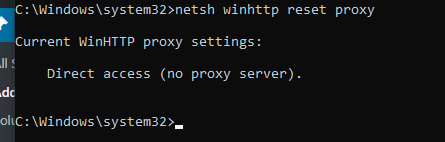
In the Command Prompt window, type netsh winhttp, reset proxy and press the enter key.
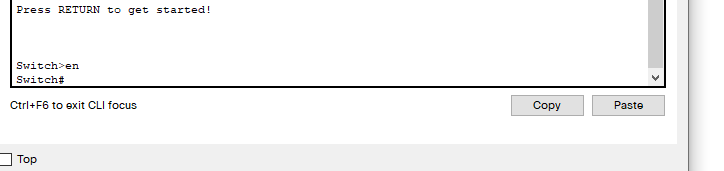
Configuring Switch Interface Descriptions on a Cisco Switch
Move to global configuration mode, like this:
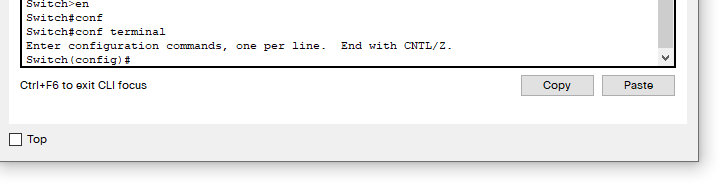
Move to interface configuration mode. In our example, let’s assign an a description to the Fa0/1 interface:

To view the interface’s description, press Ctrl-Z to exit back to privileged mode then type:
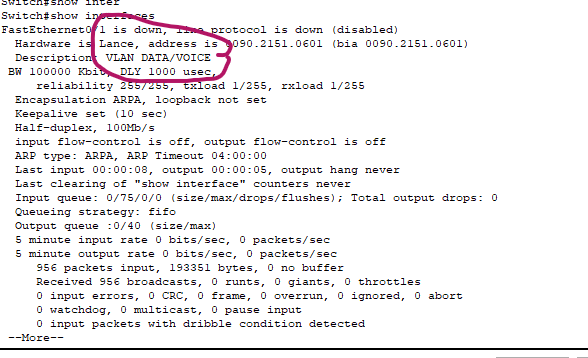
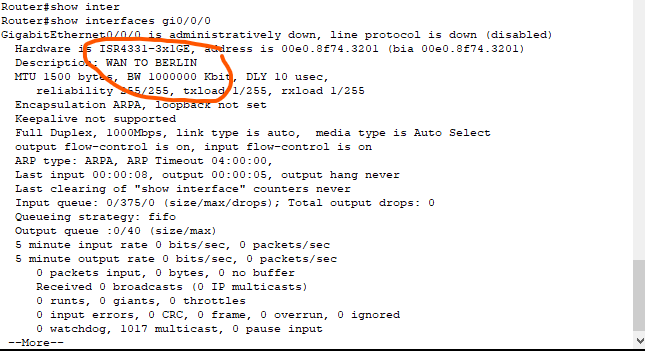
Configuring Router Interface Descriptions on a Cisco Router ISR4331
-
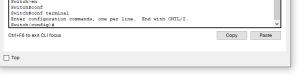
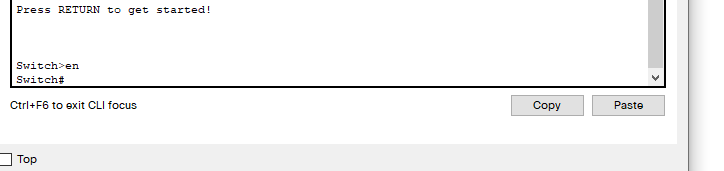
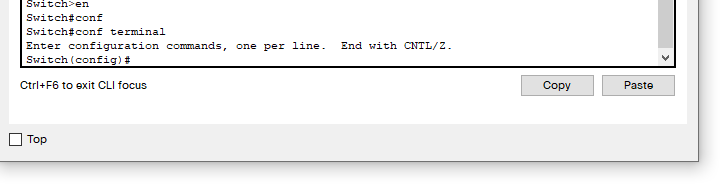
Move to global configuration mode, like this
-

-
Move to interface configuration mode. In our example, let’s assign an a description to the GI0/0/0 interface:
-


-
Use the description command with the description you define for this interface. Here is an example:
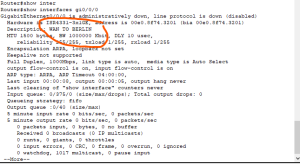
- To view the interface’s description, press Ctrl-Z to exit back to privileged mode then type.
Configure an IP address on a switch
Enter the VLAN 1 configuration mode with the interface vlan 1 global configuration command.
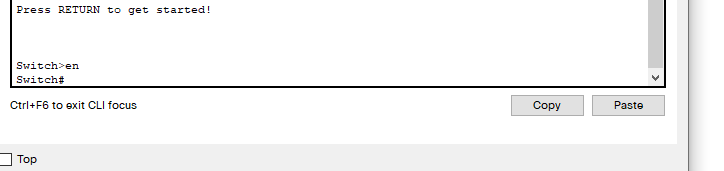
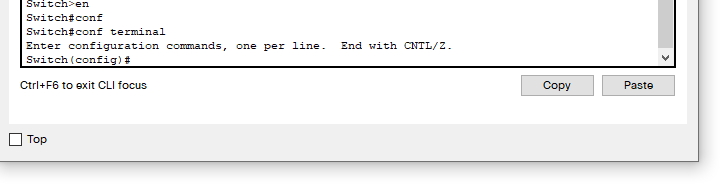

- Assign an IP address with the ip address IP_ADDRESS SUBNET_MASK interface subcommand.

- Enable the VLAN 1 interface with the no shutdown interface subcommand.
Configure Banner in Cisco devices
Steps to configure banner through CLI
-
- Login to the device using SSH / TELNET and go to enable mode.
-
- Go into the config mode.
Router#configure terminal
Enter configuration commands, one per line. End with CNTL/Z.
Router(config)#
- Go into the config mode.
-
- Use below command to configure banner for required banner types (motd / login / exec)
Router(config)#banner motd #Unauthorized access to this device is prohibited!#
- Use below command to configure banner for required banner types (motd / login / exec)
-
- Exit config mode
Router(config)#exit
Router#
- Exit config mode
- Copy the running configuration into startup configuration using the below command:
Router#write memory
Building configuration… [OK]
Router#
Cum setam port-security pe switch cisco
Cum setam port-security pe switch cisco
1.Ne connectam pe switch prin consola sau telnet

2.Activam modul Privileged EXEC prin comanda enable

3.Dupa ce am activat Privileged EXEC rulam comanda configure terminal

4.Selectam interfata pe care vrem sa setam port-security (interface fa0/1)

5.Scriem comanda: switchport port-security maximum #Value (Aici putem maximul de mac-uri acceptat pe interfata).
