

Social
Top 12 amenintari de infratiune cibernetica
Pentru mulți, perioada aceasta in care ne confruntam cu virusul Covid 19 – este o perioada in care v-ați putea găsi în postura de victimă a unui atac în mediul online pot face ca acesta perioada să devină nu tocmai fericita. Odată cu toata perioada carantinei si nu numai și cu utilizarea internetului în momentele de vârf, nu există un moment mai bun pentru a pândi o victimă în mediul online, astfel vă vom vedea impreuna o serie de amenintari cibernetice si modul in care sa scapam de ele.
[mai mult...]How to connect a stadia controller to an android device via wi-fi
Start by opening the Google Stadia app on your Android handset. From the “Home” tab, tap the controller icon.

Your device will start looking for an available Stadia controller.

It’s now time to turn on your controller. Start by pressing and holding the Stadia button for one second until the controller vibrates and the backlight starts to pulse.

The controller should appear in the Stadia app after several moments. If your smartphone stops searching after not finding any controllers, tap the “Refresh” button.

If you’re still having connection issues, try toggling your phone’s Bluetooth setting off and on or even rebooting the entire device. Once your Stadia controller shows up as “Ready To Link” in the app, press the four controller buttons that are shown on-screen. The controller will vibrate twice once the two devices are connected. The Stadia app will also show that the controller is linked.

When you’re done playing and want to turn off your controller, press and hold the Stadia button for three to five seconds. The controller will vibrate once and disconnect from your Android smartphone.
You will need to repeat the linking process every time you want to game untethered. Google does not store previous connections and will not automatically link the controller to your Android device in the future.
[mai mult...]Cum să faceți copie de rezervă și să restaurați PS4
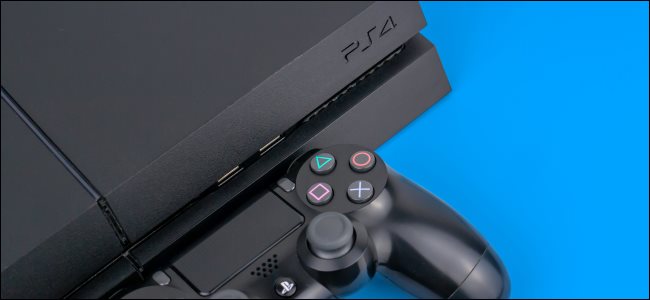
Indiferent dacă v-ați autentificat 10 ore sau 100 jucând un joc, începând din cauza faptului că s-a întâmplat ceva cu fișierul de salvare este cheie. Nu lăsați să vă întâmple asta! Faceți o copie de siguranță pentru a salva datele dvs. PS4.
[mai mult...]Cum să actualizați jocurile Nintendo Switch
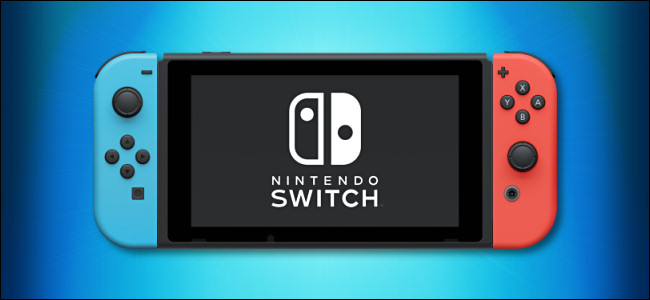
De-a lungul timpului, majoritatea jocurilor Nintendo Switch primesc actualizări online gratuite care remediază erorile și adaugă noi funcții. Uneori, actualizările adaugă chiar și funcții majore jocului, cum ar fi niveluri noi sau personaje. Iată cum să vă asigurați că jocurile dvs. sunt actualizate.
[mai mult...]How to Put Hulu Videos on Your TV
Watch Hulu From a Smart HDTV
Hulu is one of the best ways to find legal HD movies and TV shows online. You can use the website on your computer or the mobile device for Hulu on the go, but there’s a little extra step you have to take in order to watch Hulu on your TV. There are a few methods for putting Hulu videos on your TV, and the one you choose depends on how you want to do it. The first is through the mobile app or website, another is with a smart HDTV, and the third and most complicated option is to hook up a computer to the TV.