Soluții

Cum sa creezi un cod QR de adresa web in Chrome

Google Chrome are un generator de coduri QR încorporat, nu trebuie să instalați extensii de la terți pentru a face acest lucru. Pentru a începe, lansați Chrome pe computerul dumneavoastră Windows, Mac, Linux sau Chromebook. Apoi, accesați site-ul pe care doriți să îl transformați într-un cod QR. In cazul nostru vom genera un cod QR pentru site-ul https://askit.ro/

Iata ce aveti de facut:

  • Primul pas este sa deschideti site-ul pentru care doriti sa generati un cod QR

  • Dupa deschidera site-ului trebuie sa accesati iconita din dreapta sus a paginii web

  • Dupa generarea codului il puteti descarca in PC
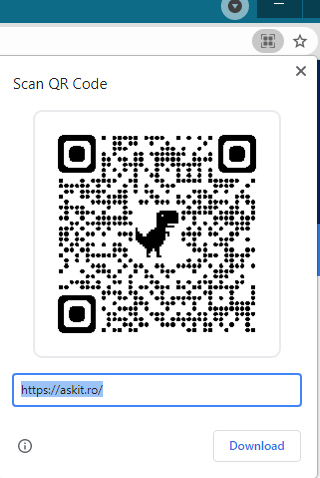
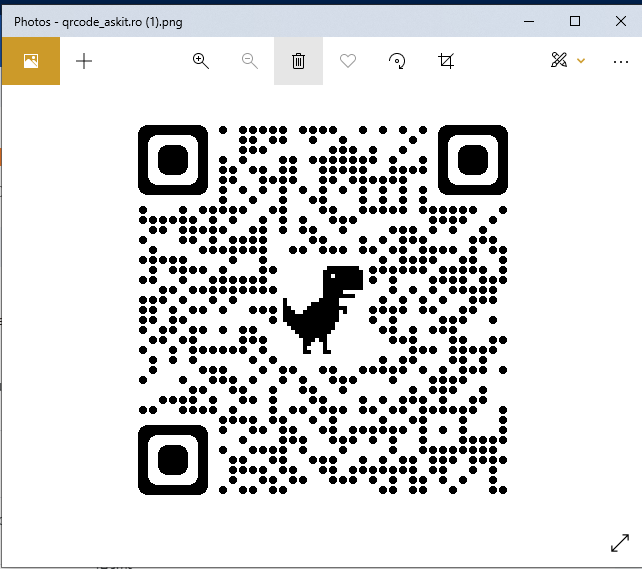
  • Acesta va arata asa:

  • Dupa salvare puteti accesa codul QR cu ajutorul camerei dipozitivului mobil.
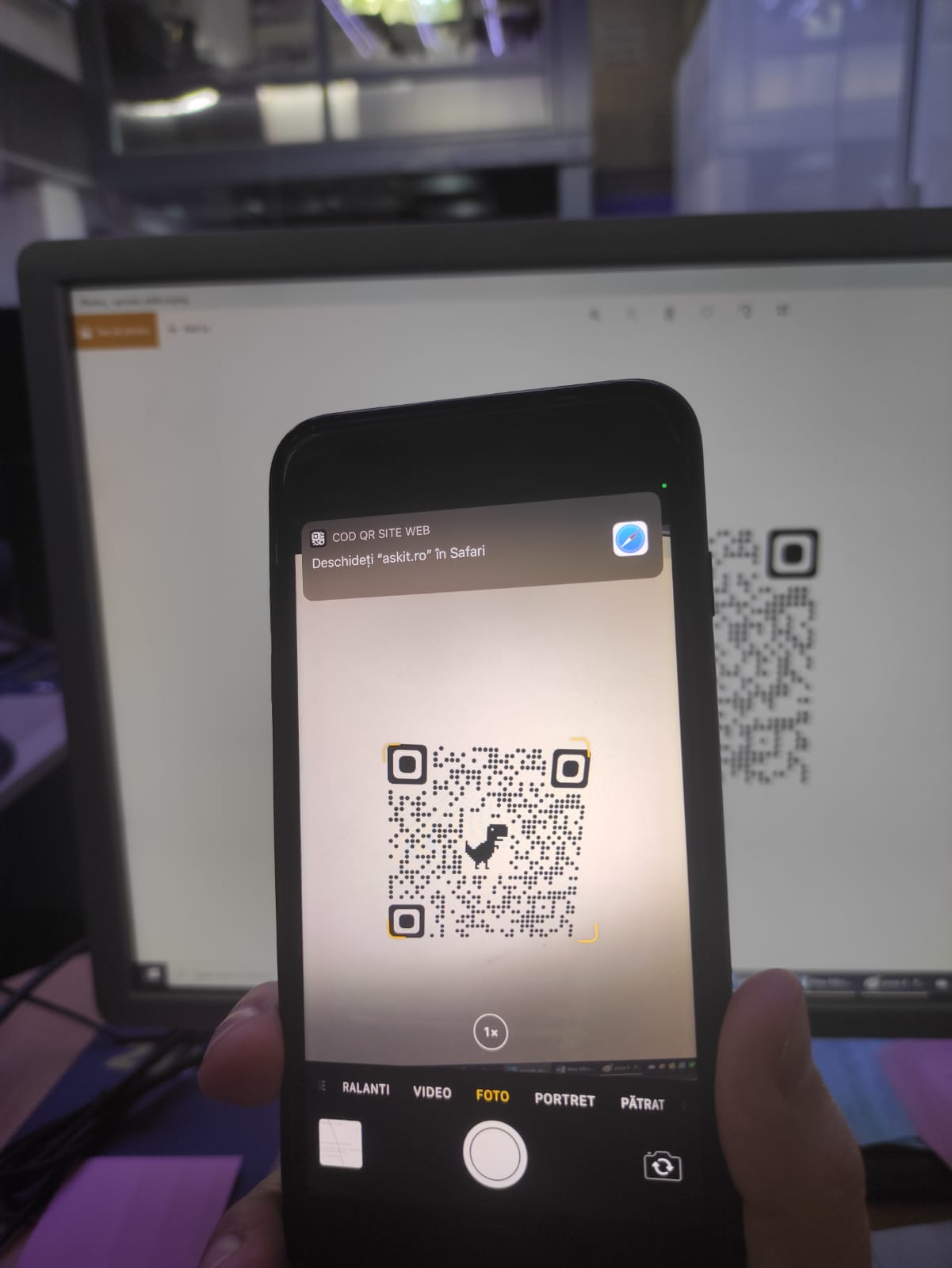
Am testat solutia cu un dipozitiv iPhone 7+ si acesta functioneaza perfect.

[mai mult...]
How to Enable ProRes Video Mode on iPhone

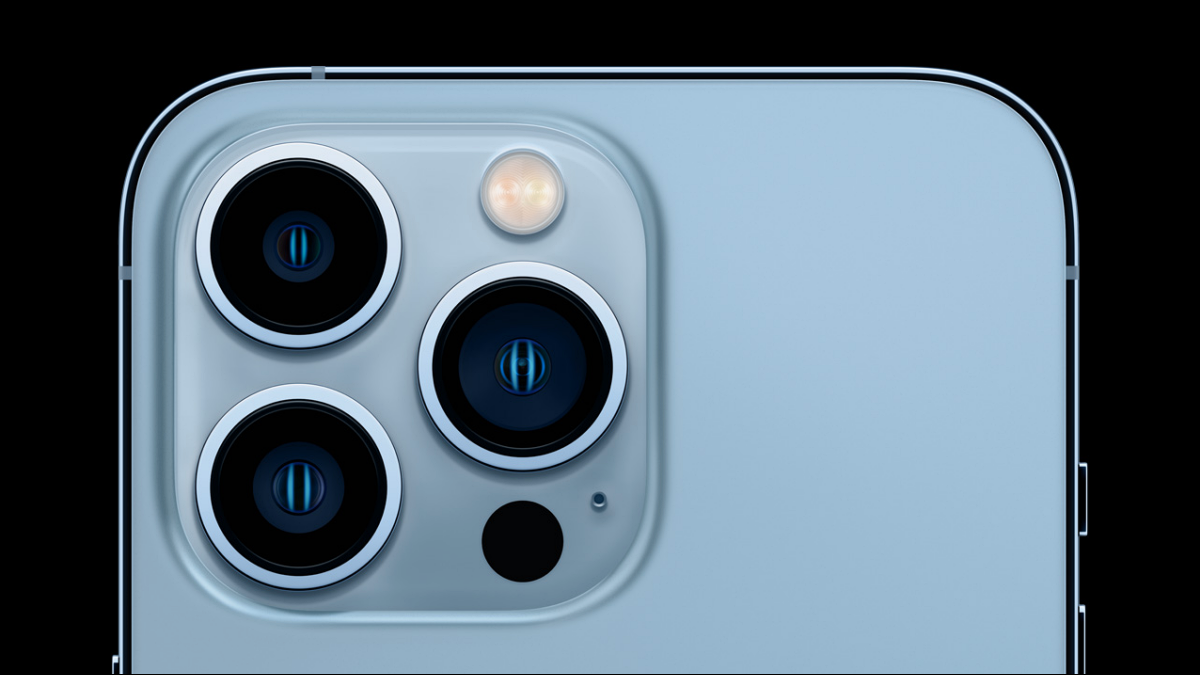
Launched in 2021, the iPhone 13 Pro and iPhone 13 Pro Max feature an upgraded camera system to support the new ProRes video mode. Using the Camera app, you can record 4K videos at 30 frames per second on an iPhone 13 Pro (or Pro Max), but you’ll need one with at least 256GB storage. The 128GB model can only record 1080p ProRes videos at 60 frames per second.

[mai mult...]

How to Disable Hibernation on a Windows 10 PC

Hibernation mode is a cross between sleep mode and turning your computer off. With hibernation mode enabled, you can turn your computer off, and pick up right where you left off immediately. That means all your apps will open the way they were when you left them, and your computer won’t use any power.

[mai mult...]

How to add “add-ins” in Microsoft excell

Couple steps you need to follow:

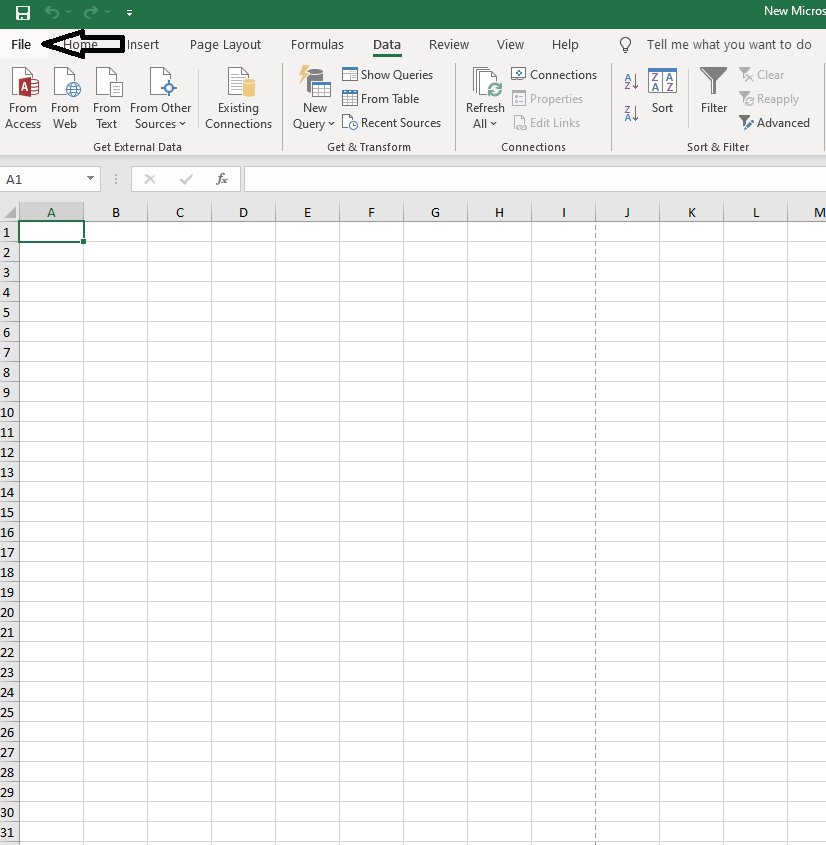
1.Open any Excell file.

2.Go to the file tab.

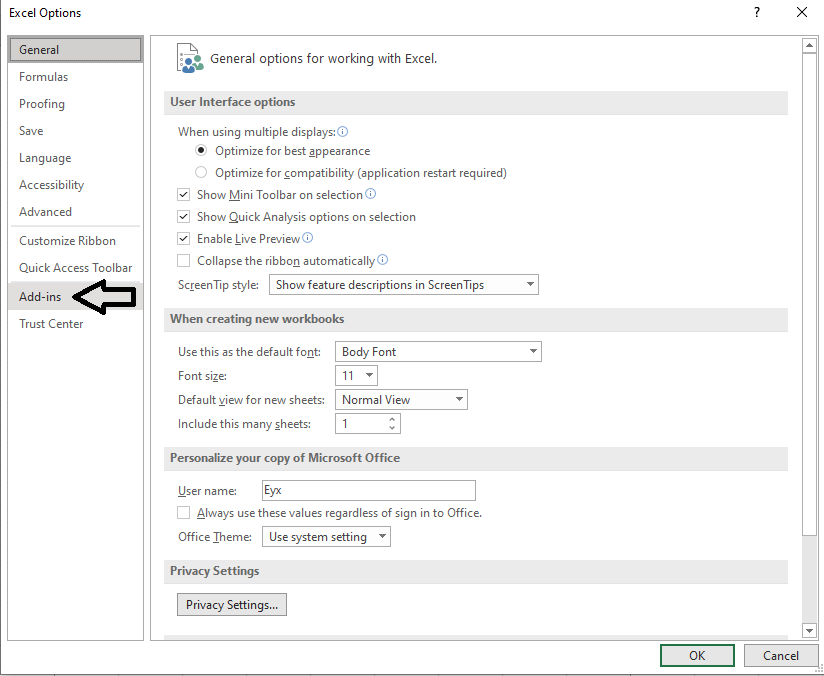
3.Go to the bottom left and click on “options”

4.On the left side of the pannel go to “Add-ins”,and left click on it.

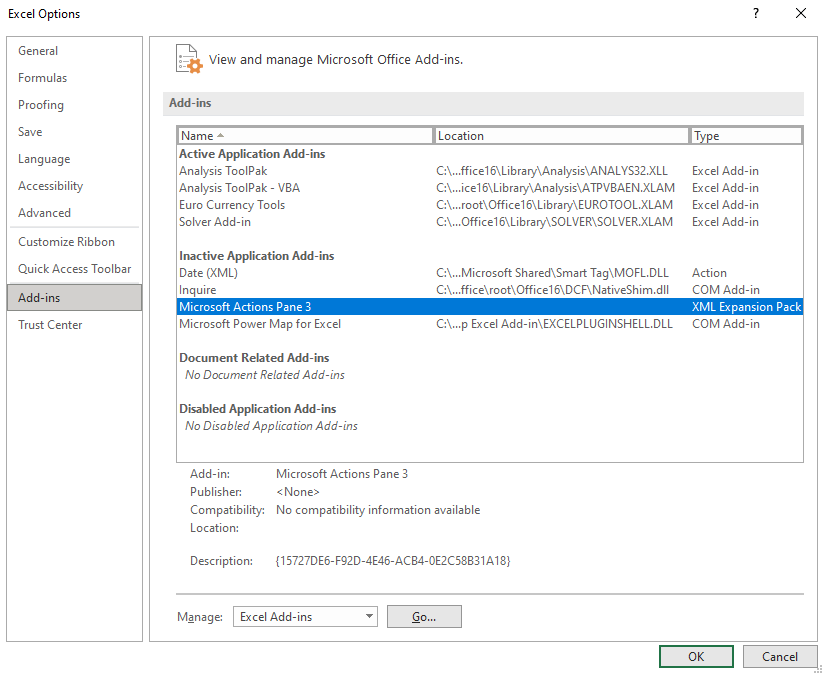
5.Select any add-in that you want to add and click “OK”.

6.As an example,if you chose to add the “Data analysis” tab it will show up in the “Data” tab,top side,on the right as shown below.

[mai mult...]