Soluții
Office Customization Tool
Since the release of Office2016, it’s not doable to perform a custom Office install, during which one selects the Office applications to be put in or omitted. once putting in Office, all applications get put in. Individual apps can’t be removed later, either. Office Click-to-Run and MSI installers will solely install or take away the complete suite.
The Office Deployment Tool (ODT), a free and well-known Microsoft tool, standard among IT admins is used instead. ODT permits nearly utterly hands-free configuration and installation, together with add / take away for individual workplace apps. That has become abundant easier currently that the workplace Customization Tool (OCT) has been free. OCT may be a internet app that, with a couple of clicks, permits you to determine what and the way elements are going to be put in, added or removed. Simply head to https://config.office.com to start customizing your Office 365.
[mai mult...]Cum dezactivam Search History din Windows 11?
Ne aflam in situatia in care dorim sa dezactivam Search History.
[mai mult...]Cum setam Safe Search pe Windows 11?
Ne aflam in situatia in care dorim sa activam Safe Search pe Windows 11.
[mai mult...]Cum aflam cu ce user suntem conectati prin CMD in Windows 11?
Ne aflam in situatia in care nu stim cu ce cont suntem conectati pe Windows 11 si dorim sa aflam asta prin intermediul CMD.
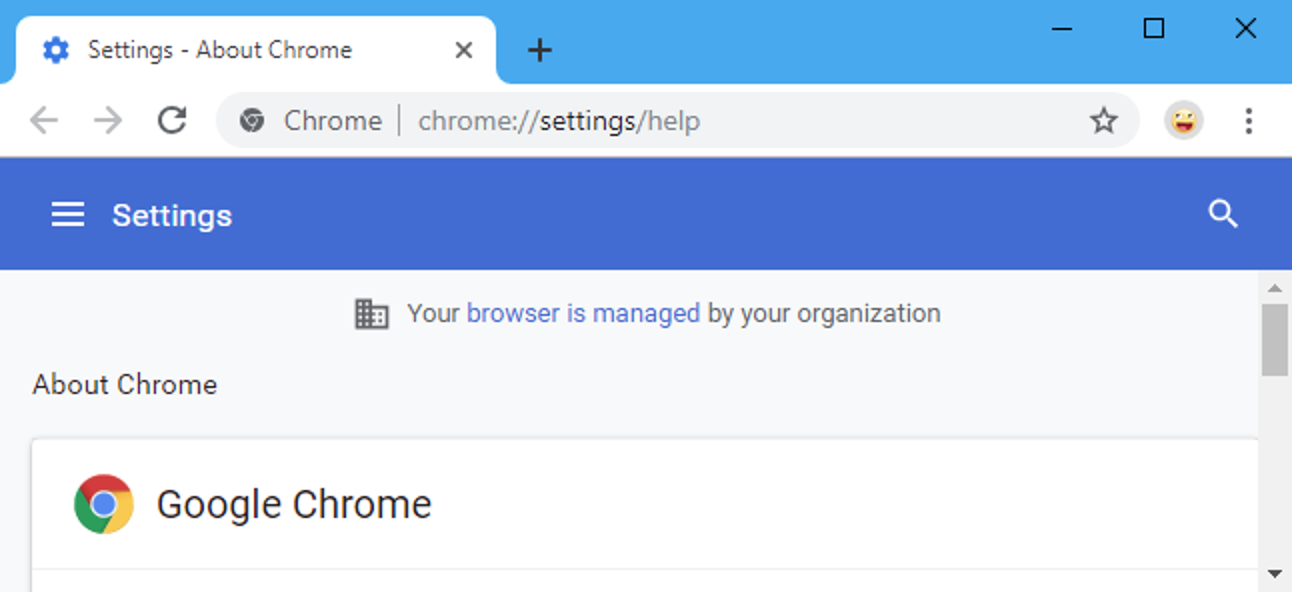
[mai mult...]Remove the “Your browser is managed by your organization” message from Google Chrome
Sometimes,the anti-virus and other software programs may cause some inconveniences in Google Chrome.
The Your browser is managed by your organization message may come up and put some restrictions on what you can do and can not do on your browser.