Soluții

How to Use Microsoft Edge to Solve Math Problems

How to Use Microsoft Edge to Solve Math Problems

While there are several sites to learn math on, how about solving those problems inside your browser? Microsoft Edge’s new Math Solver makes it happen without breaking a sweat, and it can be a handy tool. At the time of writing in June 2021, the “Math Solver” is still in the Preview stage and is available in Microsoft Edge 91. Clicking it opens a sidebar on the right side to clip and drop math problems or type them using the onscreen keyboard. From the looks of it, Math Solver might become a built-in feature like Collections.

[mai mult...]

How to Accept a Previously Declined Event in Microsoft Outlook

Have you ever declined an event request only to discover that you need to accept and attend after all? What happens to those declined invitations? We’ll explain where they go and how to accept a previously declined event in Outlook. When you receive an invitation in Outlook, it pops onto your calendar as tentative. This is a handy indicator that you need to respond and either accept or decline it. If you accept, it stays on your calendar. But if you decline, the invitation disappears.

[mai mult...]

How to Downgrade From iOS 15 to iOS 14

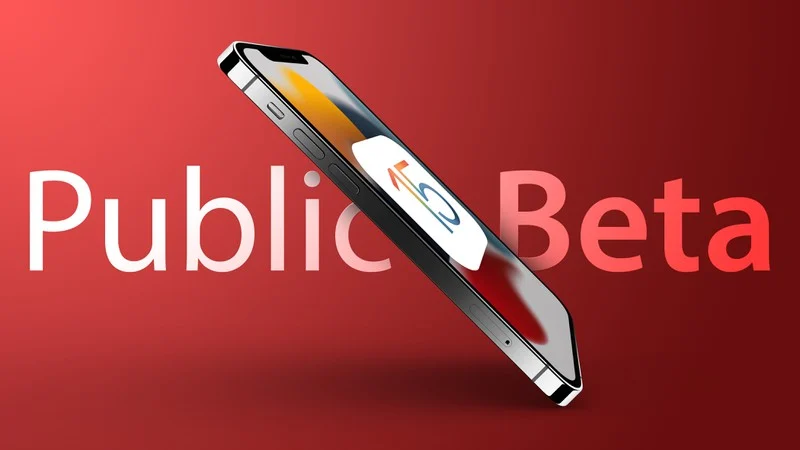
If you’ve installed iOS 15 or iPadOS 15 through Apple’s developer program or the public beta now it’s been released, you may decide you want to downgrade because of usability or stability issues. Keep reading to learn how it’s done.

Apple usually only releases the public betas of ‌iOS and ‌iPadOS‌ once the developer versions are relatively stable. That said, Apple’s beta versions of its major software updates can be notoriously buggy, especially the early releases. You may find apps not working properly, poor battery life, device crashes, and features that don’t do what they’re supposed to. Fortunately, you can restore your iPhone or iPad to the previous version of iOS.

If you made an archived backup before you installed the beta, you can remove the ‌‌iOS 15‌ beta and restore the backup. If you didn’t make a backup, you can still downgrade, but you won’t be able to restore your device to its original state before you upgraded.

Also, if you’ve installed watchOS 8 on your Apple Watch, it’s important to note that you won’t be able to use it with your ‌‌iPhone‌‌ once you’ve gone back to iOS 14. And downgrading an Apple Watch to a previous version of watchOS can’t be done manually either – if you want to remove ‌‌watchOS 8‌‌, you’ll have to send your watch in to Apple.

[mai mult...]