Reset user account control settings Windows 10
Every time I reboot my computer, the UAC setting resets to full.
[mai mult...]
Soluții pentru problemele tale IT

Every time I reboot my computer, the UAC setting resets to full.
[mai mult...]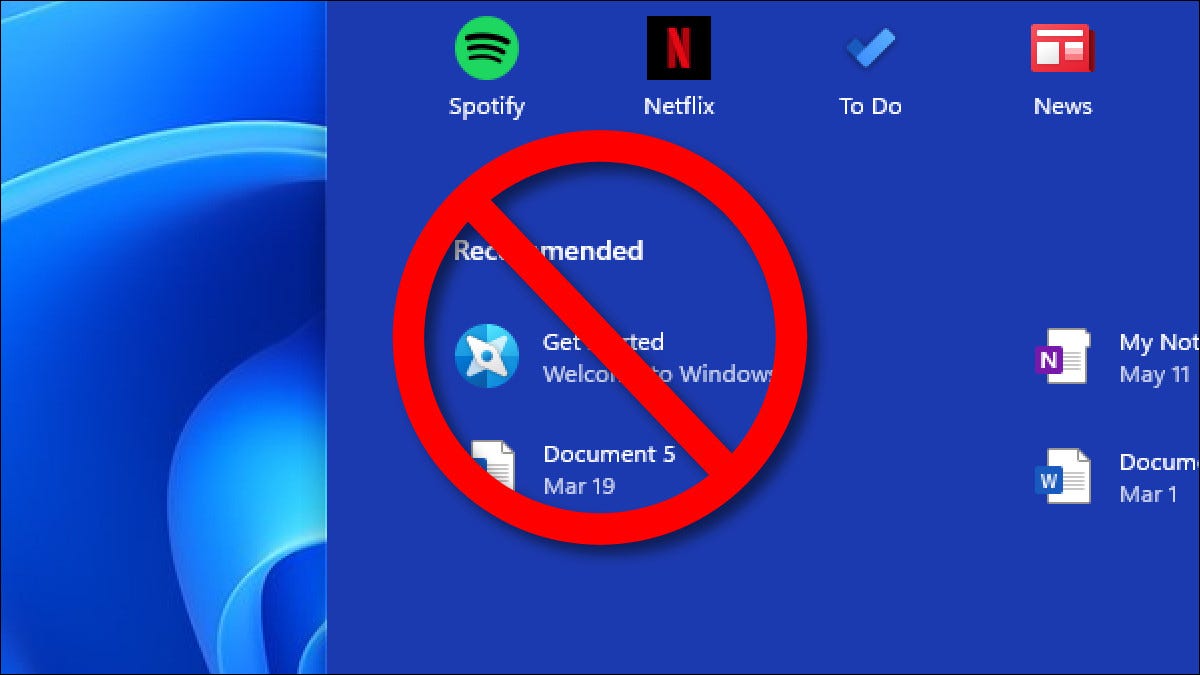
By default, whenever you click the Start menu in Windows 11, you’ll see a “Recommended” section that includes a list of files and folders you’ve opened recently.
[mai mult...]When you create a document where the images are key components, their placement in relation to the text is important. Google Docs allows you to put text over an image or position text behind the image. Google makes this feature super easy to use. It’s as simple as wrapping text around an image.
[mai mult...]Including related files and calendar events in Google Docs is easier than ever. With Smart Chips, you can quickly embed a file from Google Drive, Sheets, or Slides, or a Google Calendar event.
[mai mult...]Windows 11 is finally here, and one can install the first Insider Preview on any compatible computer. However, the new Windows brings in a lot of hardware requirements and supports only certain processors. This could be a bummer for users having older yet powerful machines. Anyways, Windows is Windows after all, and it’s possible to install it even on incompatible computers. Here’s how you can install the Windows 11 Insider Preview on an unsupported PC.
[mai mult...]The new Windows 11 includes the options to make the desktop taskbar transparent. This allows your wallpaper to be visible through the translucent taskbar, as well as the Action Center and the Start menu. However, not everyone may like the translucent effects. If you’re someone who wants a solid color look on your PC, follow this guide to disable transparency effects on Windows 11.
[mai mult...]