Azure Monitor overview
Monitorul Azure maximizează disponibilitatea și performanța aplicațiilor dvs.
[mai mult...] 
Soluții pentru problemele tale IT

Monitorul Azure maximizează disponibilitatea și performanța aplicațiilor dvs.
[mai mult...] Starting with Windows 10 version 1903, there’s a new system light theme that brings lighter colors for the Start menu, Action Center, taskbar, touch keyboard, and other elements that didn’t have a true light color scheme when switching from the dark to light system theme.

The new color scheme is available in Settings > Personalization > Colors and selecting the Light option under “Choose your color” drop-down menu.

Using the drop-down menu, you’ll also find a Custom option, which allows you to continue to use a light theme without the new changes.
[mai mult...]Pentru a activa functia de translate in Microsoft Edge Canary trebuie prima data sa ne asiguram ca folosim ultima versiune a aplicatiei.
Pentru a activa functia de translate in Microsoft Edge Canary trebuie sa deschidem browserul si sa navigam pe pagina edge://falgs
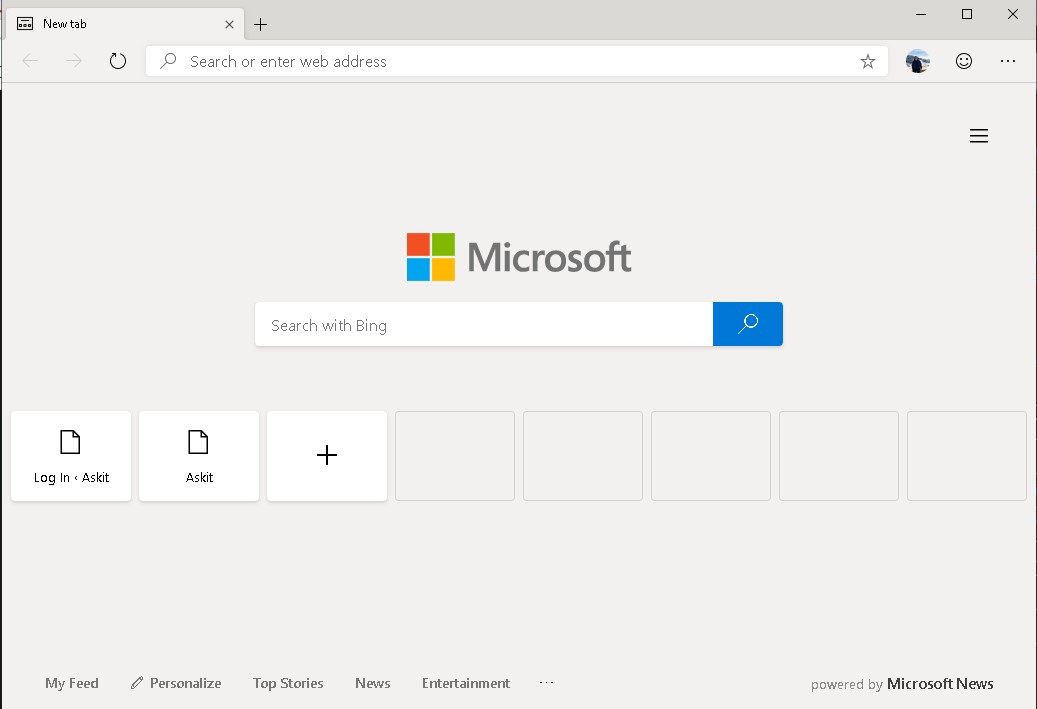
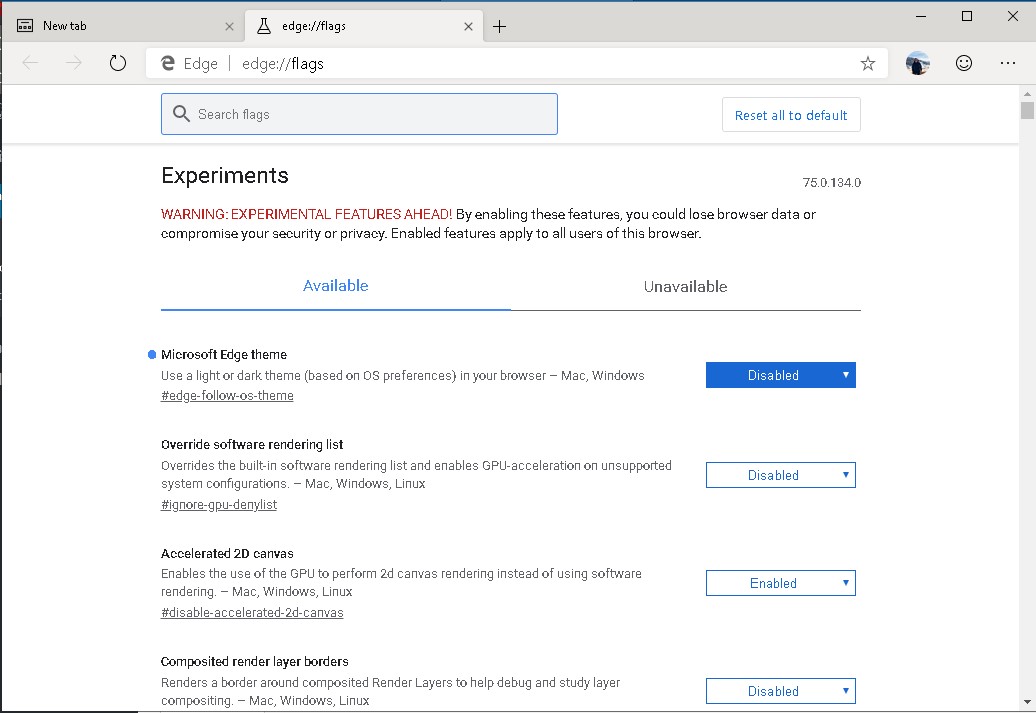
Pe aceasta pagina cautam in bara de search “Microsoft Edge Translate” si apoi o setam pe enable.
Dupa acest pas apasam pe butonul Relaunch Now din coltul din dreapta jos.
[mai mult...]
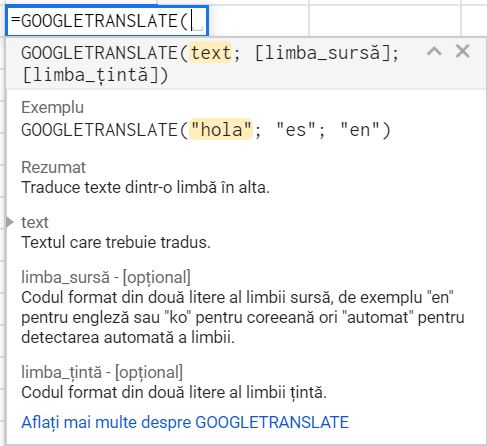
Integrarea serviciului Google Translate cu Foi de calcul Google, a fost în avantajul utilizatorilor. Acum nu mai trebuie să comutați între tab-uri pentru a traduce textul. Traducerea textului în Foi este la fel de simplă ca introducerea unei formule. Iată structura formulei:
=GOOGLETRANSLATE(text; [limba_sursa]; [limba_tinta])