How to Split Screen in Windows 10
Using Windows 10 and Windows 11’s split screen feature, you can use multiple apps at once on your screen. You can pin apps to the sides as well as corners of your screen.
[mai mult...]
Soluții pentru problemele tale IT

Using Windows 10 and Windows 11’s split screen feature, you can use multiple apps at once on your screen. You can pin apps to the sides as well as corners of your screen.
[mai mult...]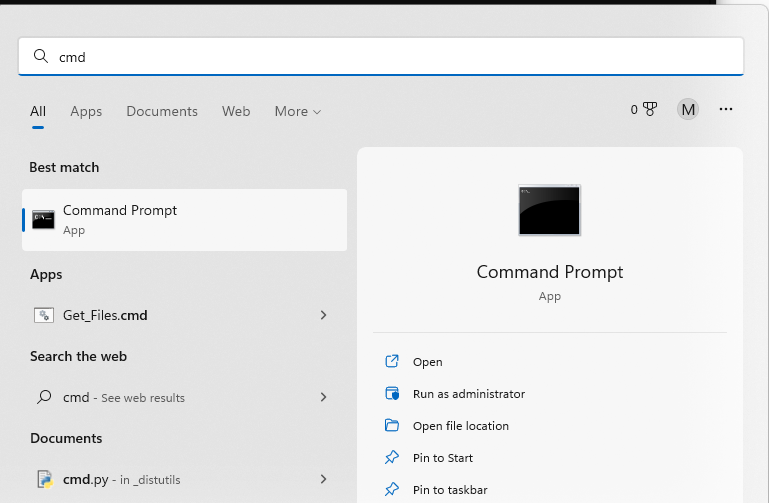
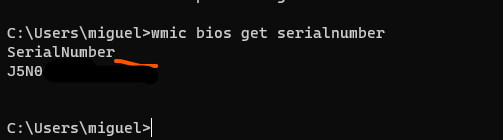
At the Command Prompt, type the following command and then press Enter:
wmic bios get serialnumber

[mai mult...] The passwords at the top of a brute force dictionary attack include:
You may leave your front door unlocked when you leave, but the majority of servers have irreplaceable data on them and are much more prone to attack than your front door. So lets go over a few really simple ways to secure SSH access to your Linux server.
[mai mult...]It’s easy to have a false sense of security, thinking that other operating system might be more targeted than Linux, but there are plenty of risks and vulnerabilities for all types of Linux devices. Keep your guard up regardless of your OS.
[mai mult...]O aplicație nu mai raspunde și dorim să o oprim sau să terminăm procesul.
[mai mult...]