
Soluții

How to Back Up (and Restore) Mozilla Firefox Profiles

To make a copy of all your saved passwords, bookmarks, and add-ons, back up your Mozilla Firefox profile to a safe location either on your internal or your external storage. Later, you can restore this backup to bring all your items back into the browser. The way this works is that you copy your Firefox profile folder to a location you deem safe.

This location could be on the same computer, another computer, external storage, or even cloud storage. Later, when you want your backed-up items back, paste the folder in your profile location and Firefox will import all your data.

[mai mult...]
How to Change the Size of Text, Icons, and More in Android

Customization is one of the things that makes Android so great, but it’s for more than just aesthetics. If you have trouble seeing things, you can adjust the size of icons, text, and more. We’ll show you how.

Depending on what version of Android you’re using (and what type of phone), it’s possible that you may be able to change just the text size, or even make everything on the screen larger.

[mai mult...]

How to protect folder with password on Windows 11

Do you want to protect folders and files with a password?

On Windows 11, you won’t find a feature to add a password to a folder to protect your files because your account is already protected with a password and encryption, and it’s assumed that you will be the only one using it.

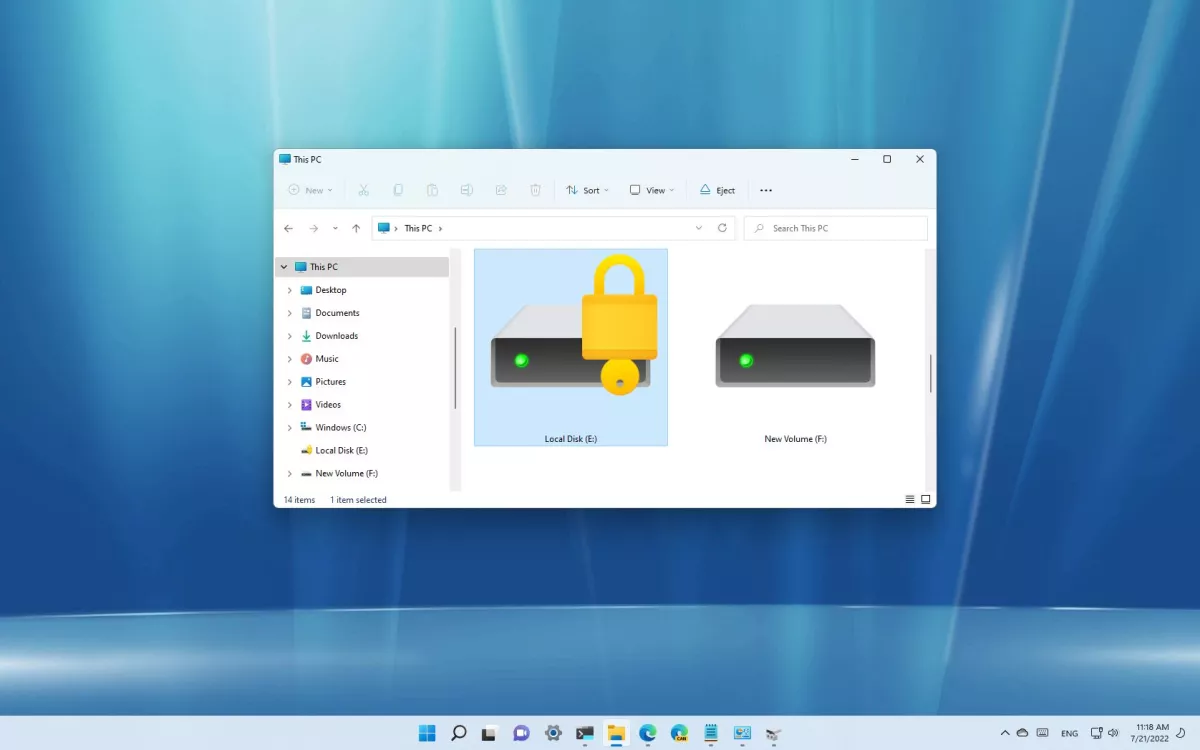
However, if you share the computer with others, are concerned about unauthorized access, or want to add another layer of security, you can use the virtual hard disk feature along with BitLocker to protect files and folders with a password on Windows 11.

Windows 11 doesn’t have a feature to protect a folder with a password because the account is already protected with your profile credentials. However, you can use the virtual drive and BitLocker features to create a drive you can secure with a password, which works similarly to a password-protected folder.

  • Create virtual drive to act as a folder
[mai mult...]