

Soluții
Use a screen reader to chat in Skype for Windows
This article is for people with visual impairments who use a screen reader program with Skype and is part of the Skype Accessibility content set. For more general help, visit Skype Support home.
[mai mult...]How to Run Microsoft Defender Offline on Windows 10
The offline scan is in the Windows Security app in Windows 10. Click the Start button, type “Windows Security” into the search bar, and then hit Enter or click “Open.
[mai mult...]How to Run Microsoft Defender Offline on Windows 11
Windows 11, like its predecessor, comes packaged with Microsoft Defender. Open the Windows Security application by clicking on the blue shield icon on the task bar, or through the Settings app. Click the Start button, then type “Settings” into the search bar, and hit Enter or click “Open.”
[mai mult...]How to enable and use Internet Explorer in Windows 11?
The journey of the famous Internet Explorer, the default browser of the Windows operating system comes to an end with the introduction of Windows 11. Microsoft has disabled the age-old browser and replaced it with a faster, sleek Chromium-based Microsoft Edge browser. Do you want to access Internet Explorer on your new Windows 11 system?
[mai mult...]Cum sa va protejati pozele din telefon adaugand text (Watermark)
Doriți să vă puteți proteja fotografiile pe care le faceți cu telefonul dvs Android? Cea mai bună modalitate este să le aplicați un watermark.
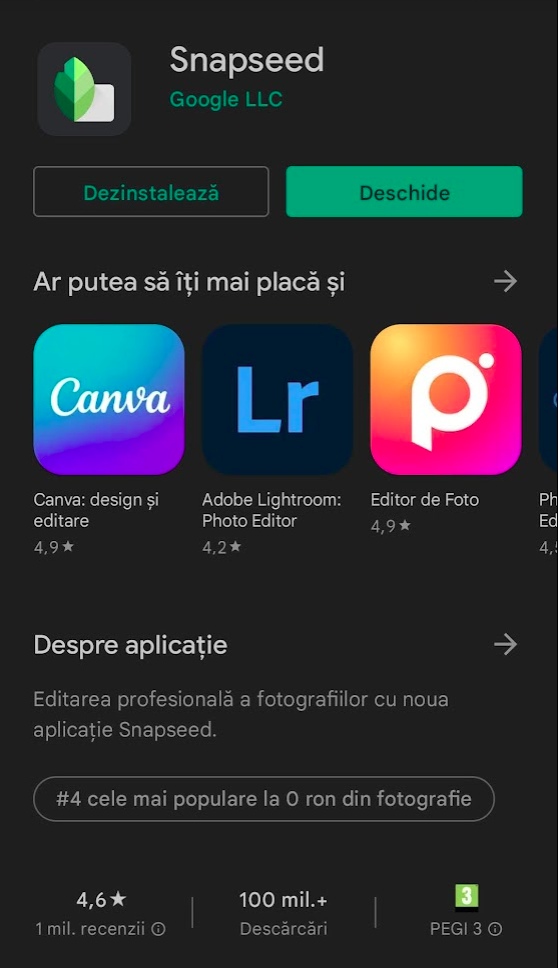
Realizarea fotografiei perfecte cu telefonul poate fi foarte dificilă dar odată ce ați obținut-o, trebuie să vă asigurați că nimeni altcineva nu își asumă meritele pentru ea. O modalitate prin care puteți proteja fotografiile pe care le faceți cu telefonul Android este adăugarea unui text personalizat ( Watermark). Pentru aceasta aveti nevoie de o aplicatie care de editare fotografii care sa adauge si text. Din moment ce folositi un telefon cu Android puteti instala aplicatia Snapseed, un editor foto complet și profesional dezvoltat de Google.
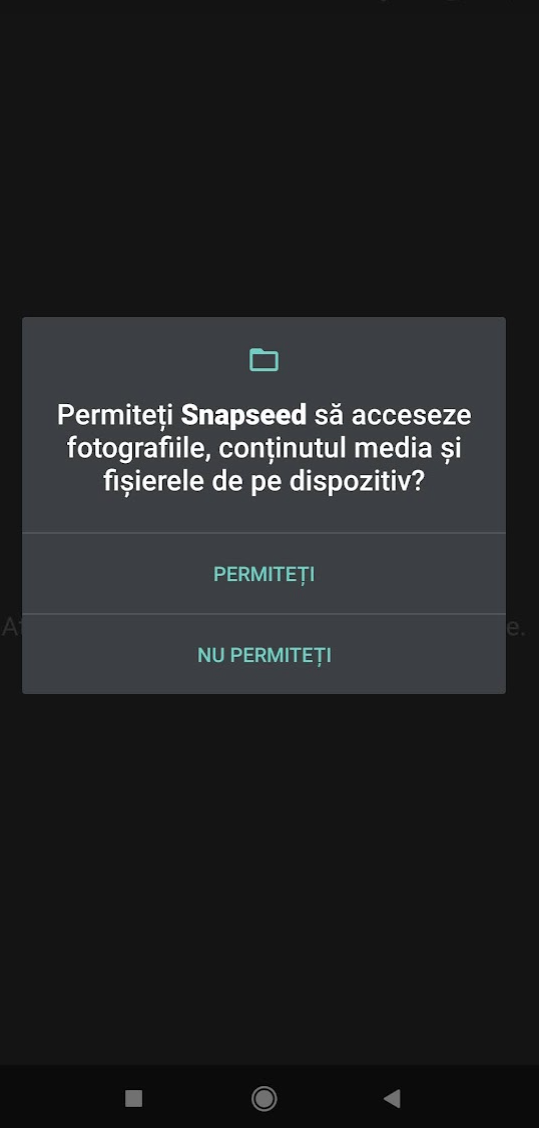
Instalati aplicatia Snapseed din Magazin Play si permiteti accesul aplicatiei la fotografiile dvs. din telefon.
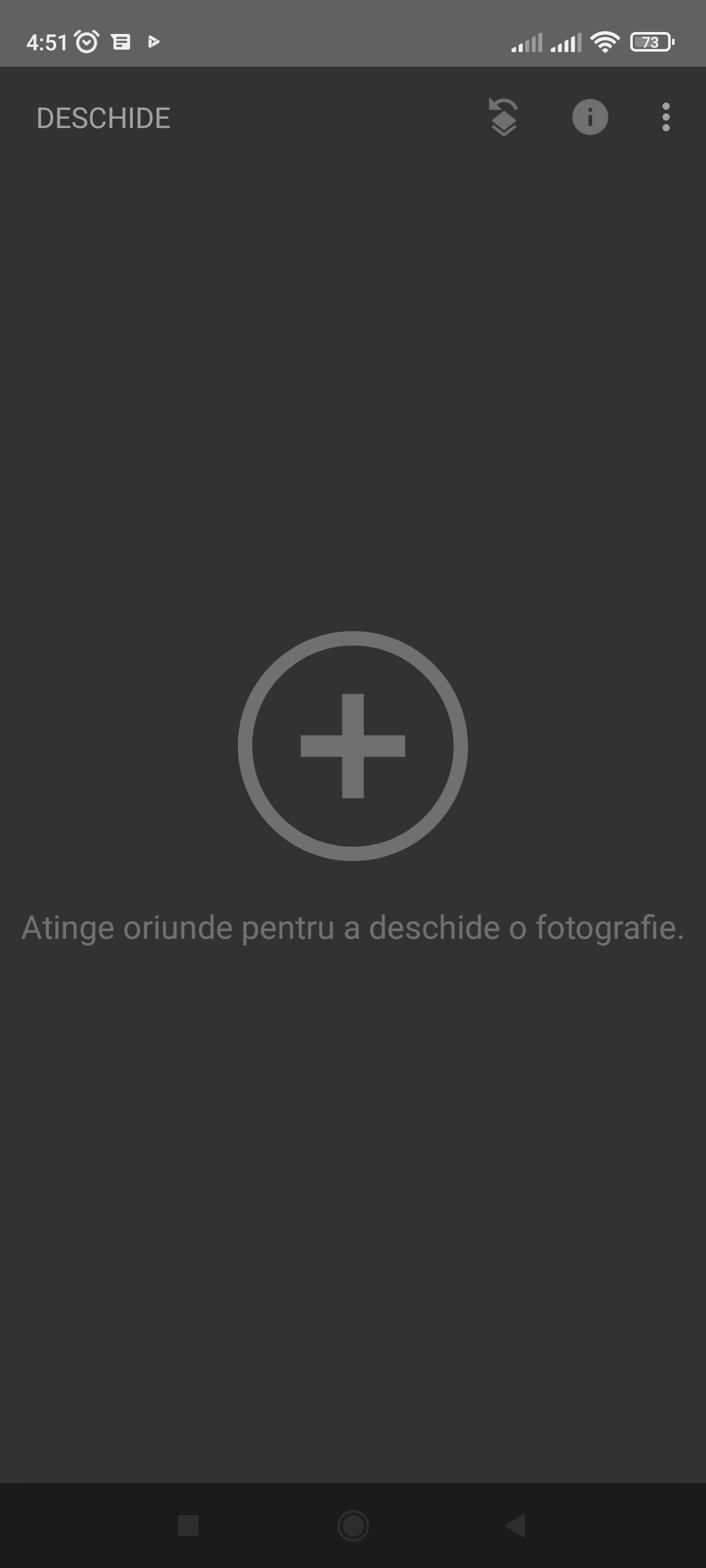
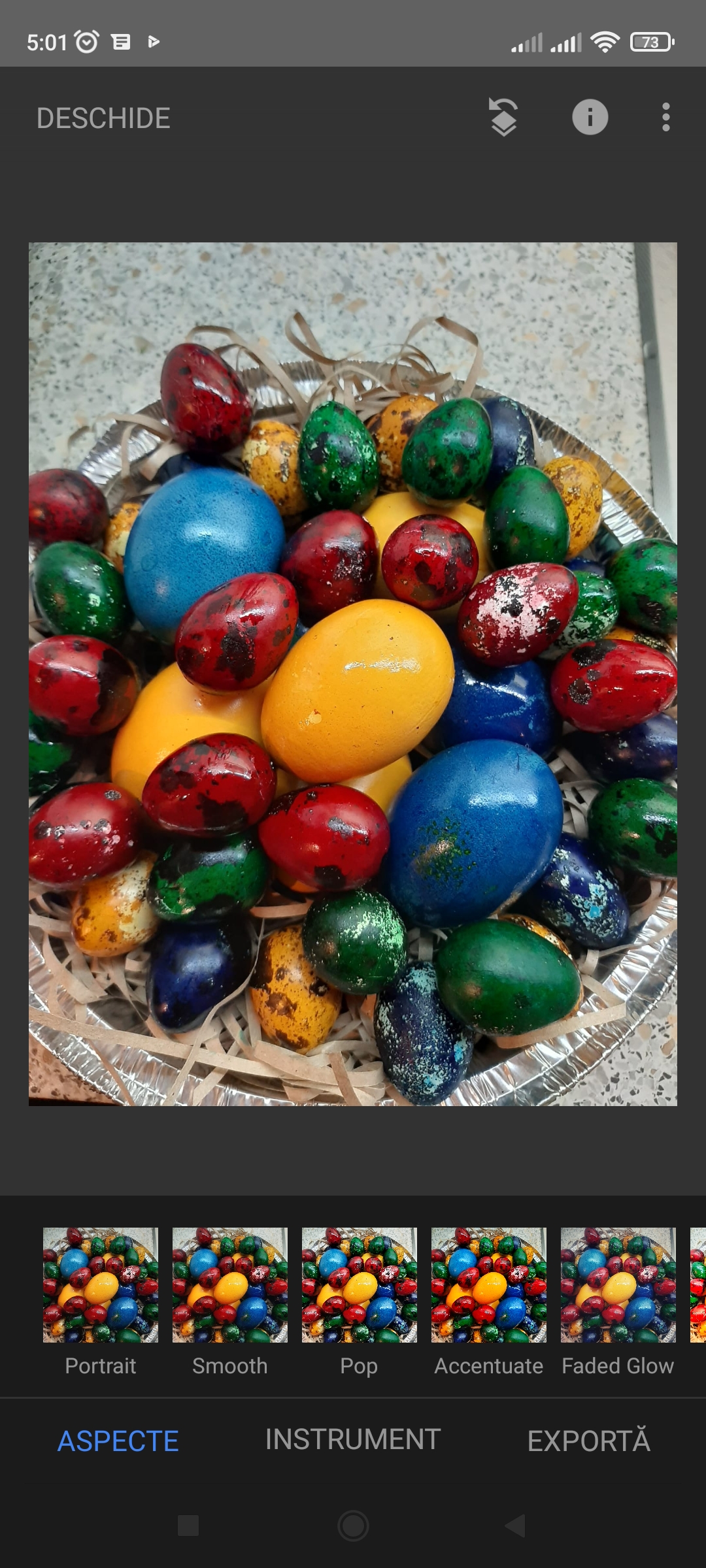
Alegeti poza dorita pe care doriti sa o editati si apoi faceti click pe tabul Instument pentru a accesa optiunile de editare. Din optiunile de editare alegeti sa adaugati text.
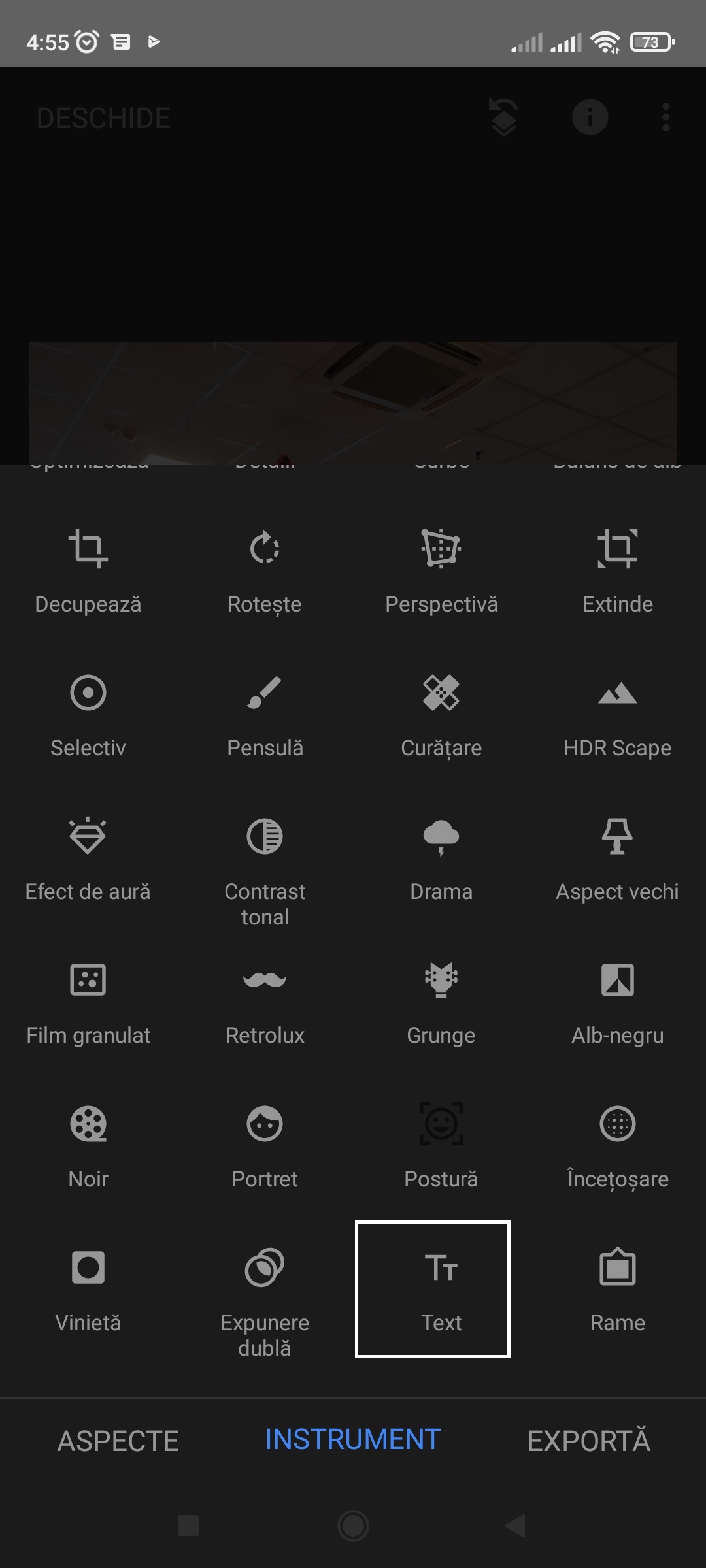
Adaugati textul care doriti sa apara pe fotografie.



Snapseed este un editor foto complet prin care aveti o multime de optiuni de editare fotografii. In plus, aplicatia este creata de Google si prezinta o siguranta in ceea ce priveste protejarea datelor atunci cand folositi aplicatia.
[mai mult...]