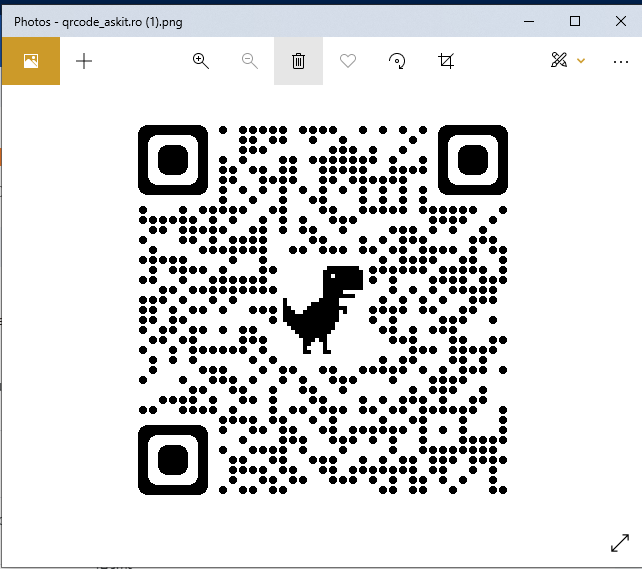
Configurare program

Cum sa creezi un cod QR de adresa web in Chrome

Google Chrome are un generator de coduri QR încorporat, nu trebuie să instalați extensii de la terți pentru a face acest lucru. Pentru a începe, lansați Chrome pe computerul dumneavoastră Windows, Mac, Linux sau Chromebook. Apoi, accesați site-ul pe care doriți să îl transformați într-un cod QR. In cazul nostru vom genera un cod QR pentru site-ul https://askit.ro/

Iata ce aveti de facut:

  • Primul pas este sa deschideti site-ul pentru care doriti sa generati un cod QR

  • Dupa deschidera site-ului trebuie sa accesati iconita din dreapta sus a paginii web

  • Dupa generarea codului il puteti descarca in PC
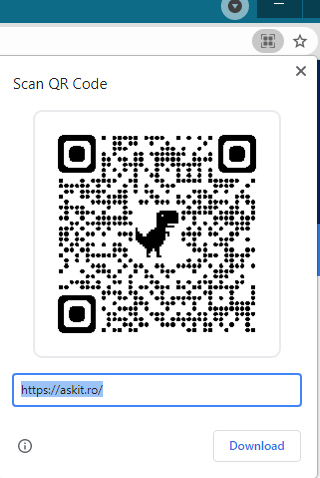
  • Acesta va arata asa:

  • Dupa salvare puteti accesa codul QR cu ajutorul camerei dipozitivului mobil.
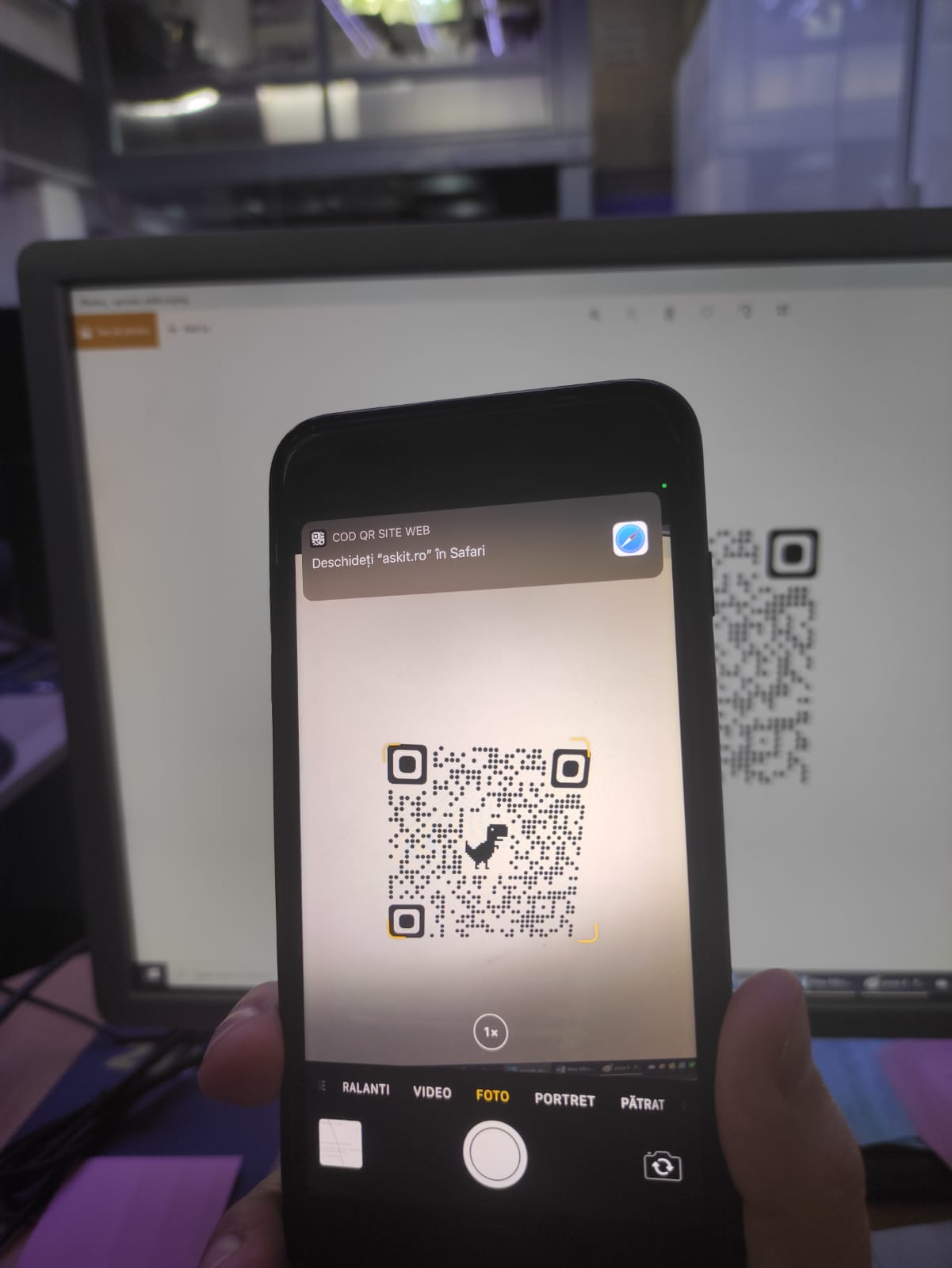
Am testat solutia cu un dipozitiv iPhone 7+ si acesta functioneaza perfect.

[mai mult...]

How to Add Images to Questions in Google Forms

You don’t have to stick with text for your questions in Google Forms; you can base your questions on images. Whether you add a single image as the question or multiple images as possible answers, we’ll explain how to take advantage of this feature.

All question types except File Upload offer an image option for your question. So you might add an image to a Paragraph question and ask respondents to describe it, or add one to a Multiple Choice question and ask respondents for the correct depiction.

[mai mult...]

How to Use Breakout Rooms in Google Meet

It’s easy for video conferences to feel overwhelming when there are a lot of people on the call. “Breakout Rooms” is a feature in Google Meet that makes it easy to divide into small groups. “Breakout Rooms,” which can also be found in Zoom, is the same concept as working in small groups in a real-life office or classroom. You can all gather in the main conference call, break out into smaller rooms for a while, and then reconvene. This all happens in the same meeting.

[mai mult...]