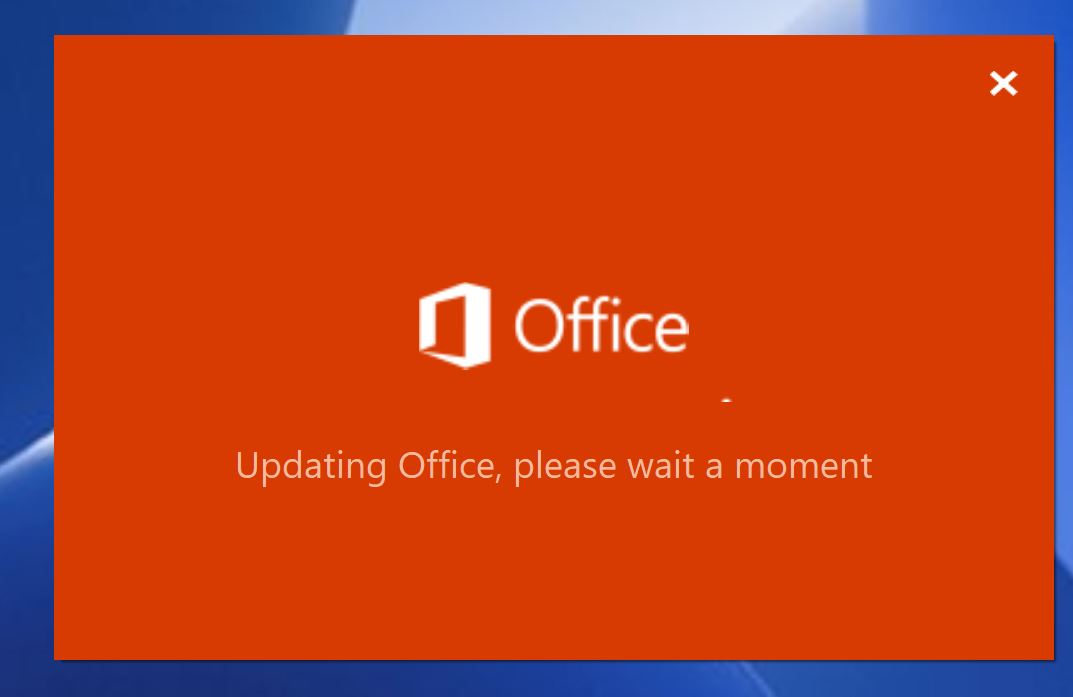
Microsoft Office Error “Updating Office Please Wait A Moment”
Microsoft Office ramane blocat in acest pas:

Soluții pentru problemele tale IT
Microsoft Office ramane blocat in acest pas:
Increase the print size and print the document in the display print mode.
In principle, Brother equipment is designed to stop ALL printing operations when any of the ink tanks are empty. This happens to protect the print head and maintain good print quality. If the machine continues to print, print jobs and cleaning cycles will damage the print head.
However, Brother equipment can work exceptionally in B&W (monochrome) print-only mode when one or more ink tanks are used up. When a tank runs out of ink, the following B&W Print Only Refill Ink error message will appear on the equipment display (LCD).
[mai mult...]In principle, Brother equipment is designed to stop ALL printing operations when any of the ink tanks are empty. This happens to protect the print head and maintain good print quality. If the machine continues to print, print jobs and cleaning cycles will damage the print head.
However, Brother equipment can work exceptionally in B&W (monochrome) print-only mode when one or more ink tanks are used up. When a tank runs out of ink, the following B&W Print Only Refill Ink error message will appear on the equipment display (LCD).
[mai mult...]Make sure you have the latest version of iPrint & Scan to take advantage of all the features offered.
[mai mult...]You can update the firmware on your device using the Brother iPrint & Scan application installed on your Android or iOS mobile device.
[mai mult...]