Computer-ul porneste din modul “Sleep” automat in fiecare noapte , fara sa faci nimic
Computer-ul porneste din modul “Sleep” automat in fiecare noapte, fara sa faci nimic.
[mai mult...]
Soluții pentru problemele tale IT
Computer-ul porneste din modul “Sleep” automat in fiecare noapte, fara sa faci nimic.
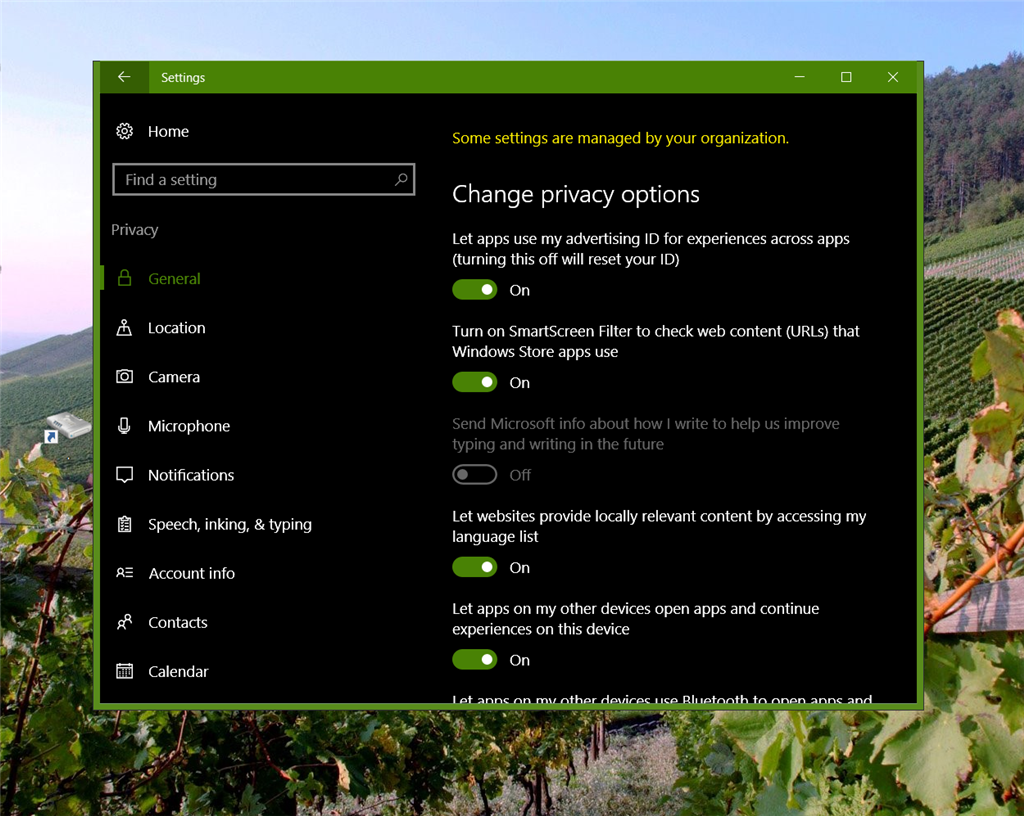
[mai mult...]In cazul in care pe Windows 10 va apare mesajul “some settings are managed by your organization” cand deschideti “Privacy options” din “Settings” puteti urmarii acest tutorial pentru a remedia problema.
Rezolvare pentru utilizatorii carora pagina MSN se lansează pe Startup a Windows 10 în Chrome prin adresa http://www.msn.com/en-in/ URL.
[mai mult...]In cele ce urmeaza se va descrie instructiunea IF si cum se utilizeaza acesta in Phyton.
[mai mult...]
Google Chrome supports DNS over HTTPS (DoH) for increased privacy and security. It’s still disabled by default as of Google Chrome 80, but you can enable it using a hidden flag.
Note that Chrome won’t actually use DoH unless you’re configured to use a DNS server that supports DNS over HTTPS. You might have to change your DNS server to take advantage of it. Google Public DNS, Cloudflare, and even Comcast’s DNS all support it.
To enable DoH in Chrome, start by typing or copy-pasting “chrome://flags/#dns-over-https” into the address bar and press Enter.
Open the drop-down menu to the right of “Secure DNS Lookups” and select “Enabled.”

Click the “Relaunch” button at the bottom of this page to restart Chrome and activate these changes.
DNS over HTTPS will work only if your configured DNS server has DoH support. You might need to change your DNS server to take advantage of DoH.
We recommend using Google’s own Google Public DNS or Cloudflare, which is the default DNS server when DoH is enabled for Firefox. Google has a list of DNS providers Chrome can use DoH with, including Cleanbrowsing, Comcast, DNS.SB, OpenDNS, and Quad9. You can check to see if DNS over HTTPS is working in Chrome by visiting Cloudflare’s Browsing Experience Security Check. Run the test by clicking the button and see whether “Secure DNS” is enabled or not.
Fortunately, DNS over HTTPS is becoming standard by default soon. Google plans to enable DoH by default in Chrome 81, due mid-March. However, you’ll still need to use a DoH-compatible DNS server to take advantage of it.
[mai mult...]Urmați pașii de mai jos pentru a activa recunoașterea vocala.
[mai mult...]