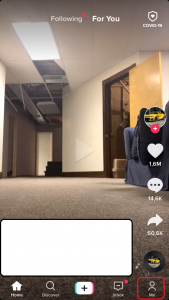
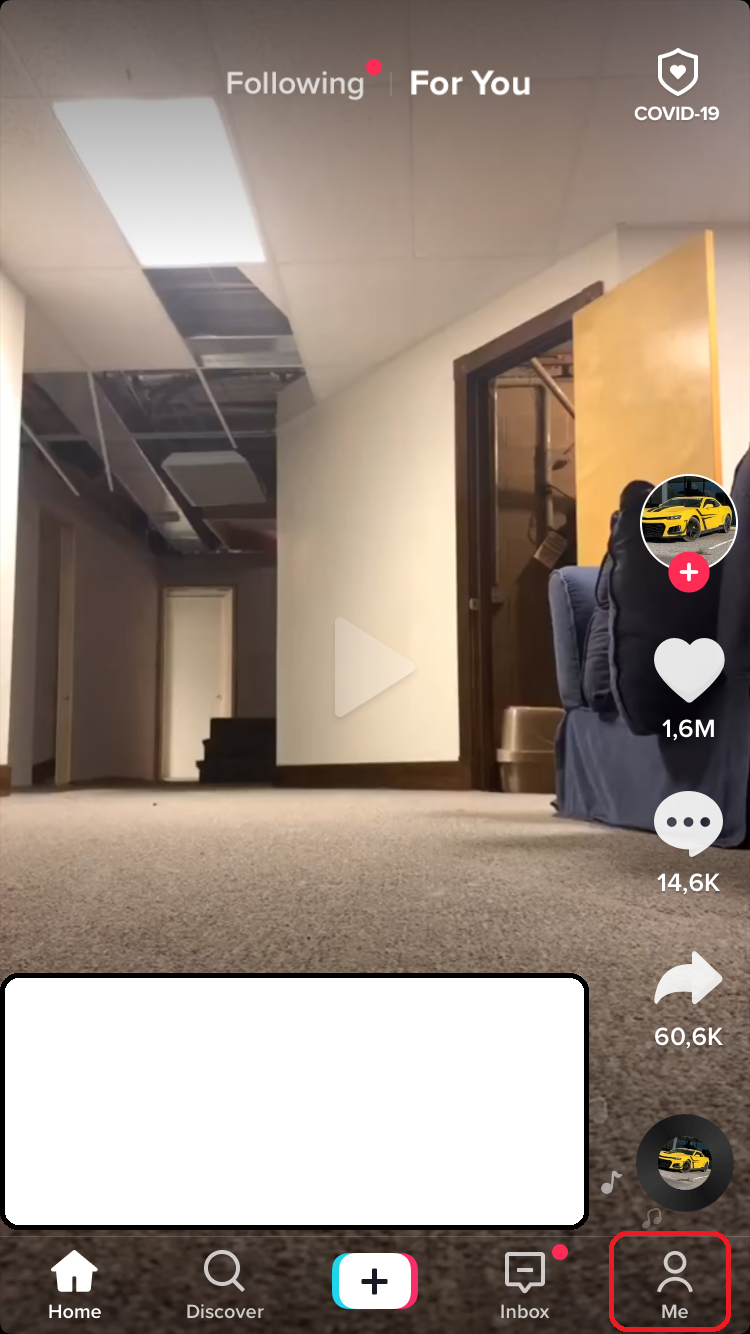
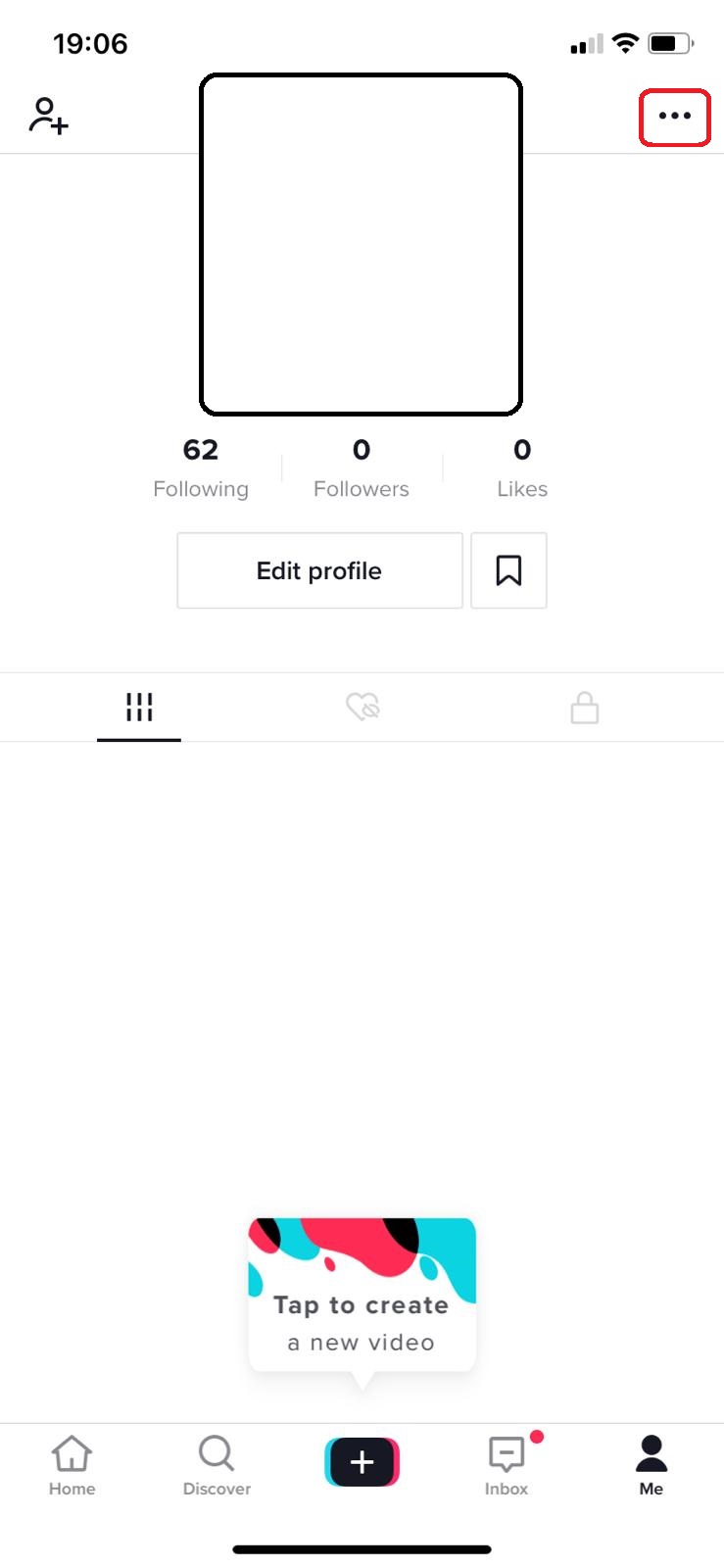
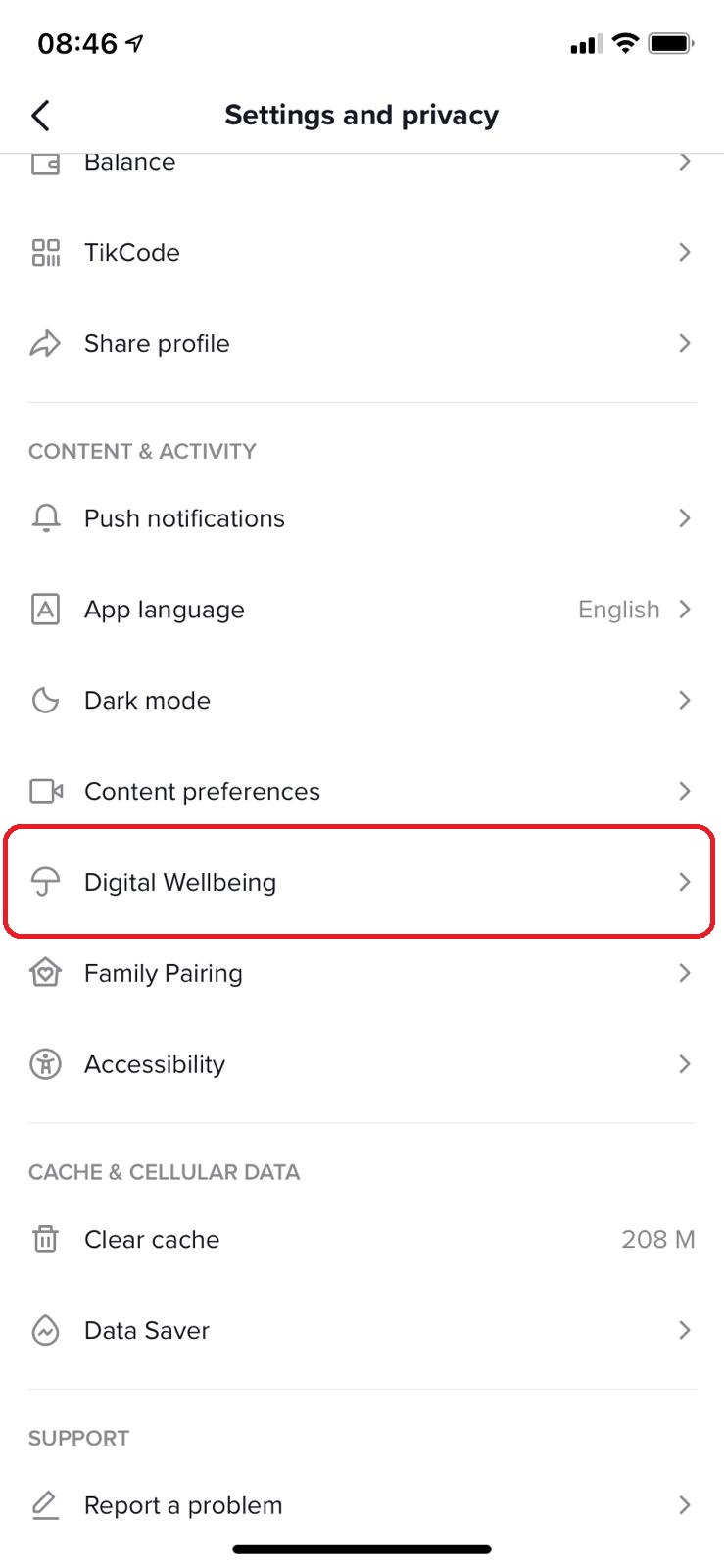
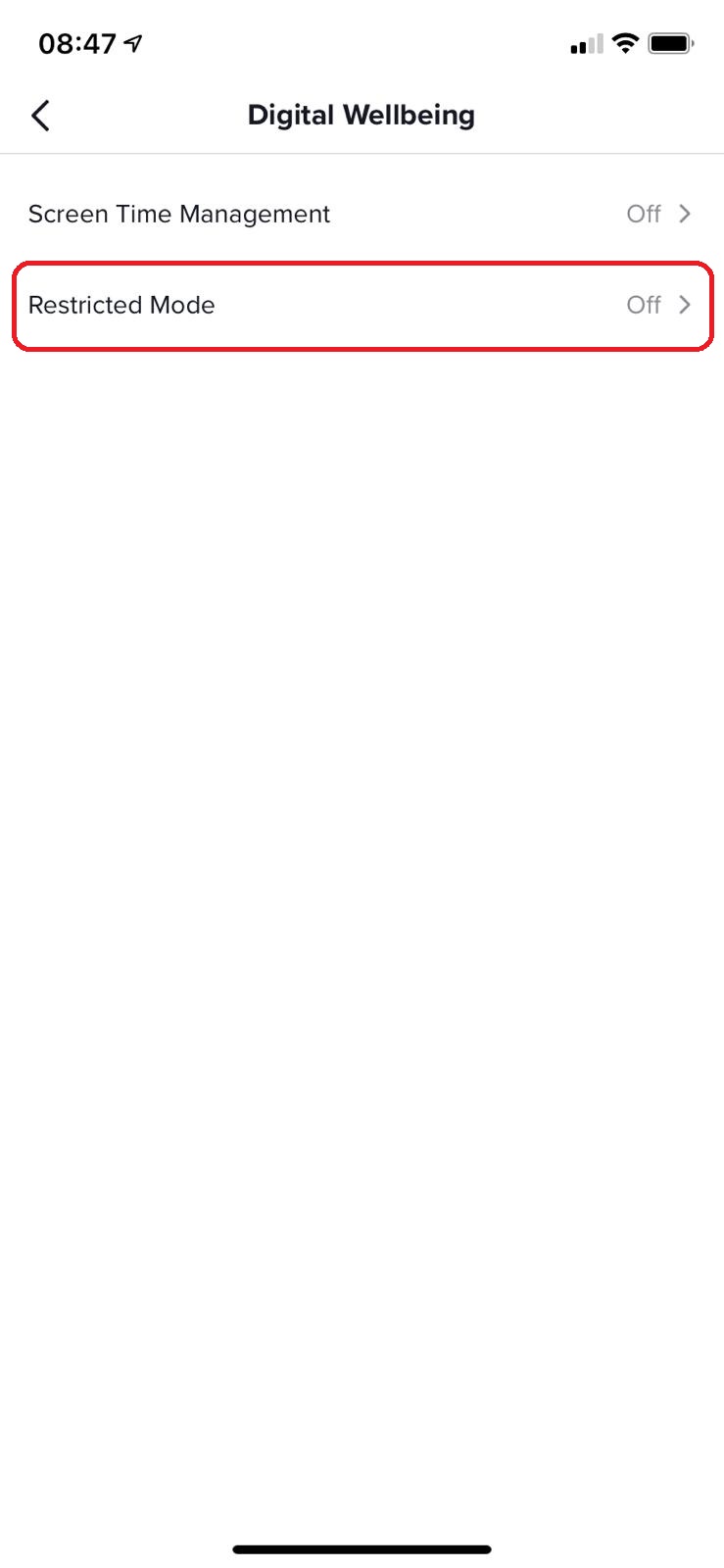
Cum sa activezi restricted mode in aplicatia Tik Tok Data 08/01/2021 Autor vlad damian Categorie Mobile, Soluții -6 551 Configurare noua (How To) Situatie Accesam aplicatia TikTok. Selectam din dreapta jos, iconita Me. Accesam setarile aplicatiei Selectam Digital Wellbeing. Apasam pe Restricted Mode. In continuare putem sa activam Restricted Mode. Putem sa modificam continutul ce nu este adecvat unei anumite audiente. Solutie Tip solutiePermanent Etichetare: #tiktok Voteaza Up Down (28 din 62 persoane apreciaza acest articol) ShareTweetShare Despre Autor vlad damian Solutii Asemanatoare How to update iOS on your iPhone -1 Cum deschidem un RDP in full screen folosind Command Prompt in Windows 10 4 Cum deschidem fereastra Sound folosind Run in Windows 10 0 How to enter text with your voice on a Chromebook 9 Can’t Delete a Windows File or Folder? 2 Top 10 Linux Easter Eggs 2 Leave A Comment? × Cancel Reply Save my name, email, and website in this browser for the next time I comment. 1 + 8 =
Leave A Comment?