
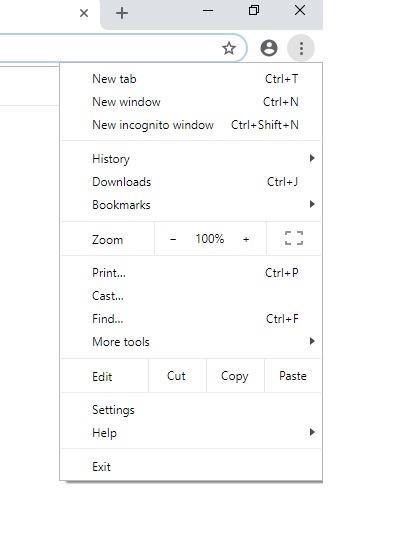
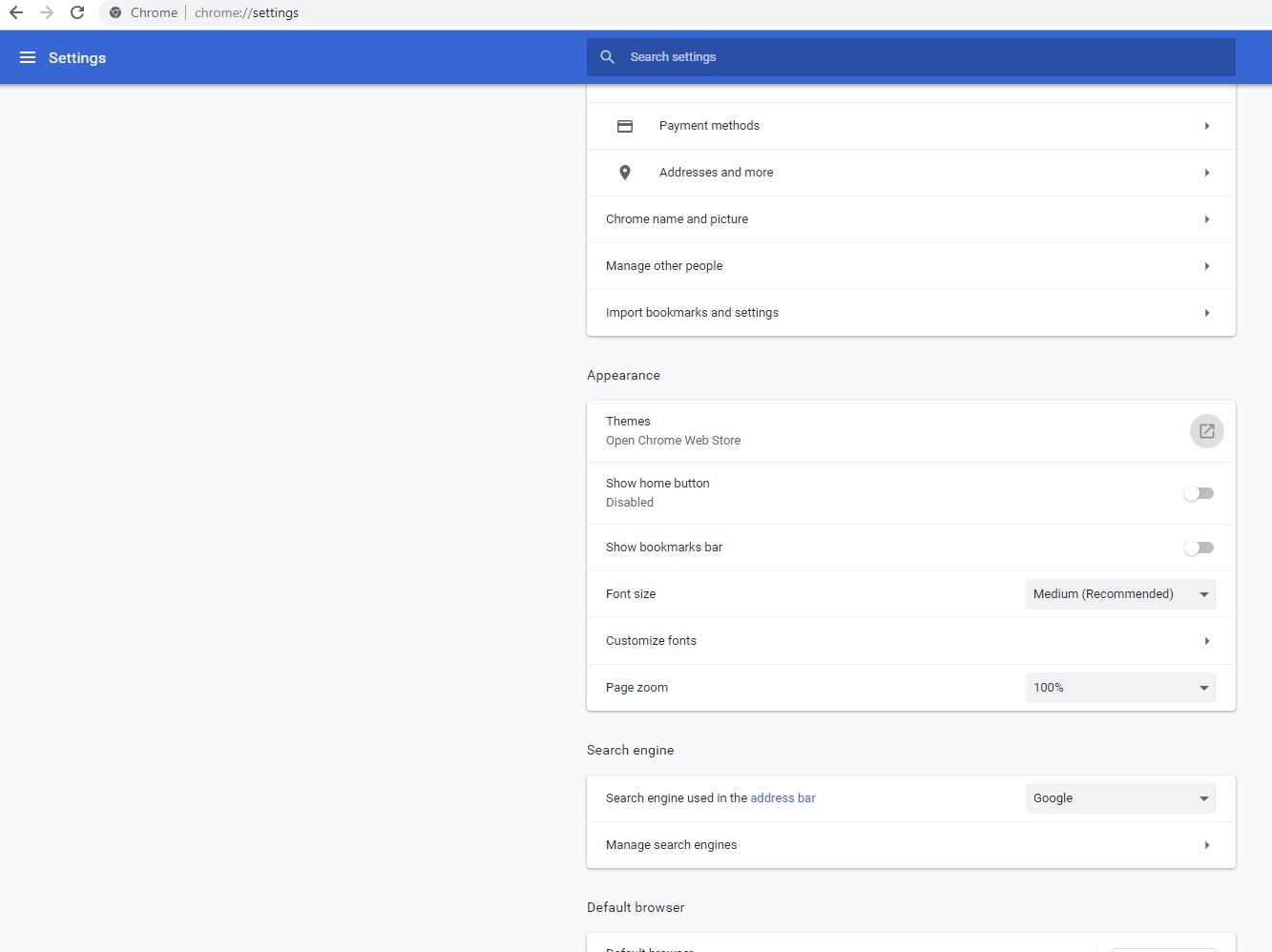
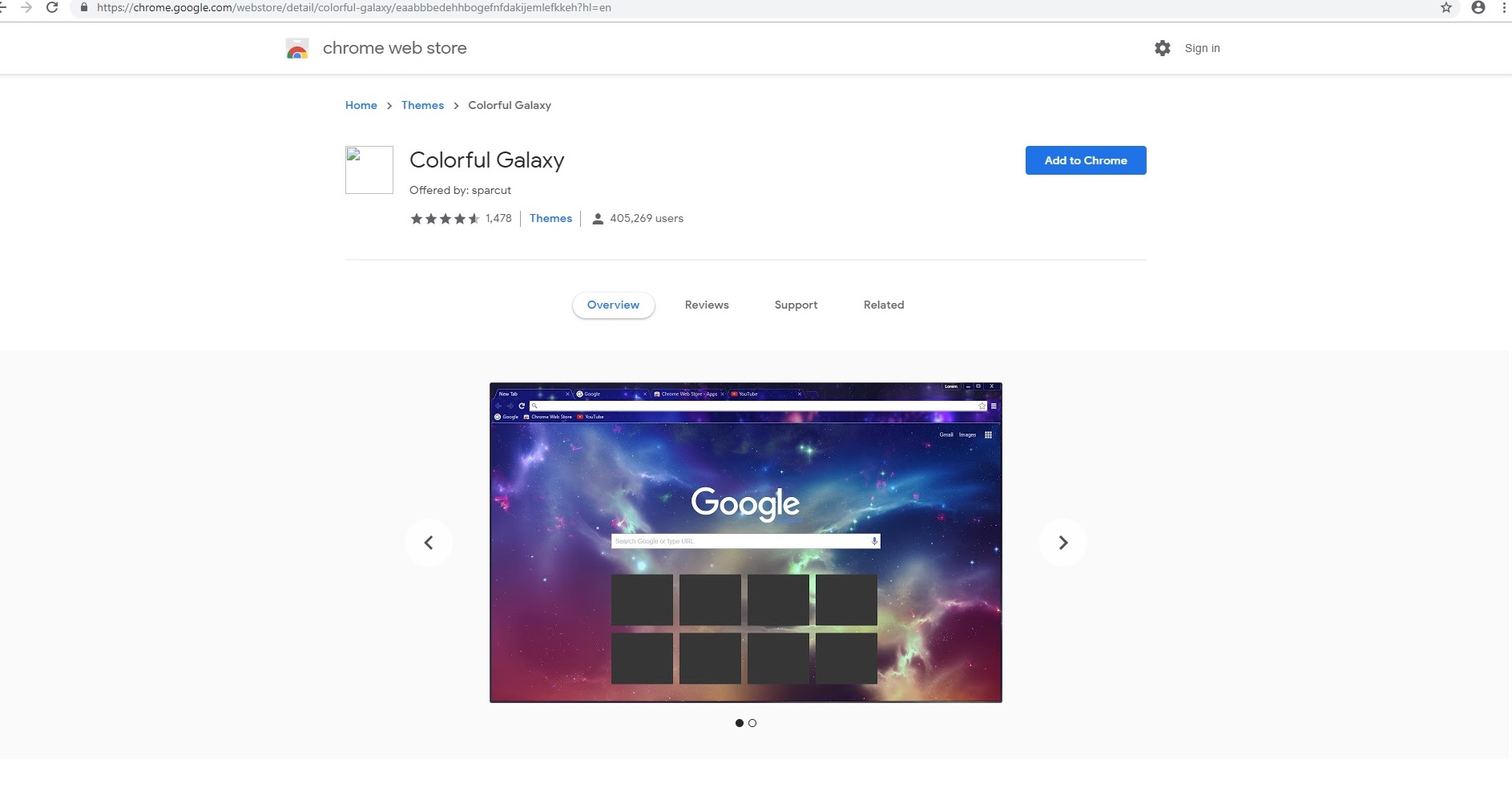
Cum sa schimbi tema in Google Chrome Data 22/11/2018 Autor andreea georgescu Categorie Aplicații, Aplicatii specifice, File & Sharing, Windows 0 2590 Configurare noua (How To) SituatiePentru schimbarea temei Gogle Chrome trebuie urmati pasii: Solutie Pasi de urmat Deschidem Google Chrome si intram in meniul din dreapta sus reprezentat de cele trei puncte: Cel de-al doilea pas este sa intram in Settings si selectam optiunea Themes. Selectam tema dorita. Tip solutiePermanent Voteaza Up Down (34 din 66 persoane apreciaza acest articol) ShareTweetShare Despre Autor andreea georgescu Solutii Asemanatoare Cum deschidem un RDP in full screen folosind Command Prompt in Windows 10 5 Cum deschidem fereastra Sound folosind Run in Windows 10 -1 O metoda de vizualizare a valorii frecventelor orizontale si verticale de reimprospatare a imaginii in Windows 4 Probleme de Upgrade .NET Framework în Windows 11 11 OneNote can completely replace 3 different kinds of Apps 3 How to use Auto-Highlight with Find and Replace in Excel -10 Leave A Comment? × Cancel Reply Save my name, email, and website in this browser for the next time I comment. 9 − three =
Leave A Comment?