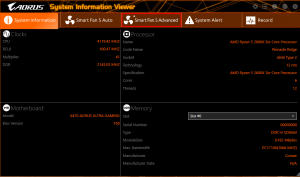
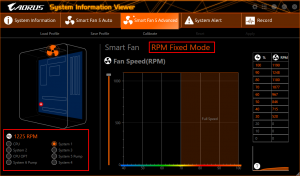
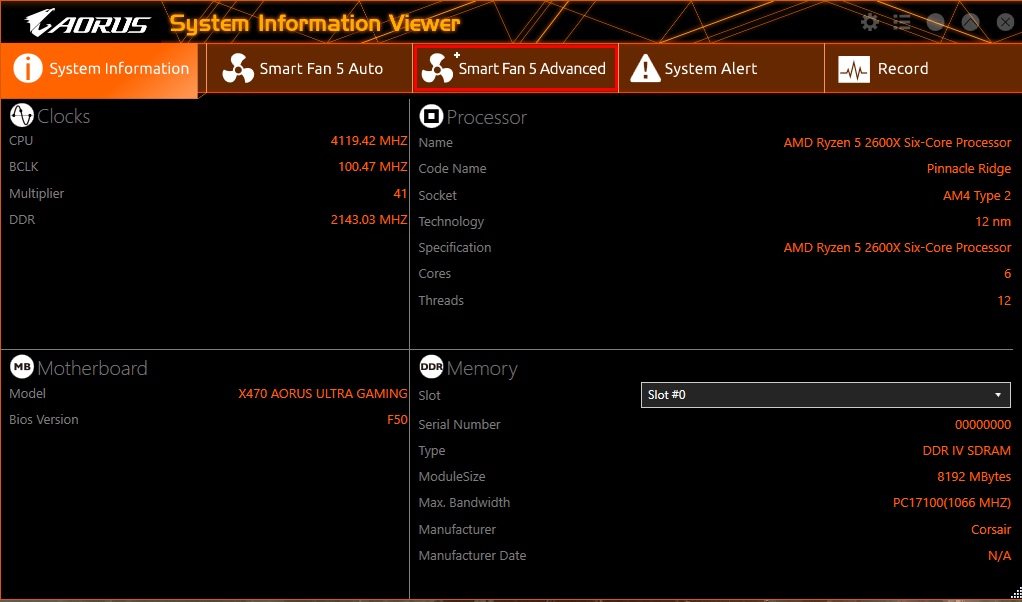
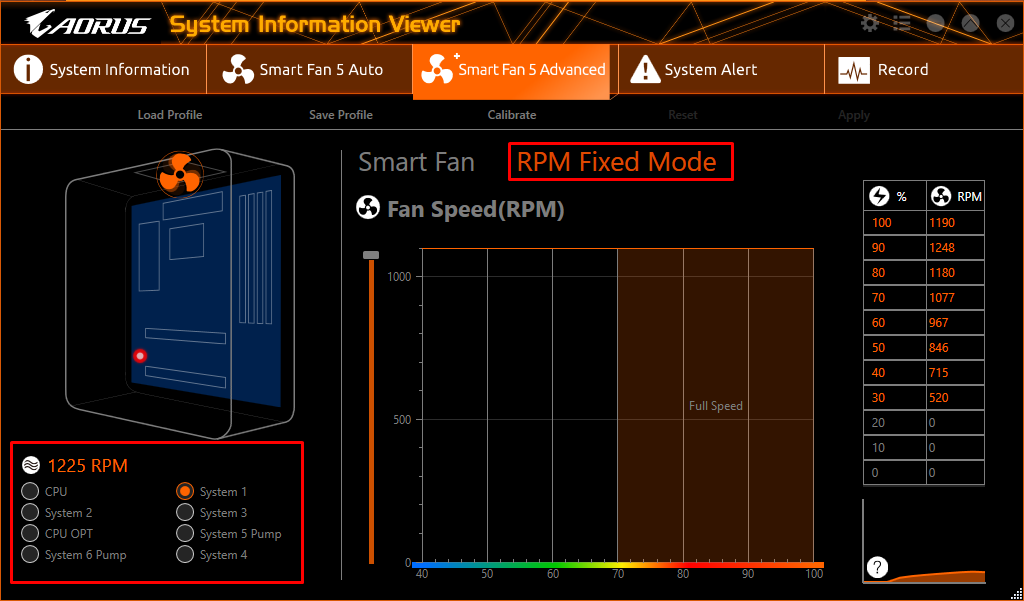
Cum sa setezi unul dintre ventilatoare la 100% cu ajutorul SIV Data 15/05/2020 Autor dan andrei pagu Categorie Soluții, Aplicatii specifice, Stații de lucru -1 530 Configurare noua (How To) Situatie Deschideti aplicatia si dati pe tab-ul “Smart Fan 5 Advanced” Selectati ventilatorul dorit si apasati pe “RPM Fixed Mode” Setati la ce viteza doriti sa functioneze Solutie Tip solutiePermanent Etichetare: SIVsmart fan 5ventilator Voteaza Up Down (16 din 33 persoane apreciaza acest articol) ShareTweetShare Despre Autor dan andrei pagu Solutii Asemanatoare How to clean temporary files on Windows 11 -8 Cum deschidem un RDP in full screen folosind Command Prompt in Windows 10 4 Cum deschidem fereastra Sound folosind Run in Windows 10 0 How to enter text with your voice on a Chromebook 8 Can’t Delete a Windows File or Folder? 1 Top 10 Linux Easter Eggs 2 Leave A Comment? × Cancel Reply Save my name, email, and website in this browser for the next time I comment. five × 5 =

Leave A Comment?