
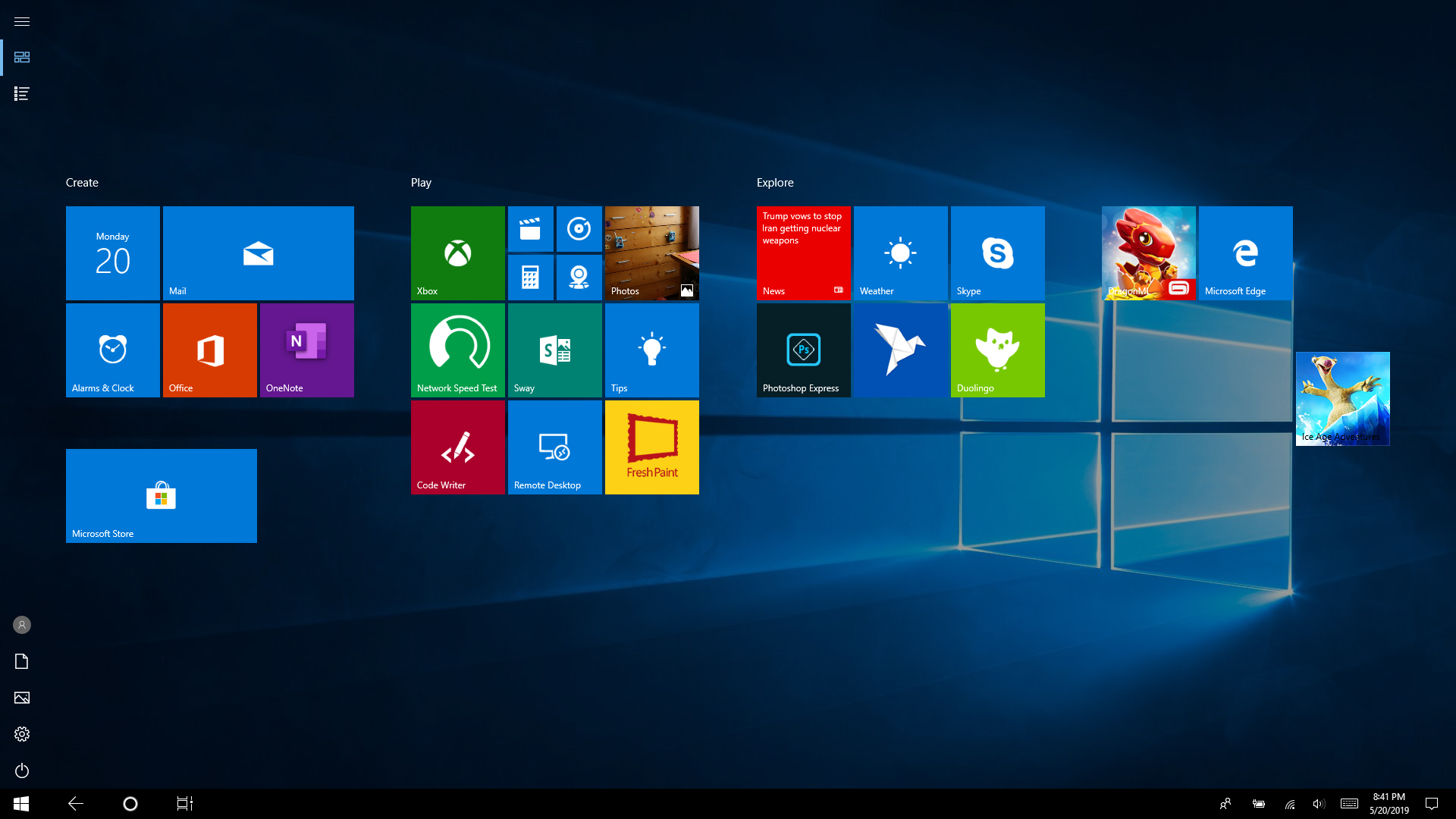
Cum se scoate title sheet de pe desktop in Windows 10 Data 22/05/2019 Autor Silviu Dr. Categorie OS - Windows, Personalizare sistem operare, Stații de lucru -17 892 Configurare noua (How To) SituatieSe poate ca din greseala sa activezi sa-ti arate meniul de la Windows 10 in format de tableta. Pentru a reveni la forma initiala trebuie procedat in felul urmator: Solutie Pasi de urmat Se apasa pe Notifications din coltul dreata jos al ecranului. In meniul deschis se apasa pe Tablet mode. Acum a revenit la normal desktop-ul. Tip solutiePermanent Etichetare: desktoptablet modewindows 10 Voteaza Up Down (24 din 65 persoane apreciaza acest articol) ShareTweetShare Despre Autor Silviu Dr. Solutii Asemanatoare How to clean temporary files on Windows 11 -6 Cum deschidem un RDP in full screen folosind Command Prompt in Windows 10 2 Cum deschidem fereastra Sound folosind Run in Windows 10 1 Cum pot activa modul Dark in Microsoft Office? -1 Cum pot rezolva problema cu conexiunea la retea in Windows 10? -1 Reducerea deseurilor rezultate din echipamente electronice (e-waste): corectarea software a disfunctionalitatilor butoanelor perifericelor -4 Leave A Comment? × Cancel Reply Save my name, email, and website in this browser for the next time I comment. eight × 3 =
Leave A Comment?