Situatie
Avem nevoie sa vedem daca comunica un port.
Solutie
Pasi de urmat
Rulam comanda telnet in cmd, trebuie sa fie activat in program and features
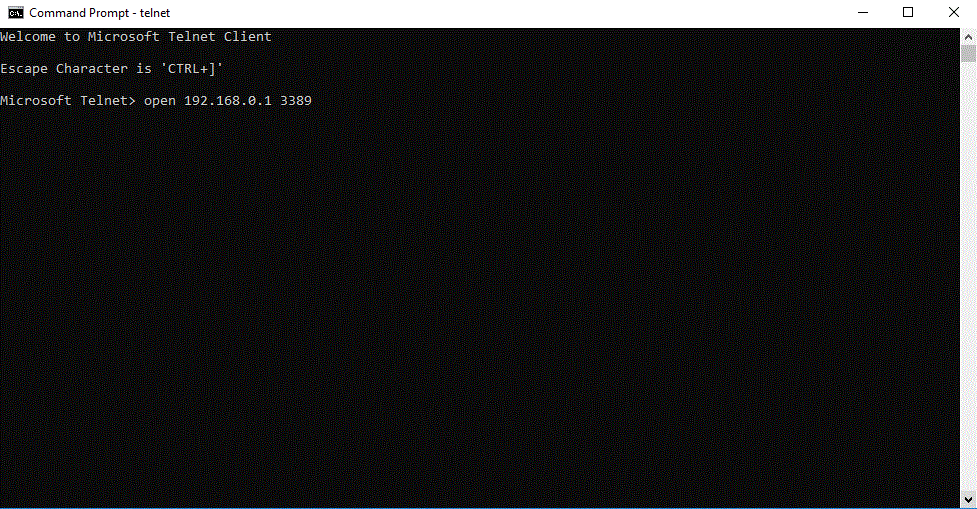
Scriem comanda in noua fereastra deshisa de telnet: open ip port
Ex: Open 192.168.0.1 3389

Soluții pentru problemele tale IT
Avem nevoie sa vedem daca comunica un port.
Rulam comanda telnet in cmd, trebuie sa fie activat in program and features
Scriem comanda in noua fereastra deshisa de telnet: open ip port
Ex: Open 192.168.0.1 3389
Leave A Comment?