
Situatie
File Explorer Randomly Opens
Solutie
1.Open Task Manager
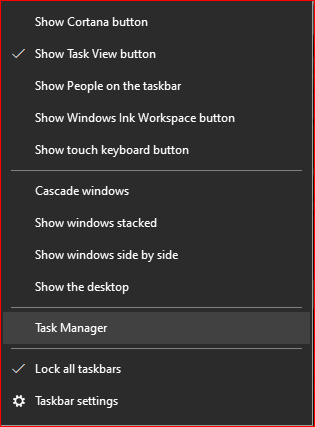
2.Locate Windows Explorer
3.Right Click on Windows Explorer and select End Task
.
4.Click on File and select Run new task
5.Enter “explorer” and check the Administrative privileges box

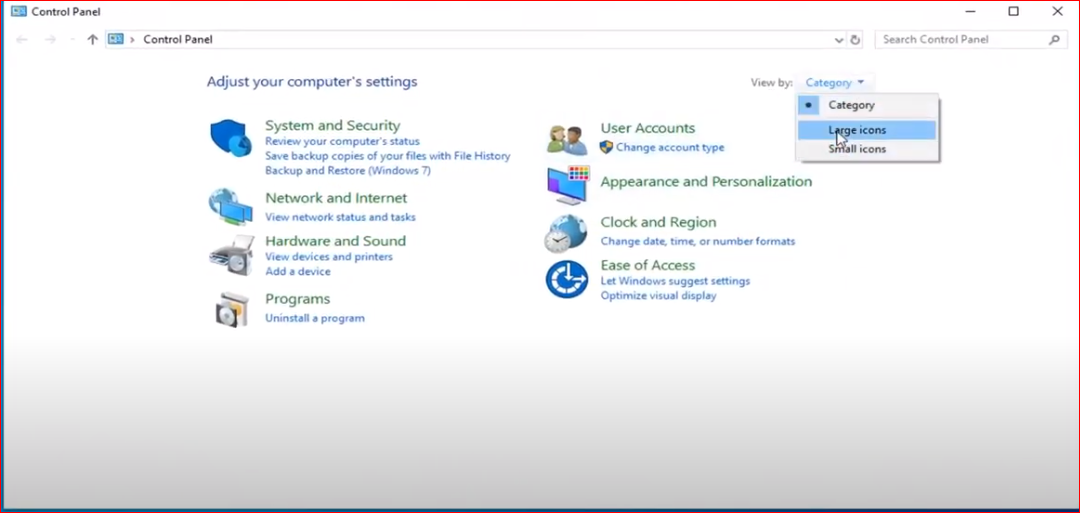
6.Open Control Panel
7.From the Category menu select Large icons
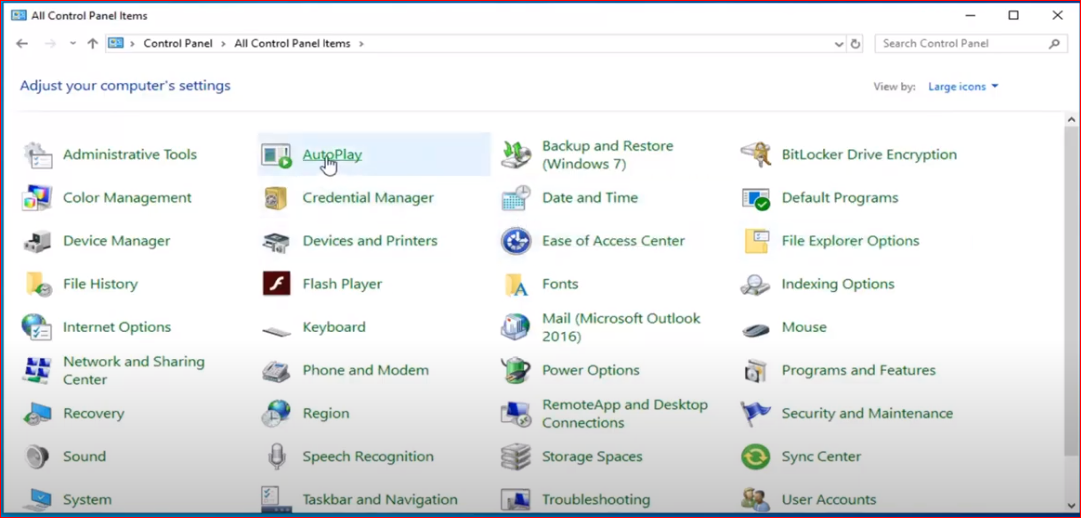
8.Click on AutoPlay
9.Uncheck “Use AutoPlay for all media devices” box
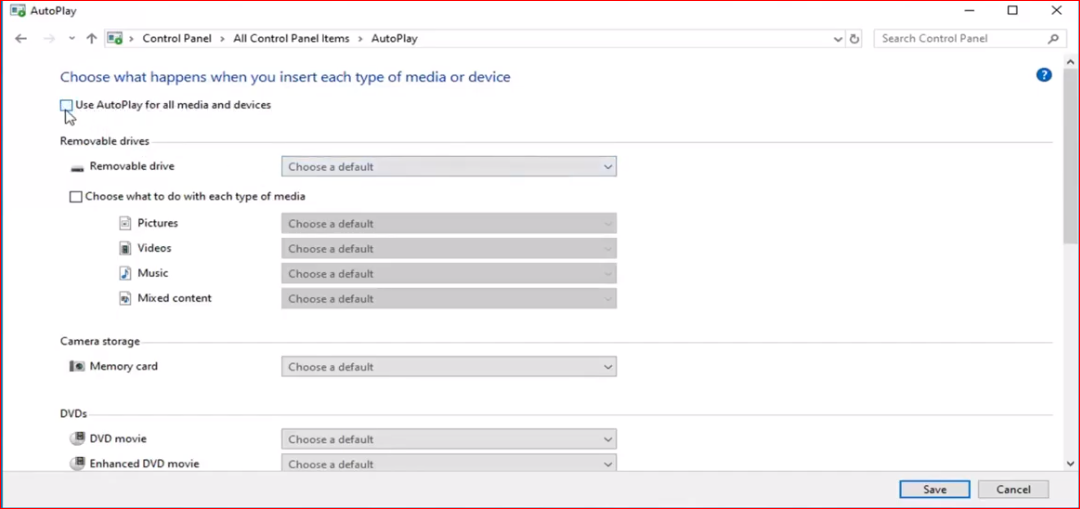
10.Click on Save
11.Restart the computer
Leave A Comment?