
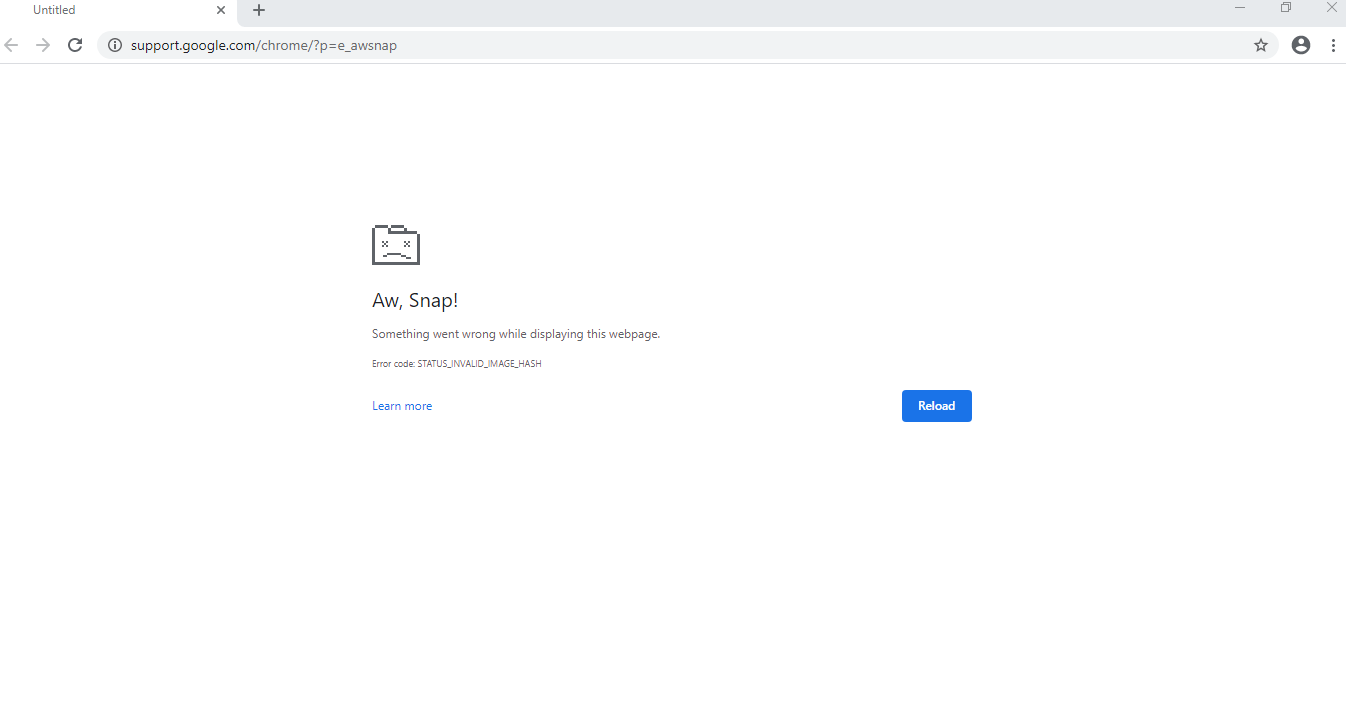
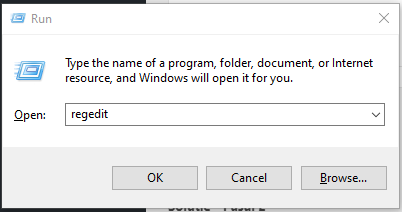
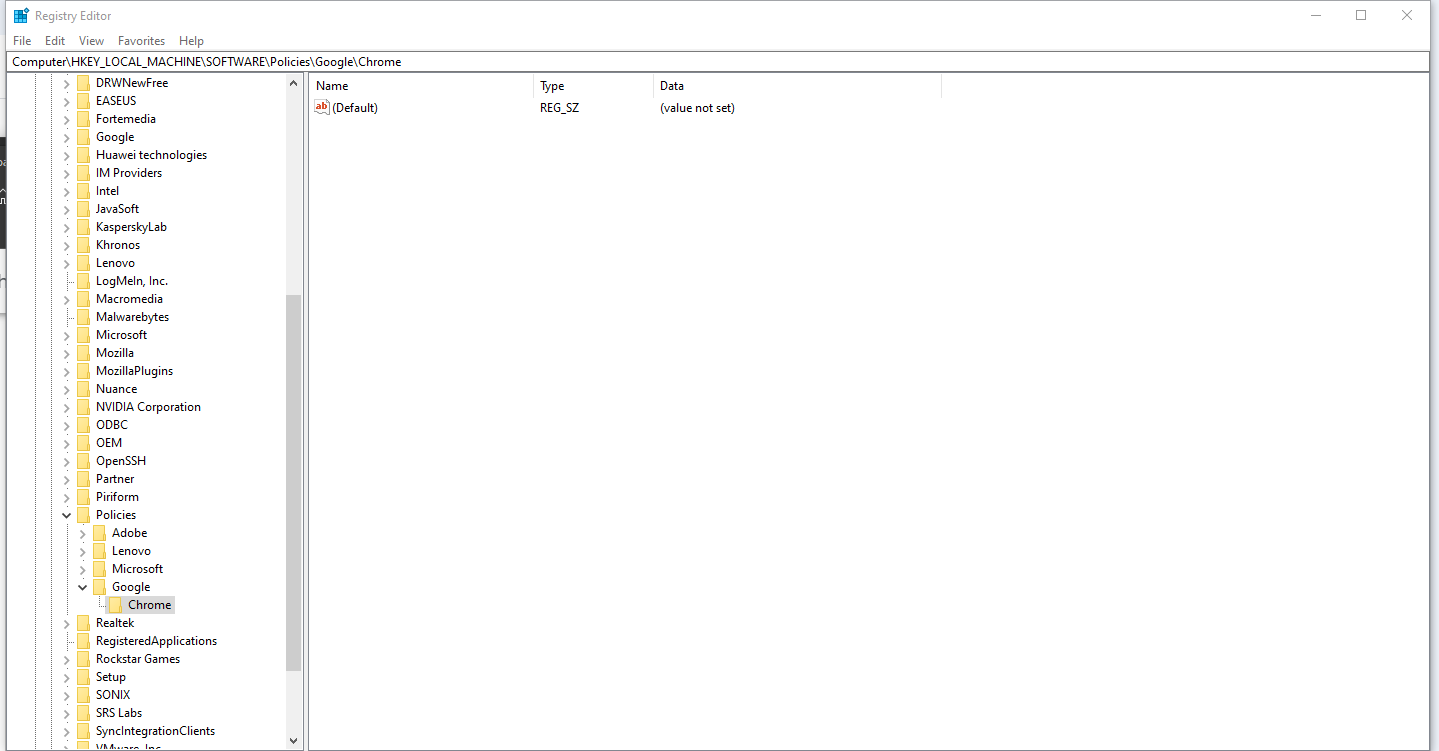
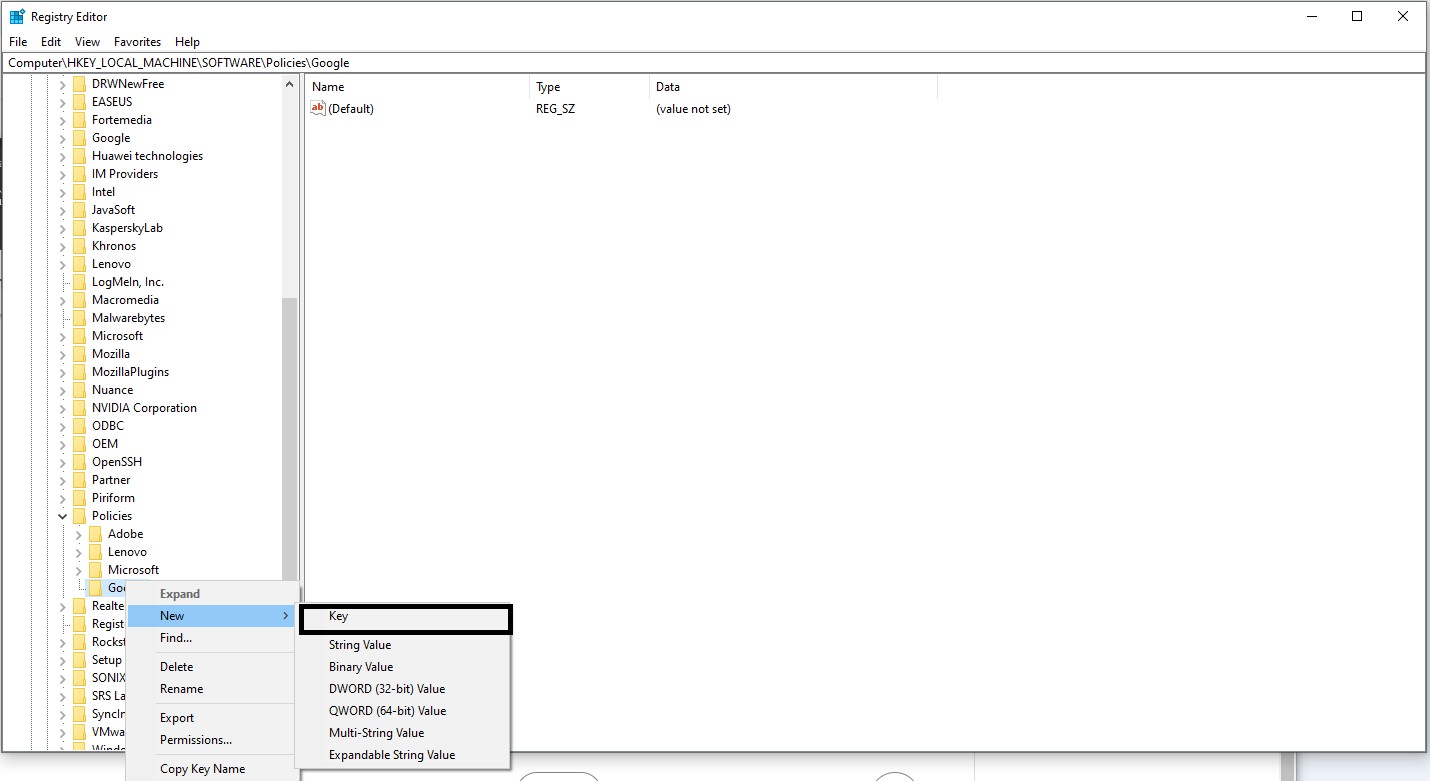
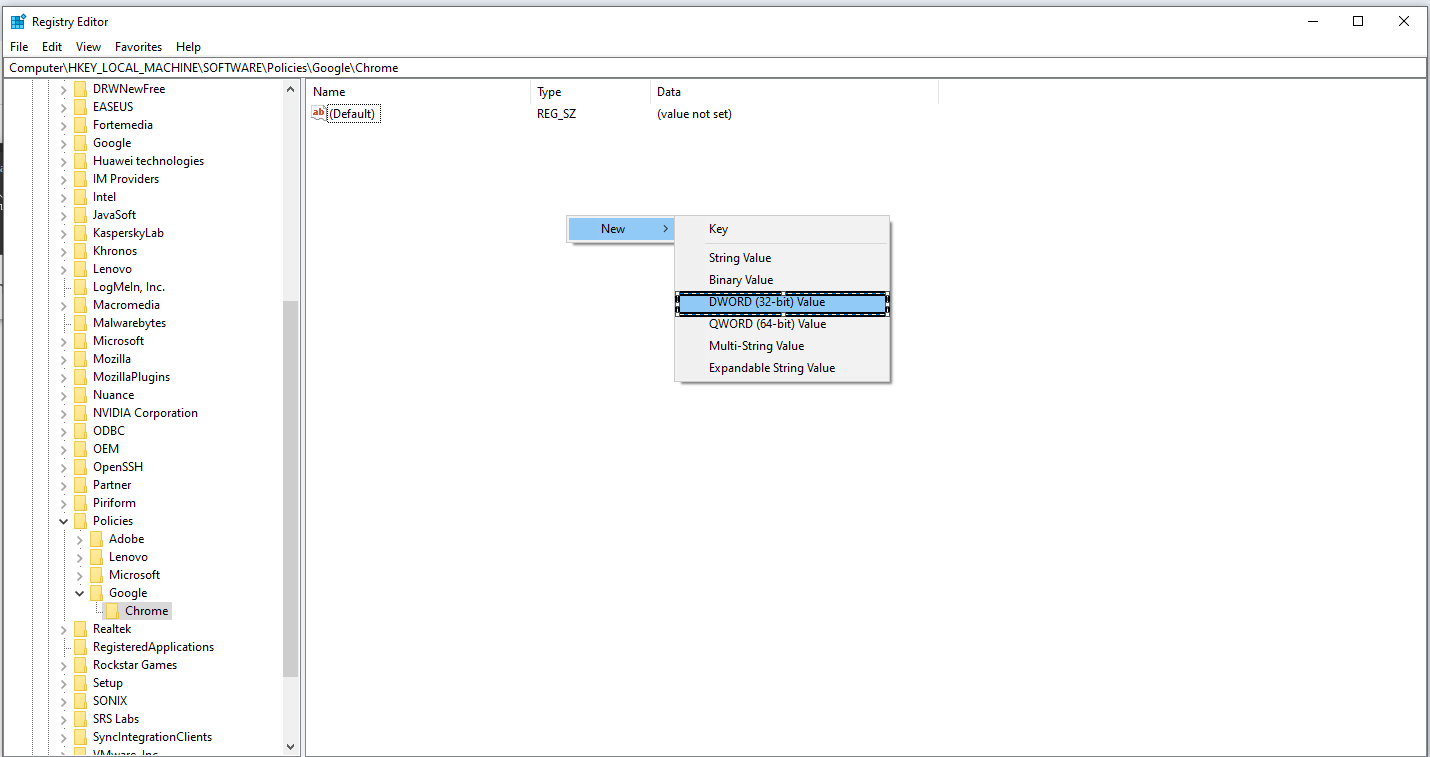
Google Chrome Invalide Image Hash Data 16/07/2020 Autor Catalin Dumitrescu Categorie Aplicații -4 705 Configurare noua (How To) SituatieGoogle Chrome nu mai acceseaza nicio pagina web, iar eroarea primita este: “STATUS_INVALID_IMAGE_HASH“. Iata cum poti scapa de aceasta problema. Solutie Pasi de urmat Din meniul “run” (Windows+r) se acceseaza “Regedit” In meniul regedit se acceseaza calea: “\HKEY_LOCAL_MACHINE\SOFTWARE\Policies\Google\Chrome” Daca la pasul 2 este gasit doar folderul “Google” se creeaza un nou folder “Chrome” Se adauga un nou registru cu numele “RendererCodeIntegrityEnabled” si se seteaza valoarea 0. La final se reporneste Google Chrome. Tip solutiePermanent Voteaza Up Down (23 din 48 persoane apreciaza acest articol) ShareTweetShare Despre Autor Catalin Dumitrescu Solutii Asemanatoare O metoda de vizualizare a valorii frecventelor orizontale si verticale de reimprospatare a imaginii in Windows 3 Adding emotes to a personal Twitch channel 0 How to stop awkward Games showing up on next year’s Steam replay 2 How to use LAMBDA in Excel to create your own functions 0 How to customize the Always-on Display on a Samsung Galaxy Phone -6 How to create a New File in macOS Finder 4 Leave A Comment? × Cancel Reply Save my name, email, and website in this browser for the next time I comment. + 5 = fourteen
Leave A Comment?