
Situatie
Solutie
Pasi de urmat
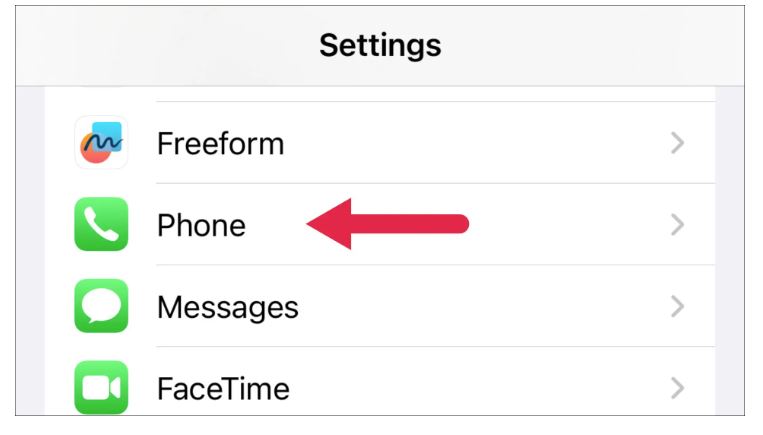
Open the Settings on your iPhone. Head to the Phone settings.
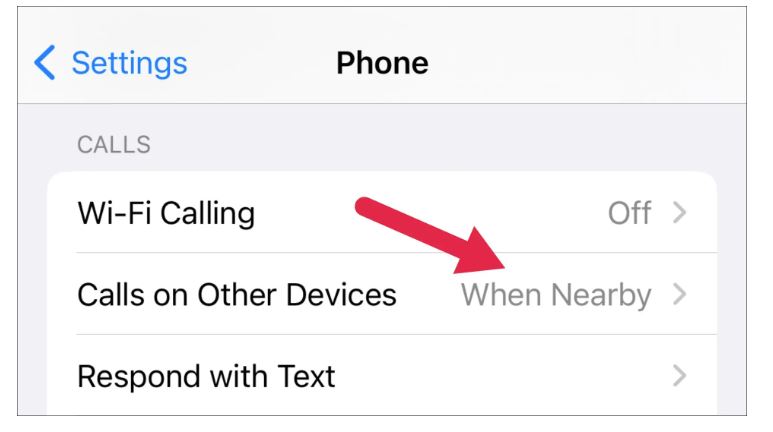
Select “Calls on Other Devices”
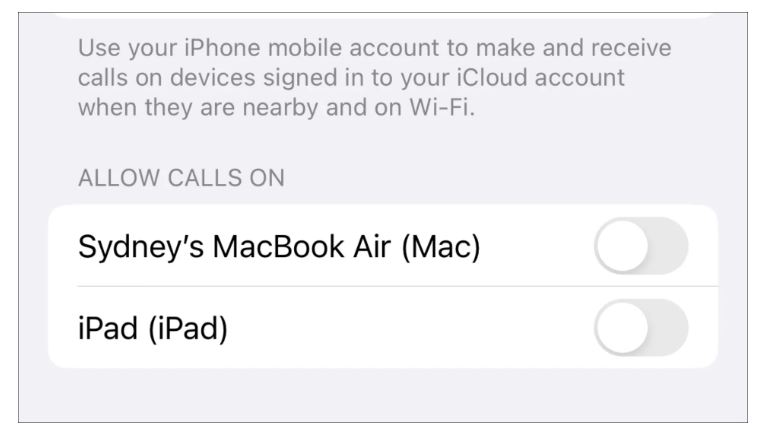
You will see a list of devices where your iPhone calls can ring. If you want to stop your iPad from ringing when you get a call, simply toggle off the switch next to your iPad’s name.
Leave A Comment?