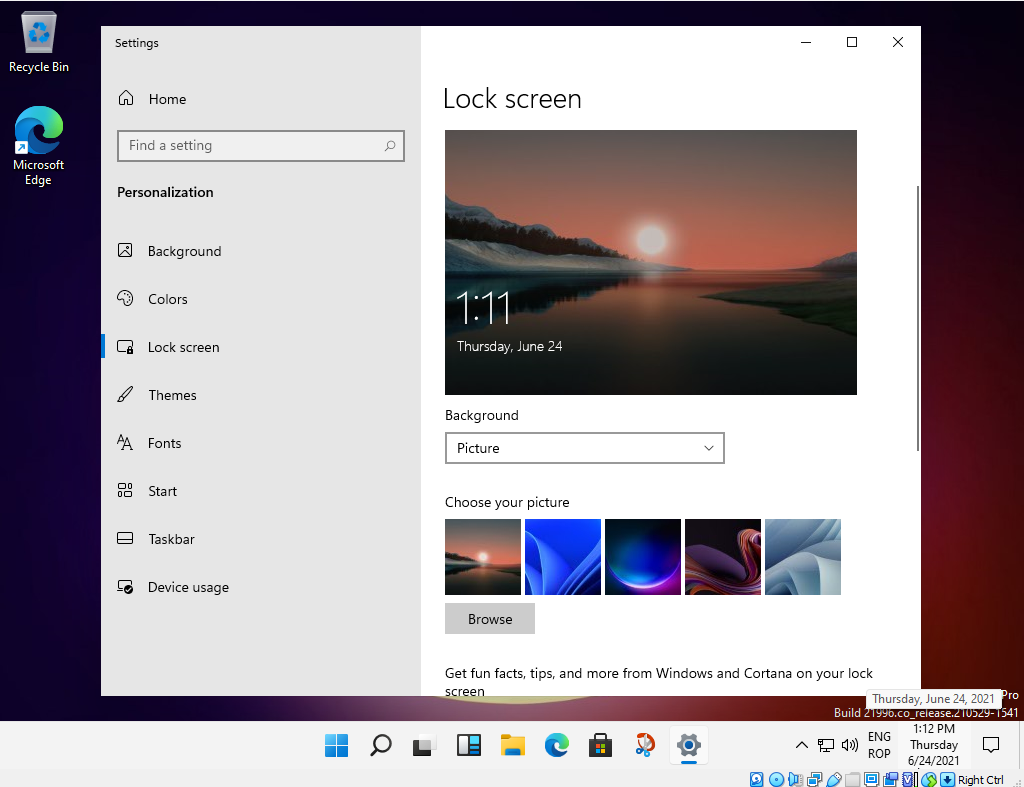
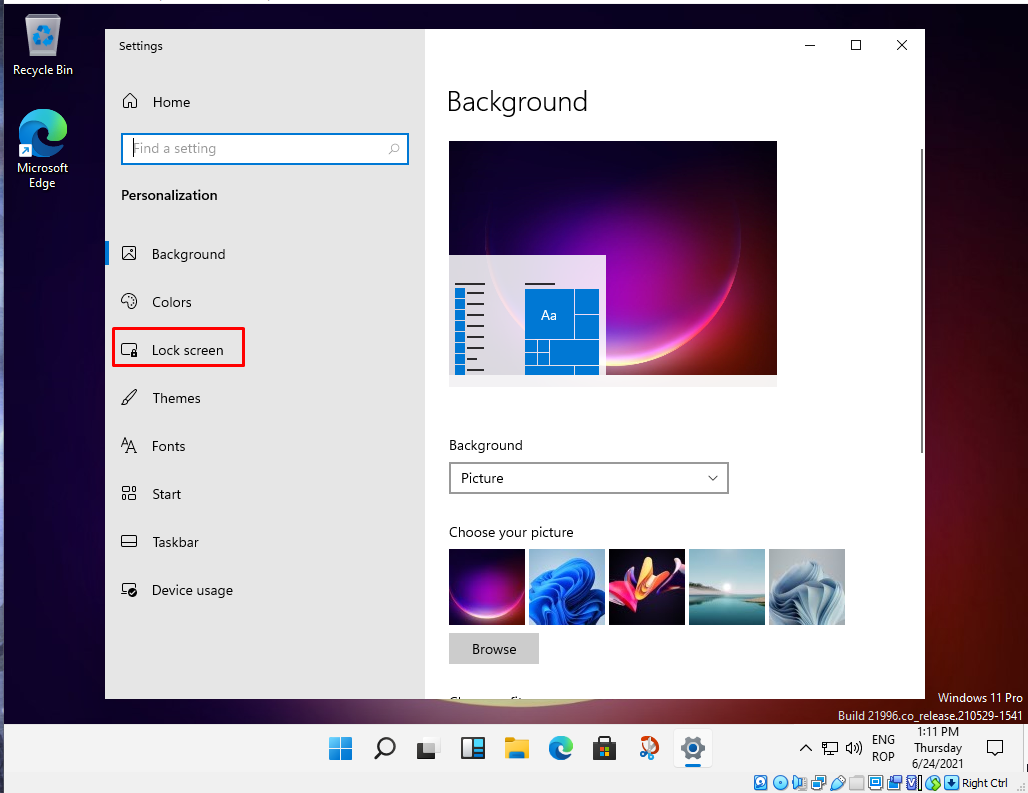
How to change the lockscreen in Windows 11 Data 07/03/2022 Autor tudorache mihai Categorie OS - Windows, Soluții, Aplicatii specifice -6 452 Configurare noua (How To) SituatieWhen buying a new computer, one of the first things you need to do is add a lockscreen image. Solutie Pasi de urmat Desktop Personalize: Select Lock screen: From here we can add a picture we want from the picture: Tip solutiePermanent Voteaza Up Down (13 din 32 persoane apreciaza acest articol) ShareTweetShare Despre Autor tudorache mihai Solutii Asemanatoare How to clean temporary files on Windows 11 -5 Cum deschidem un RDP in full screen folosind Command Prompt in Windows 10 6 Cum deschidem fereastra Sound folosind Run in Windows 10 0 How to enter text with your voice on a Chromebook 5 Can’t Delete a Windows File or Folder? 3 Top 10 Linux Easter Eggs 2 Leave A Comment? × Cancel Reply Save my name, email, and website in this browser for the next time I comment. + nine = eleven
Leave A Comment?