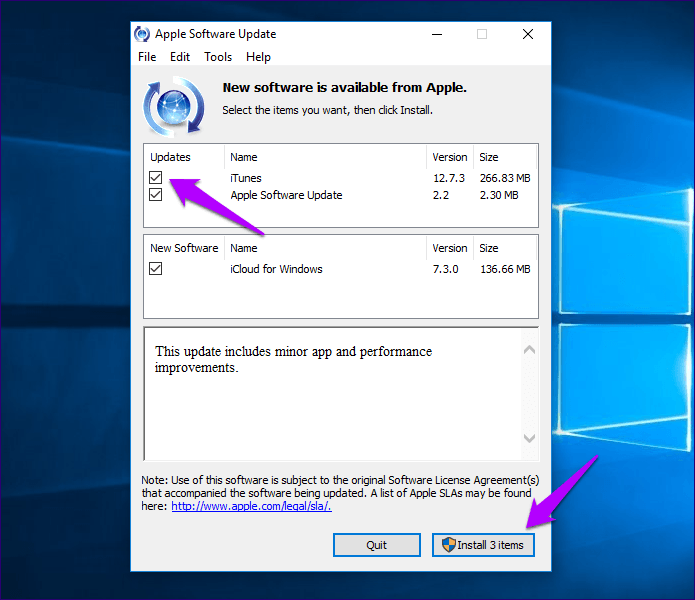
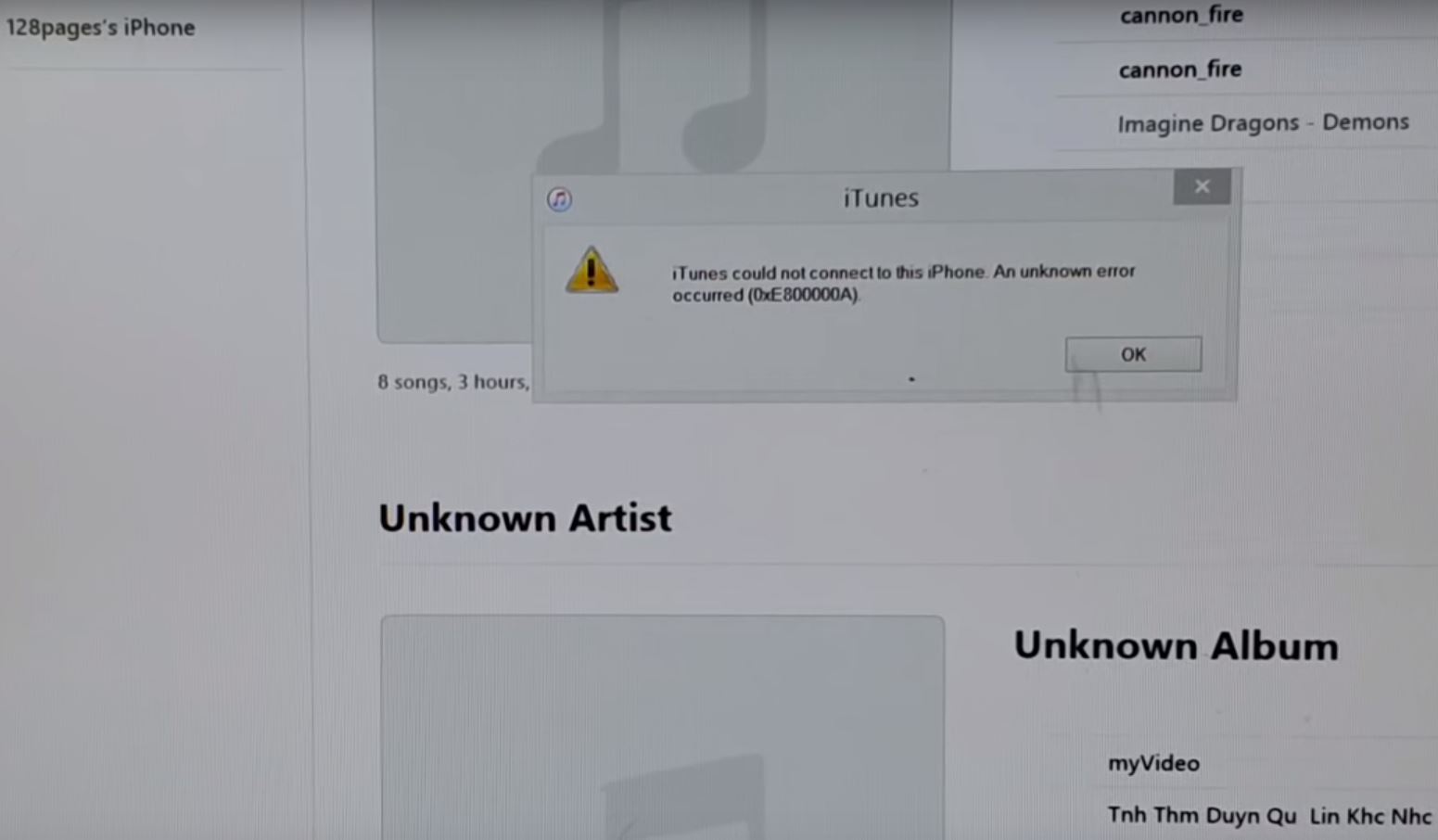
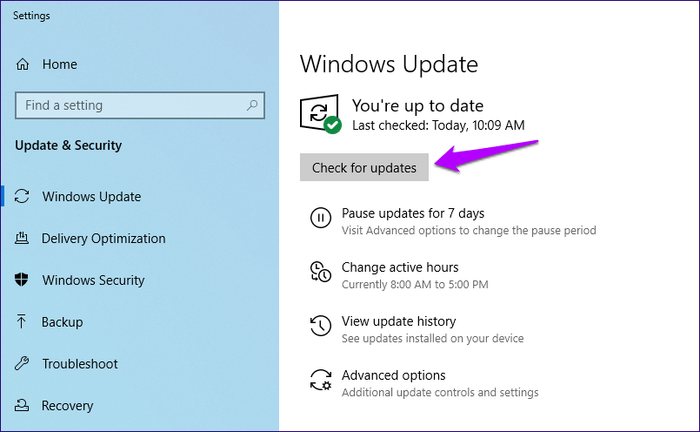
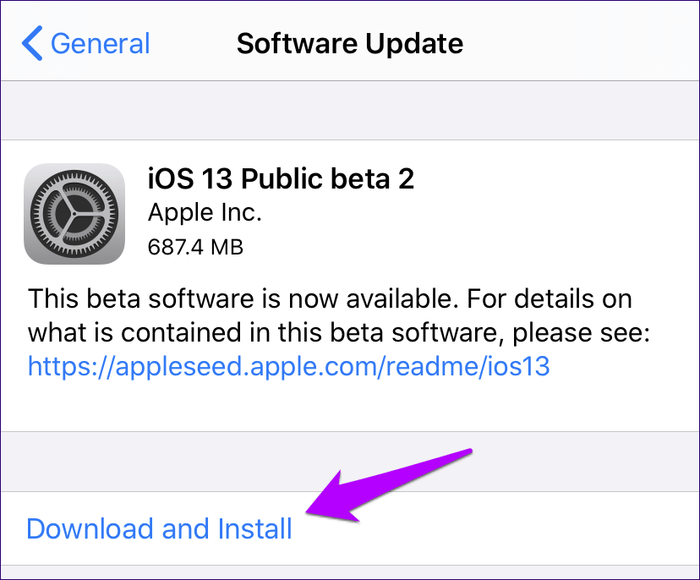
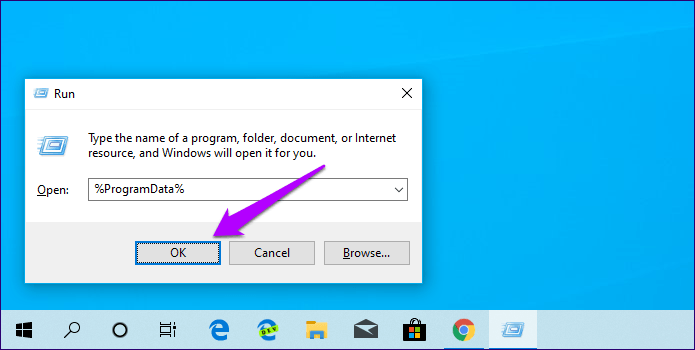
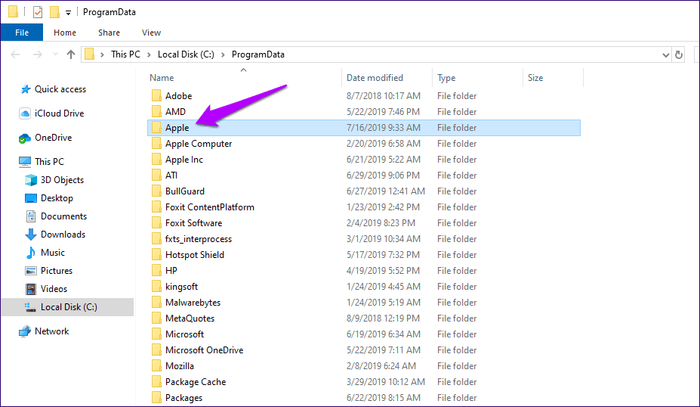
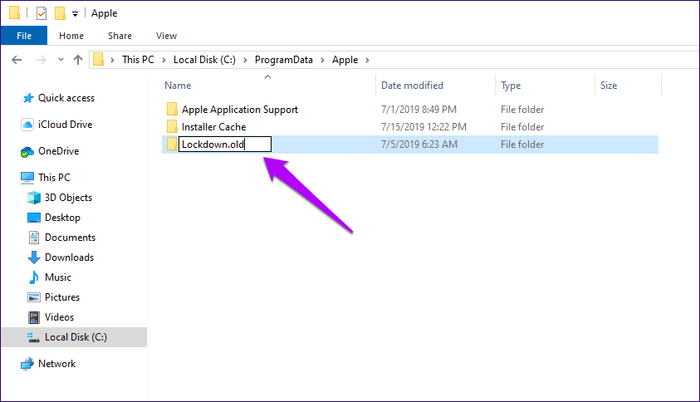
iTunes Error 0xE80000A Data 31/05/2020 Autor Tiberiu Gache Categorie Aplicații -6 779 Rezolvare problema (Fix IT) SituatieConectezi telefonul la PC, iar iTunes afiseaza eroarea: Simptome Solutie Pasi de urmat Efectueaza update de Windows: Efectueaza update de iOS: Apasa tastele Windows+R pentru a deschide Run. Tastati %ProgramData% si click pe OK Accesati folder-ul Apple: Click dreapta pe Lockdown -> Rename. Si il redenumiti Lockdown.old Tip solutiePermanent Etichetare: iTunes Error 0xE80000A Voteaza Up Down (22 din 49 persoane apreciaza acest articol) ShareTweetShare Despre Autor Tiberiu Gache Solutii Asemanatoare O metoda de vizualizare a valorii frecventelor orizontale si verticale de reimprospatare a imaginii in Windows 4 Adding emotes to a personal Twitch channel 0 How to stop awkward Games showing up on next year’s Steam replay 3 How to use LAMBDA in Excel to create your own functions -1 How to customize the Always-on Display on a Samsung Galaxy Phone -3 How to create a New File in macOS Finder 3 Leave A Comment? × Cancel Reply Save my name, email, and website in this browser for the next time I comment. × two = ten
Leave A Comment?