
Situatie
Every time you open the program, it asks you to verify your e-mail address. To fix this, the ID settings need to be reset before signing in again.

Solutie
1. From the Help menu, select Reset Intuit ID Settings.
2. Enter the word YES in the confirm field.
3. Click OK.
4. Go to the Company menu and select My Company.
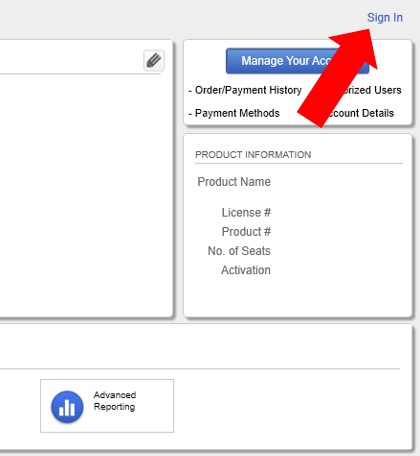
5. Click on the Sign In button.
6. On the pop-up, enter your Intuit credentials, then hit Sign In.
Leave A Comment?