Micron 9400 PRO SSD – review
Micron 9400 PRO SSD is designed specifically for enterprise use, offering a combination of high performance, reliability, and endurance to meet the demands of data center environments.
[mai mult...]
Soluții pentru problemele tale IT

Micron 9400 PRO SSD is designed specifically for enterprise use, offering a combination of high performance, reliability, and endurance to meet the demands of data center environments.
[mai mult...]Samsung Galaxy Watch 5 (GT5 Pro) is a premium smartwatch from Samsung, offering a blend of impressive features, stylish design, and solid performance.
[mai mult...]If your device’s date and time are incorrect, several things won’t work correctly. To address this, set the correct date & time, and the easiest way to do that is by automatically letting your iPhone take care of it.
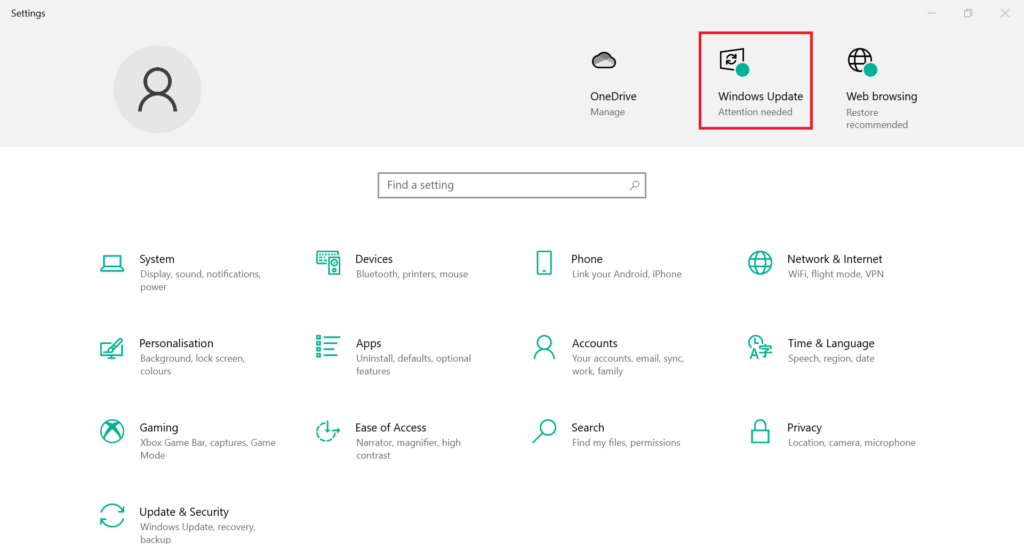
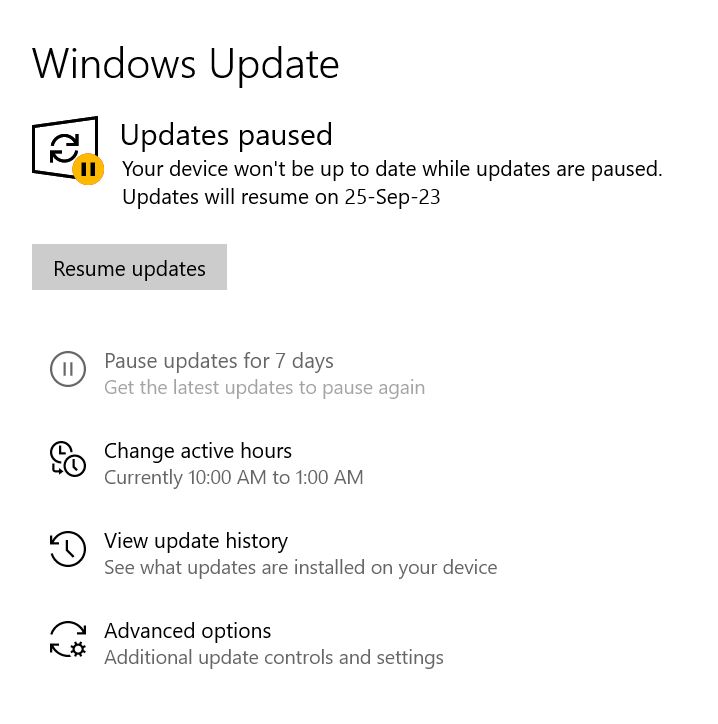
[mai mult...]Method 1: Updating Network Drivers via Windows Optional Update
Here’s a step-by-step guide to utilizing Windows Optional Update:
Method 2: Updating Network Drivers from the Manufacturer’s Website
If the Windows Optional Update method doesn’t meet your requirements, there’s another effective alternative. You can directly visit your hardware manufacturer’s official website to check for available driver updates and download them. Here’s a step-by-step guide:
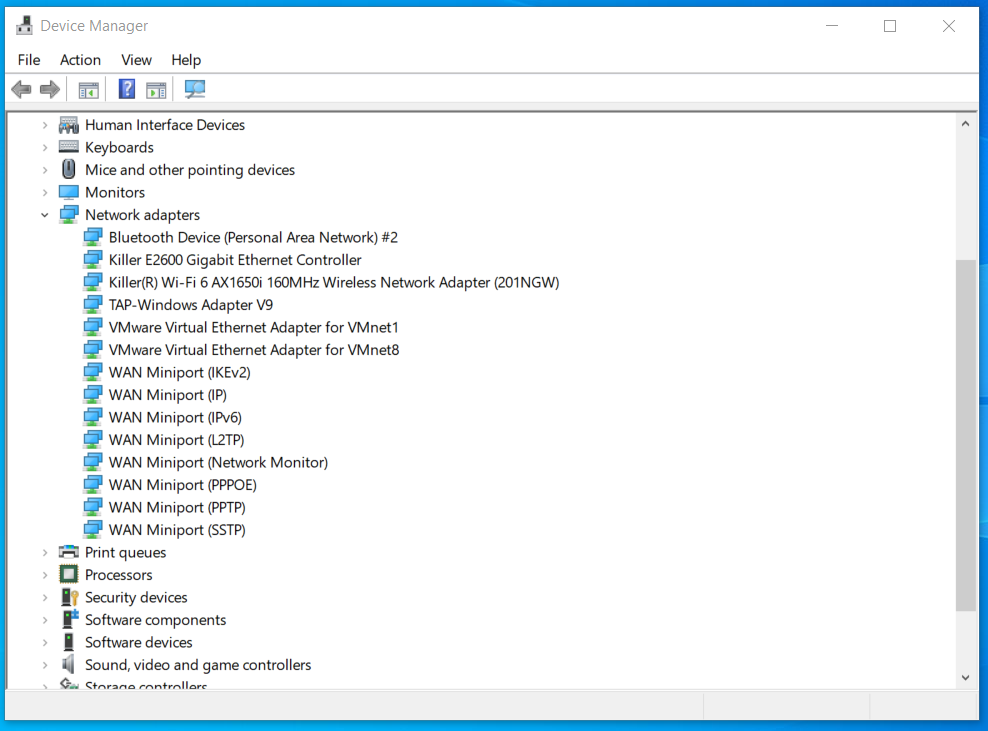
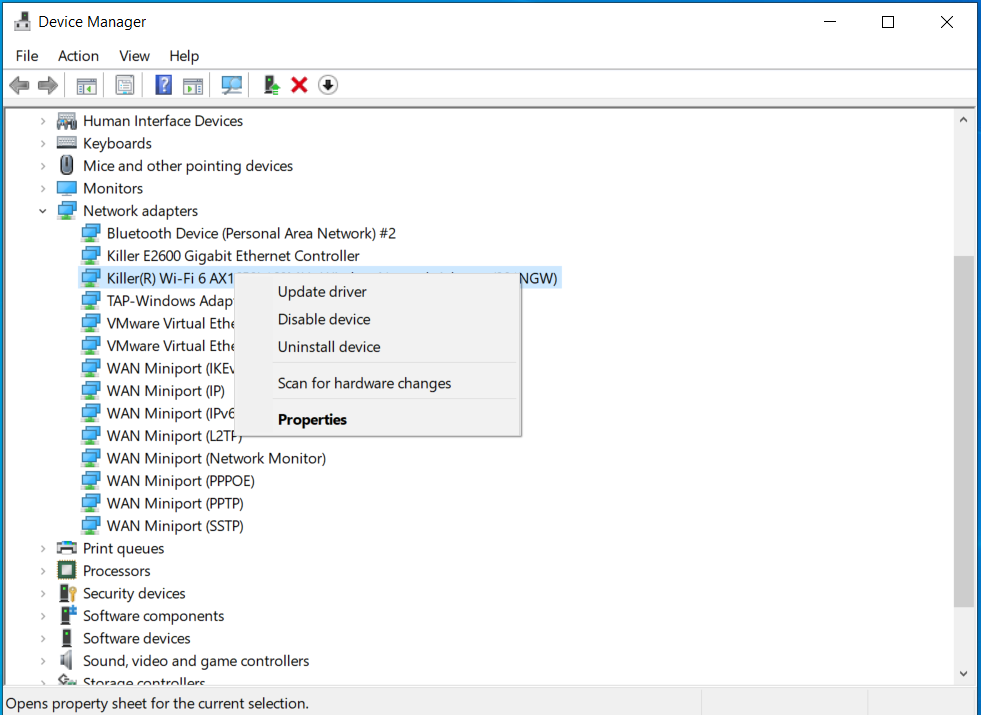
Method 3: Updating Network Drivers Using Device Manager
While Windows no longer actively seeks pending driver updates, you can use Device Manager to install a previously downloaded driver from the manufacturer’s website. Here’s how to update your network driver in Windows 10/11: