OS - Windows

Depanare VPN 4 Solutii

instalare printer 50 Solutii

Optimizare pc 50 Solutii

Optimizare PC 103 Solutii

Scanare cu malwarebyte 4 Solutii

shareuire si mapare 15 Solutii

adaugare la domeniu 5 Solutii

Migrare profil 9 Solutii

Instalare/reinnoire certificate 2 Solutii

Personalizare sistem operare 274 Solutii

Configureaza si verifica setarile de boot 11 Solutii

Transfer de date 21 Solutii

Configurare OS 109 Solutii

Reparare OS 47 Solutii

Punct de restaurare OS 8 Solutii

Windows Event Viewer 6 Solutii

Reinstalare/reconfigurare VPN 8 Solutii

Optimizare client e-mail 12 Solutii

Optimizare PC 30 Solutii

Optimizare PC 20 Solutii

Reinstalare / Reconfigurare VPN 6 Solutii

Reinstalare OS 32 Solutii

Reparare sistem de operare 45 Solutii

Programare sistem operare 12 Solutii

Puncte de restaurare sistem de operare 14 Solutii

Instalare imprimanta 44 Solutii

Mapare si partajare 13 Solutii

Modificari firewall 12 Solutii

Migrare profil 8 Solutii

Transferuri de date 33 Solutii

Upgrade sistem operare 12 Solutii

Windows Event Viewer 7 Solutii

Verificare HDD 32 Solutii

Spatiu partitie 31 Solutii

Scanare cu MalwareBytes 5 Solutii

Setari servicii sistem operare 42 Solutii

Setari retea sistem operare 25 Solutii

Setari partitii 19 Solutii

Actualizare sistem operare 15 Solutii

Clonare HDD 11 Solutii

Compatibilitate program 13 Solutii

Instalare / Reinnoire Certificate 6 Solutii

Configurare si verificare setari de BOOT 15 Solutii

Configurare Sistem de operare 1399 Solutii

Identificare DLL-uri lipsa 2 Solutii

Depanare 1006 Solutii

Editarea politicilor de grup ale sistemului de operare 13 Solutii

Drivere 50 Solutii

How to Clean Boot Startup to Windows 10

Majoritatea timpului când instalați sau dezinstalați programe, drivere sau actualizări Windows; trebuie să dezactivați toate serviciile inutile și trebuie să porniți ferestrele în modul de încărcare curat pentru a evita mesajele de eroare și problemele. În acest articol, vă voi arăta ghidul pas cu pas pentru a porni Windows 7/8 și 10 în modul de încărcare curat.

Un boot curat este o procedură de dezactivare a serviciilor suplimentare și de pornire a ferestrelor utilizând un set minim de drivere și programe de pornire.

[mai mult...]
Fix: Nu se poate deschide meniul WinX în Windows 10

Meniul WinX, denumit și meniu Power User Tasks, oferă utilizatorului acces la un subset de funcții Windows avansate

Dacă nu puteți deschide meniul WinX nici prin click-dreapta pe butonul Start Menu, nici prin apăsarea tastelor de combinare Windows + X, acest tutorial vă va ghida în căi ușoare de restaurare a meniului WinX pentru contul dvs.

[mai mult...]

Fix: Butonul power lipseste din ecranul de conectare Windows 10

În mod prestabilit, în colțul din dreapta jos al ferestrei de conectare Windows 10 există o pictogramă a butonului de alimentare. Faceți click pe butonul de pornire, astfel încât utilizatorul să poată opta să închidă, să repornească sau să pună PC-ul în starea de repaus din meniul de opțiuni, fără a trebui să vă conectați.Totuși, ocazional, din anumite motive, acest buton de alimentare ar putea să lipsească din ecranul de conectare Windows, ceea ce cauzează multe inconveniente utilizatorului.

[mai mult...]

Review Huawei Matebook X Pro

Launched at Mobile World Congress 2018, this laptop is mostly a consumer product that can also serve a slice of the business market.

Configuration options

The Matebook X Pro comes with two main CPU+GPU configurations. The most powerful is our test unit described above.

If you don’t need that much computing capabilities, the Core i5 8250U, 8GB, 256GB SSD and Intel’s UHD Graphics 620 is the other option. We will comment on these in the performance section.

Industrial design

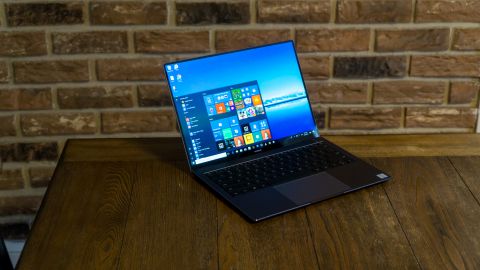
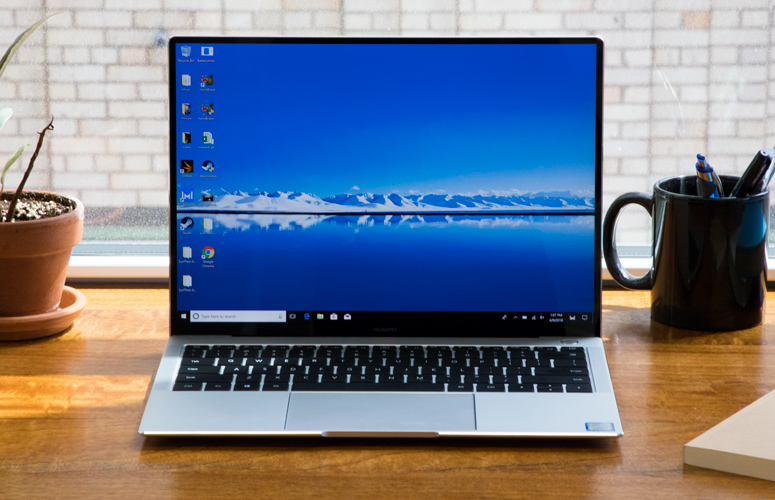
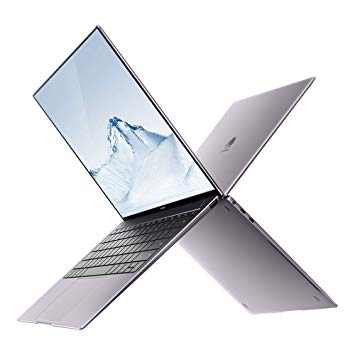
With 304 x 217 x 14.6 mm dimensions and a weight of 1330g (2.93 lbs.), the Matebook X Pro is a thin & light laptop. In its category, its size is very compact even within this category, and its weight is quite common, in this category of computers.

The chassis is mainly made of Aluminum. Aluminum is often liked for the robust and metallic feel it provides. The metal can be hard to work with, but its price is less than Magnesium or Carbon composites, that is why it is an excellent choice for classy, high-volume products. Aluminum is relatively easy to scratch, especially when exposed raw, without any protective layer.

We find it to be a beautiful laptop that can easily compete with the Macbook Pro, but more importantly, there are many unbiased ways to show how excellent the design work is. The chassis has a lot of slightly rounded surface that provide a softness when you hold it. The flat surfaces as carved and polished with high-precision and that contributes to the “Premium look” of this computer.

Durability


The aluminum unibody design makes the Huawei Matebook X Pro very rigid, and it doesn’t bend or feel flimsy – on the contrary. If I was to drop it, I would mainly worry about the two upper corners of the screen, because the 5 mm bezel is so thin, and so is the display back cover.

You can open the link to see all the details, but this standard is a series of test used to make sure military gears can survive some shocks and vibrations. Most computers don’t have this certification, but some do, including ultrathins.

This laptop chassis is closed, and the user should not try opening it. Only certified technicians should attempt to do so.

Keyboard and trackpad


The trackpad and keyboard are used every time, all the time, so input is an essential thing to consider when selecting a laptop.

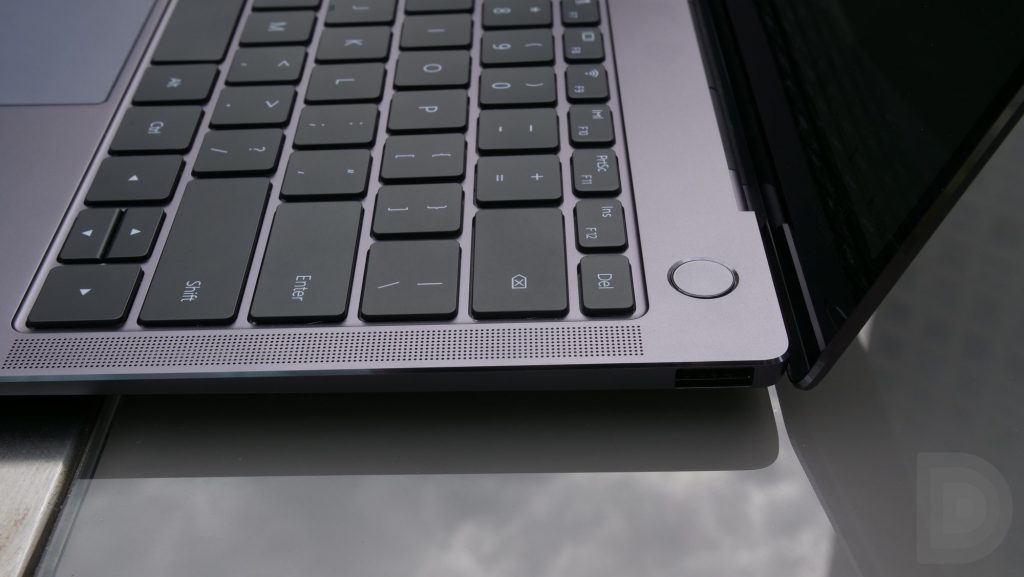
This keyboard has keys that are 277.2 mm² (~0.43 sq in), which is considered to be very large, but the spacing between keys is a little smaller than competitors to keep the overall keyboard width within a standard form-factor. The key-travel is 1.2 mm, and that is slightly shorter than others (1.8 mm is often the maximum), but well within the norm for laptops, since 1.3 mm is very common.

The keys are flat and seem to have an anti-grease treatment. Certain laptops have slightly curved keys (towards the bottom), while others stick to a classic flat design. The key size, key layout, and key shapes are crucial factors in making the keyboard more or less comfortable. Most of it is a matter of personal preferences, so it is important to try, if possible at all.

This key are also backlit with a monochrome light (only 1 level of brightness), which is very handy at night, in bed (you should not) or in the plane. The back light is turning itself off on a regular basis to save battery life, which is a good thing, but I’d love it if we could force it to stay on, or if it just stayed on when connected to power.

The Matebook X Pro keyboard is spill-proof, so it can withstand a mug of water or coffee being spilled onto it by accident. This can be a lifesaver, especially for frequent travelers who do not always enjoy a comfortable work area.


The trackpad surface material is Glass, which is usually found in high-end laptop trackpads that emphasize comfort over durability (plastic won’t crack). Glass feels extremely smooth and allows extensive use of the trackpad without the fingertips being negatively affected.

With a surface of ~13.21 Square-inches, the trackpad is enormous. When compared to the competition, this size is 25%-30% larger than many competitors we looked at.

Like any other touch-interface, the size of the trackpad in relation to the gestures matters. On laptops, most people use scroll and pinch & zoom motions. More advanced usage requires up to four fingers, and circular gestures tend to be more comfortable with a larger surface.

Ports

  • 1x 3.5mm audio
  • 1x USB Type C, 3.1 Gen1
  • 1x USB Type C, Thunderbolt 3
  • 1x USB Type A, 3.0

The port selection on this computer is very decent and is comfortable enough – if you don’t regularly need Ethernet (RJ45) or a non-USB-C video connection (projectors, VGA/DVI/HDMI monitor).

Obviously, you could use an adaptor for any of these, but the first complaint that dongle users have is that sooner or later, they will forget or lose it. With Thunderbolt 3 (TB3) support, you may also consider buying a TB3 dock with a bunch of ports, including power, so you only connect ONE cable to the computer.

Speakers

Designed to be a very strong multimedia computer, the Huawei Matebook X Pro comes with four speakers. Two are located on either sides of the keyboard behind the classy speaker grills for maximum sound power. Two more are located on the front-sides also behind grills.

Display


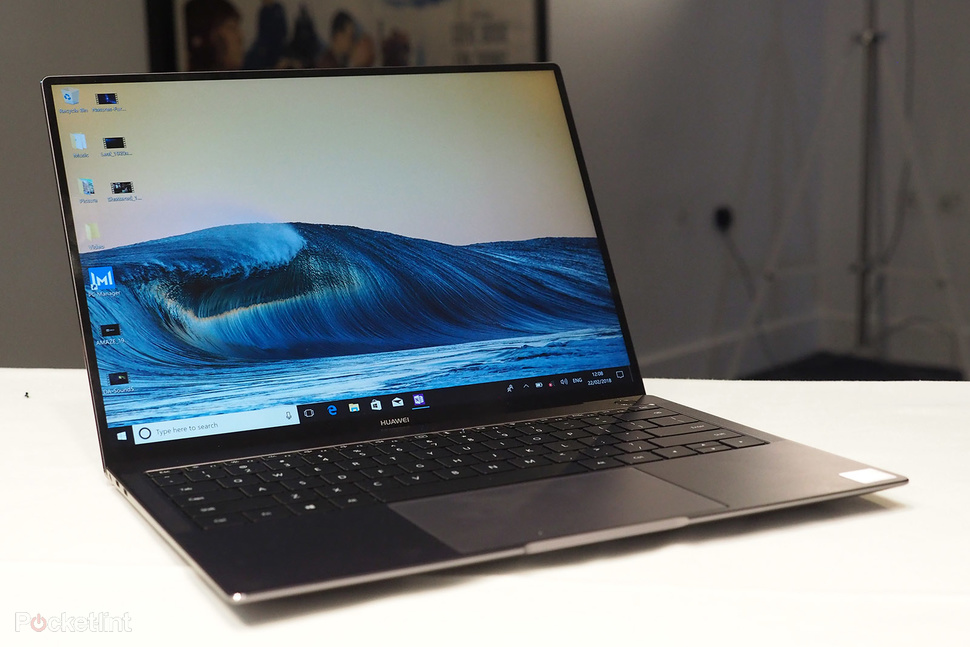
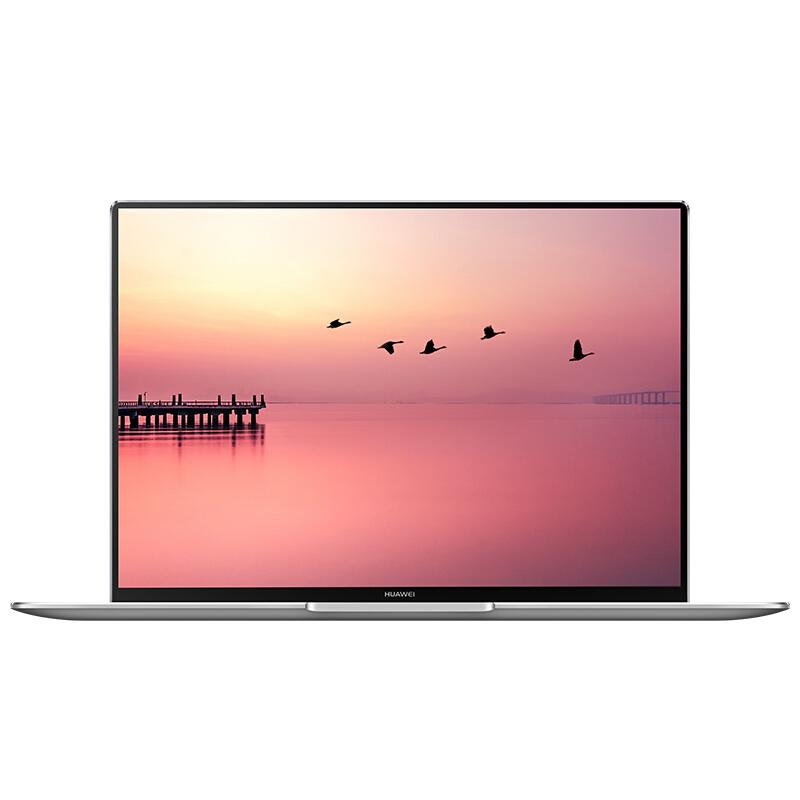
The Matebook X Pro’s display features a 14-inch (13.9”) almost bezel-less design that catches the eye right away. With 5mm bezels at the top, left and right, Huawei can claim a 91% ratio, a term that is usually employed for smartphones.

This laptop comes only with one, very potent, display option. The 3000×2000 resolution is very high in absolute terms and compared to the competition it would be much sharper than any 1080p opponent, but a bit less so than 4K displays.

3000×2000 is interesting in a couple of ways. First, it provides an excellent ~300 PPI sharpness level, which is like the iPhone’s original “Retina” display. Secondly, the 3:2 aspect ratio is better for productivity work than a 16:9 monitor. It’s because we usually tend to need more vertical screen space when working with documents. You can think about how much you use the laptop for videos (16:9 is best) and how much for work (3:2 is est).

The display specifications say “450” NITs, but we actually measured the brightness at 600 NITs which is exceptionally bright for a laptop monitor. Most competitors cap at 300-350 NITs. In general, a brighter display is needed to see the screen content on a sunny day (or bright environment). Higher brightness is responsible for better image quality in widespread situations.

The screen has a glossy finish which tends to make colors “pop” more, and text to look slightly sharper than on matte-finish displays. However glossy is also more reflective, but that should be compensated by the extraordinary screen brightness.

[mai mult...]