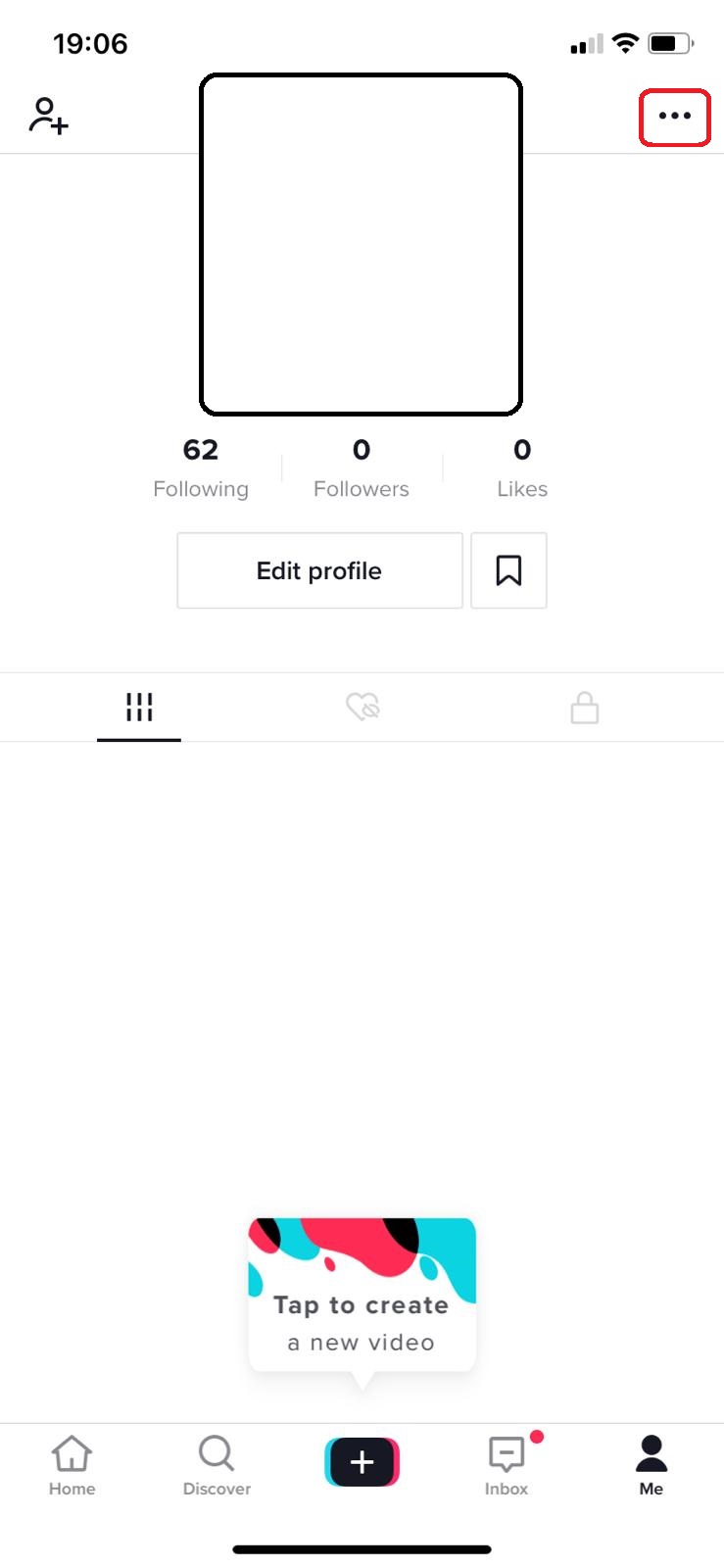
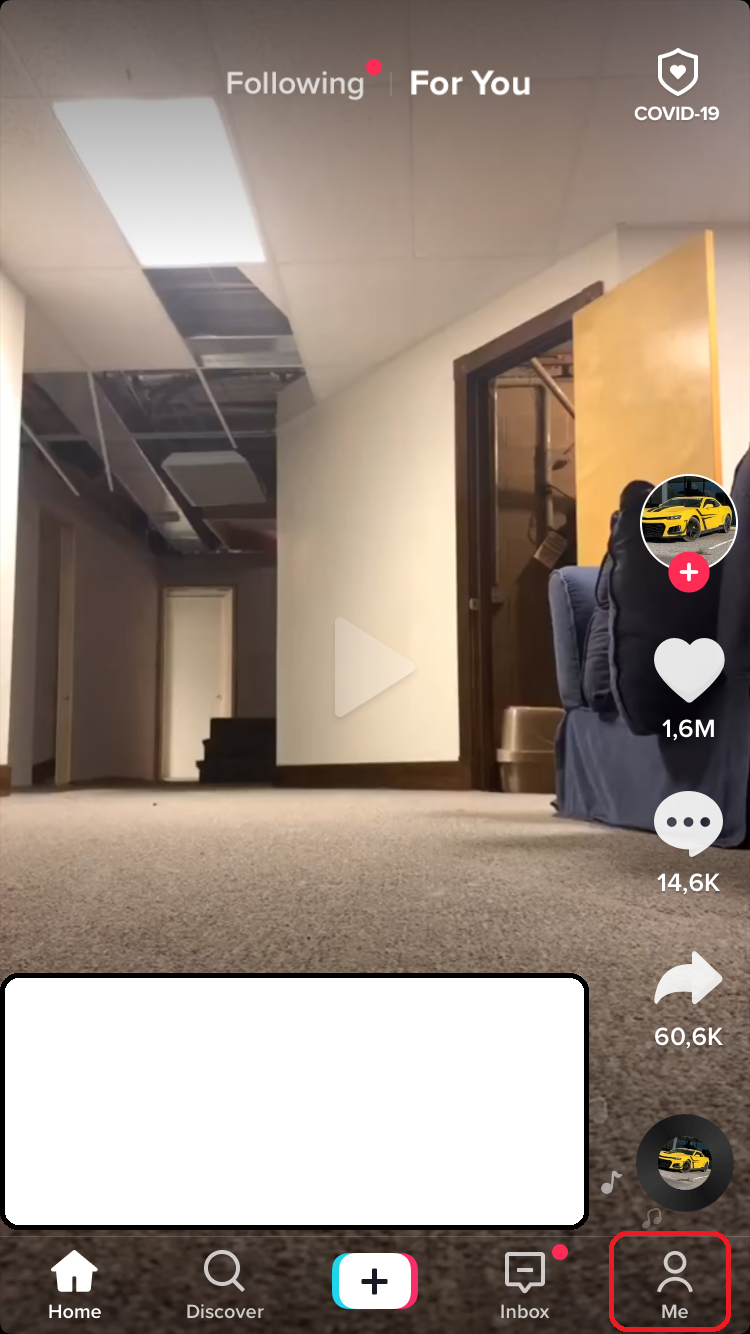
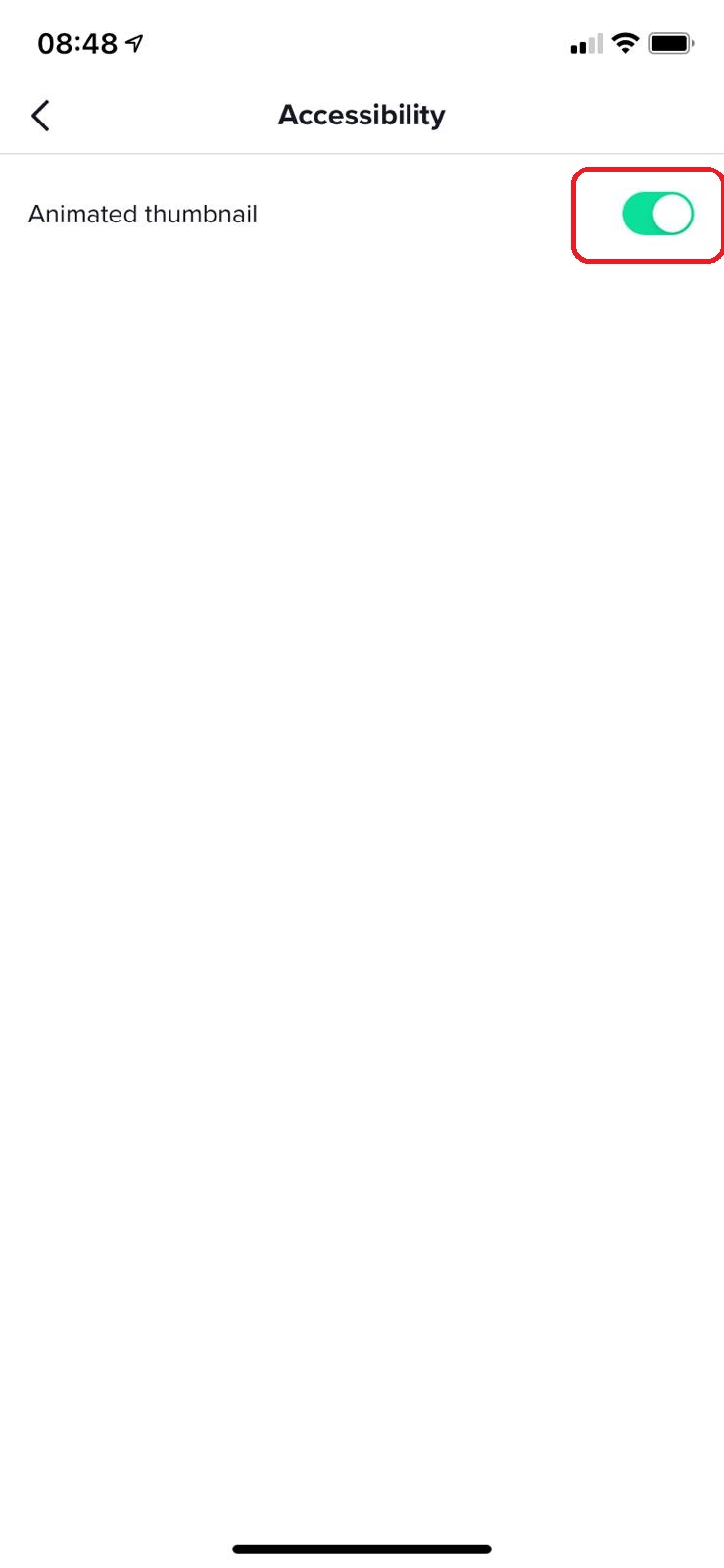
Cum sa activezi animarea thumbnail-ului in aplicatia Tik Tok Data 08/01/2021 Autor vlad damian Categorie Mobile, Soluții -3 489 Configurare noua (How To) Situatie Accesam aplicatia TikTok. Selectam din dreapta jos, iconita Me. Accesam setarile aplicatiei Selectam Accesibility. De aici putem activa sau dezactiva Animated thumbnail-urile. Solutie Tip solutiePermanent Etichetare: #tiktok Voteaza Up Down (19 din 41 persoane apreciaza acest articol) ShareTweetShare Despre Autor vlad damian Solutii Asemanatoare How to update iOS on your iPhone 4 Cum deschidem un RDP in full screen folosind Command Prompt in Windows 10 1 Cum deschidem fereastra Sound folosind Run in Windows 10 2 How to enter text with your voice on a Chromebook 12 Can’t Delete a Windows File or Folder? 1 Top 10 Linux Easter Eggs 4 Leave A Comment? × Cancel Reply Save my name, email, and website in this browser for the next time I comment. one × one =
Leave A Comment?