
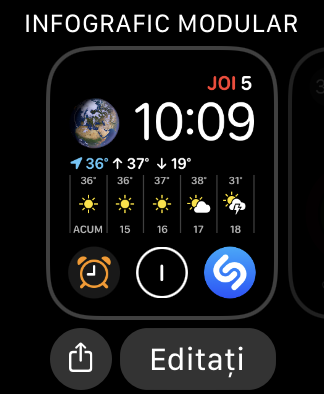
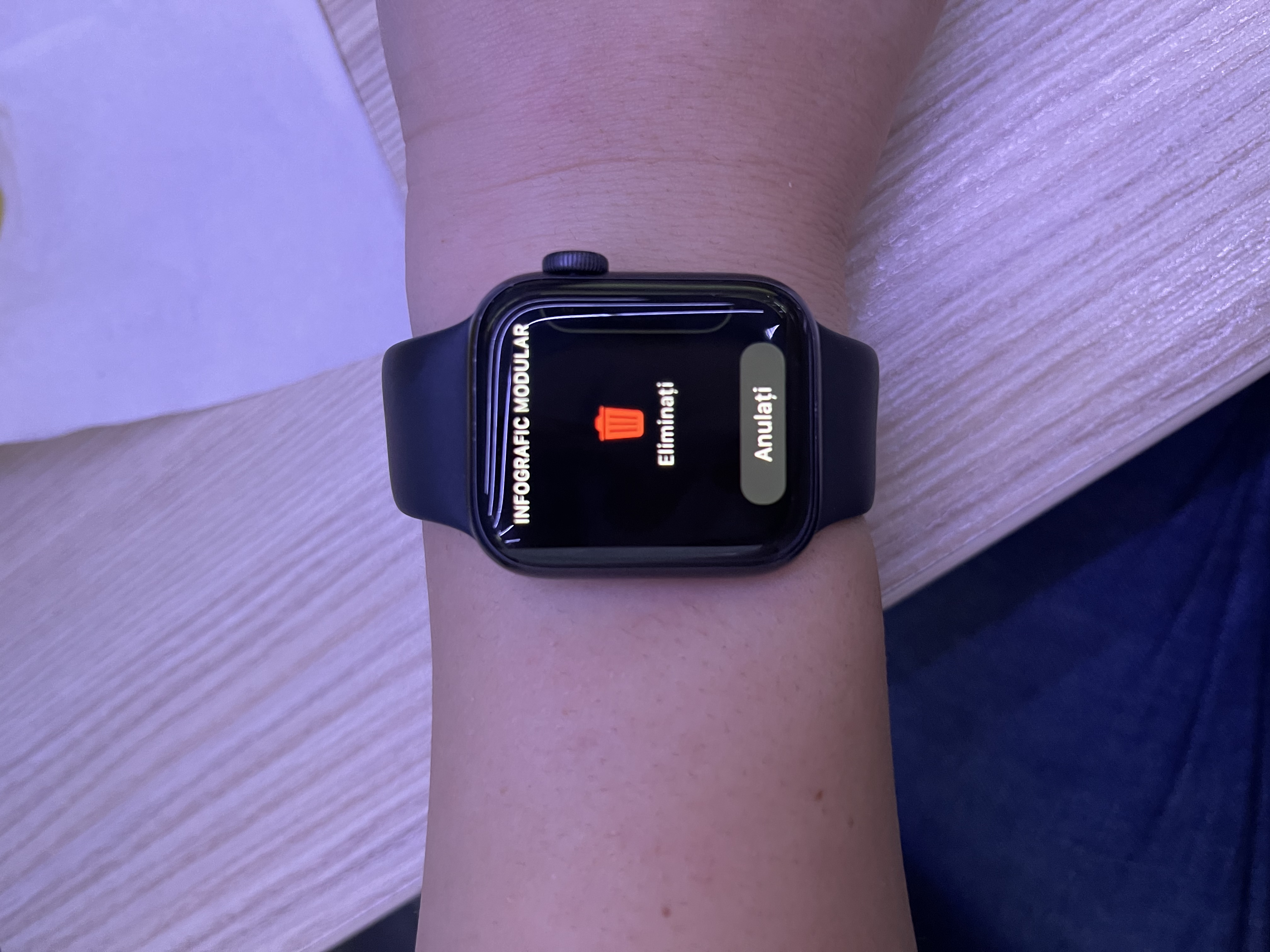
Cum se sterge un cadran de ceas de pe Apple Watch Data 05/08/2021 Autor Maria Popa Categorie Soluții 0 358 Configurare noua (How To) Situatie Solutie Pasi de urmat Accesează cadranul de ceas, apoi tine apăsat pe ecran. Gliseaza spre stanga sau spre dreapta pana la cadranul de ceas pe care vrei sa îl ștergi. Gliseaza in sus și atinge Eliminare. Daca vrei, poți sa creezi cadranul din nou mai târziu. Tip solutiePermanent ShareTweetShare Despre Autor Maria Popa Solutii Asemanatoare Cum deschidem un RDP in full screen folosind Command Prompt in Windows 10 2 Cum deschidem fereastra Sound folosind Run in Windows 10 4 How to enter text with your voice on a Chromebook 11 Can’t Delete a Windows File or Folder? 2 Top 10 Linux Easter Eggs 4 How to fix – Reading a File: Permission Denied on Linux 9 Leave A Comment? × Cancel Reply Save my name, email, and website in this browser for the next time I comment. two + = five
Leave A Comment?