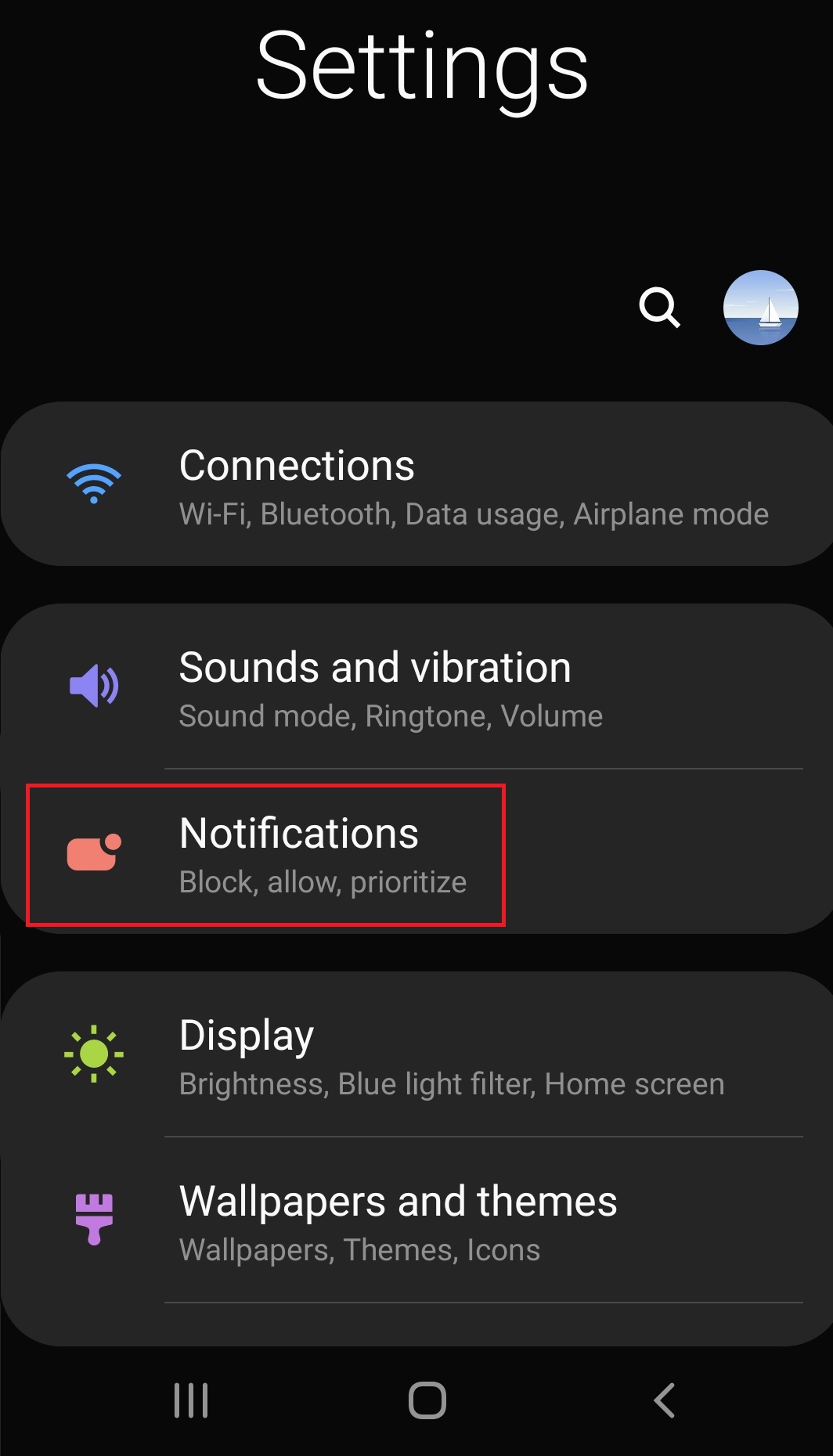
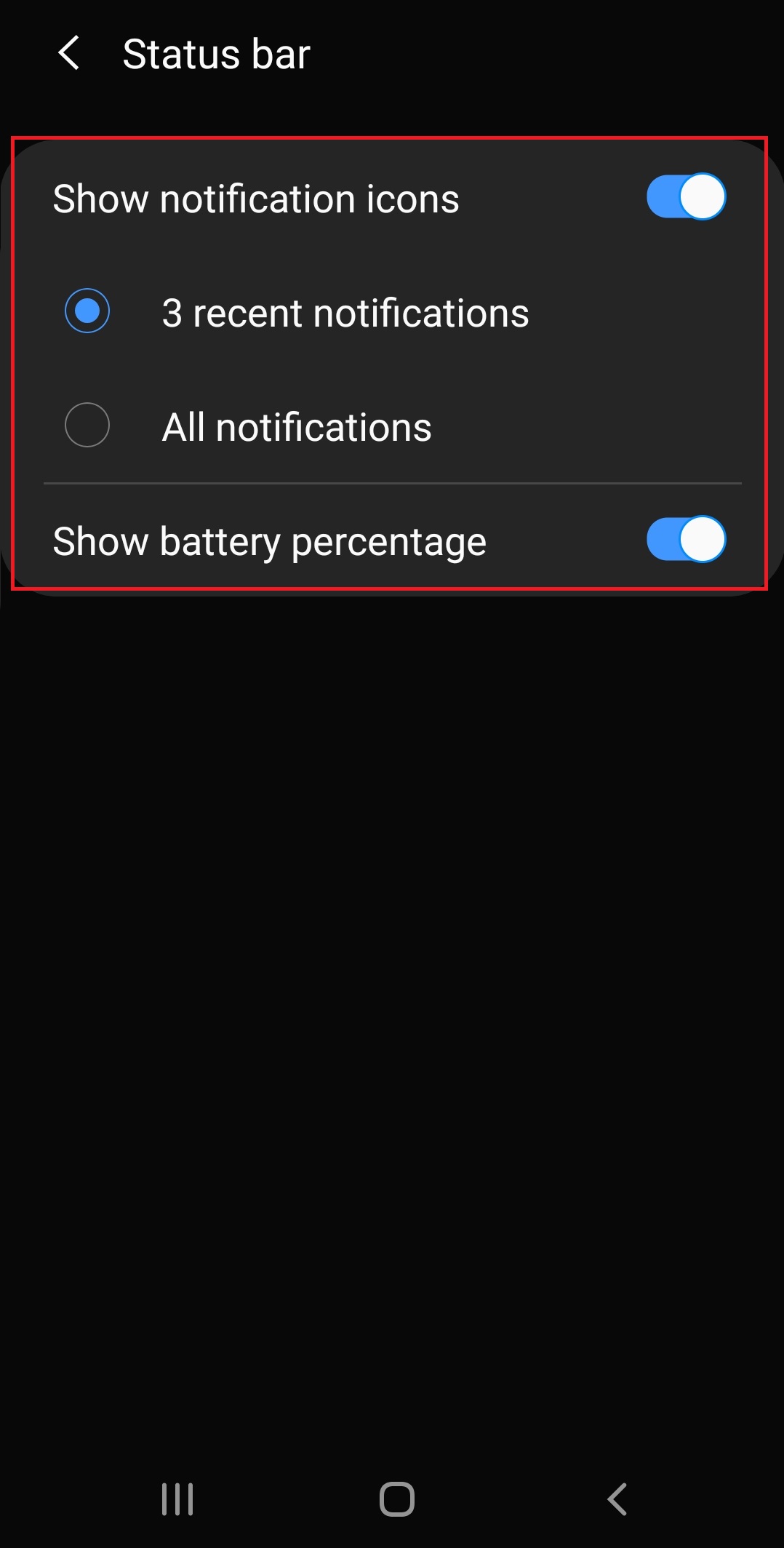
How to configure status bar notification on Samsung Android 9 Data 07/01/2020 Autor Ionut Pavel Categorie Mobile -3 523 Configurare noua (How To) SituatieHow to configure status bar notification on Samsung Android 9 Solutie Pasi de urmat Accesati Settings>Notifications Accesati Status bar Alegeți opțiunile dorite pentru a configura bara de status. Tip solutiePermanent Voteaza Up Down (16 din 35 persoane apreciaza acest articol) ShareTweetShare Despre Autor Ionut Pavel Solutii Asemanatoare How to update iOS on your iPhone 1 Cum reduceți consumul de date fără a pierde conectivitatea 4 How to customize the Always-on Display on a Samsung Galaxy Phone -5 Cum se blocheaza reclamele Pop-Up pe Android si IPhone -5 Can Google Wallet Work without Wi-Fi or Mobile Data? 4 Cum realizezi un restart fortat pe un iPhone sau iPad -3 Leave A Comment? × Cancel Reply Save my name, email, and website in this browser for the next time I comment. + two = ten
Leave A Comment?
