
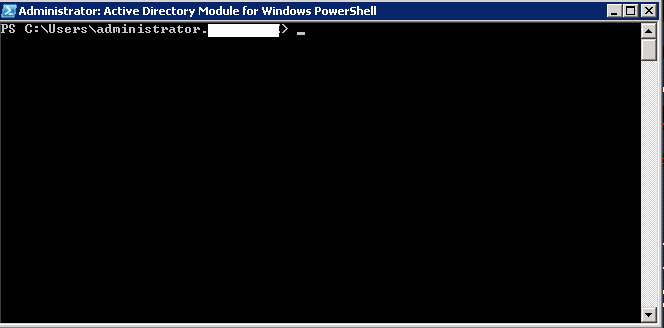
Setare expirare cont Active Directory folosind PowerShell Data 10/05/2016 Autor Radu P Categorie Active Directory, Dezactivare cont Domain User, Windows Server -21 1524 Configurare noua (How To) SituatieSe doreste ca un cont de AD sa nu mai poata fi folosit dupa o anumita data folosind PowerShell Solutie Pasi de urmat Se deschide Active Directory Module For PowerShell Se ruleaza comanda: Set-ADAccountExpiration contutilizator -DateTime "22/12/2016" Tip solutiePermanent Voteaza Up Down (25 din 71 persoane apreciaza acest articol) ShareTweetShare Despre Autor Radu P Solutii Asemanatoare Cum activam Windows Search Service in Windows Server 0 Cum automatizați pornirea serviciilor de pe un server aflat în același domeniu folosind gMSA din AD Primary Domain Controller -1 Cum găsiți conturi de servicii utilizate în Active Directory 5 Exporta lista cu serviciile din windows -7 Setare NTP server pentru ILO 1 Cum instalam si configuram DirectAccess in Windows Server -7 Leave A Comment? × Cancel Reply Save my name, email, and website in this browser for the next time I comment. 8 × = 24
Leave A Comment?