Situatie
Solutie
Pasi de urmat
How you can start with Xcode for Objective-C :
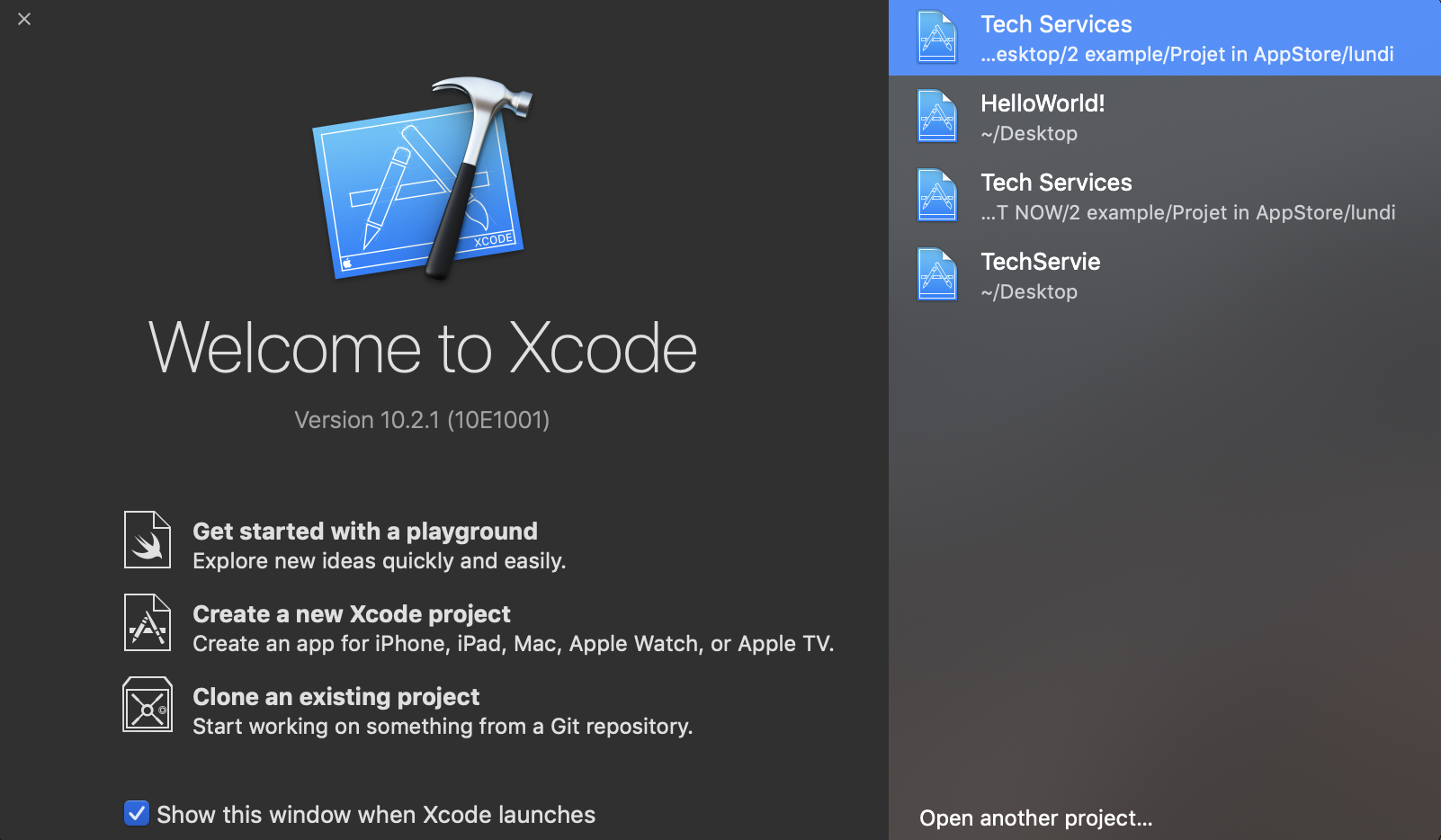
Xcode > Create a new Xcode project > macOS > Command Line Tool > Next.

Product Name: HelloWorld! > Language : Objective-C > Next :

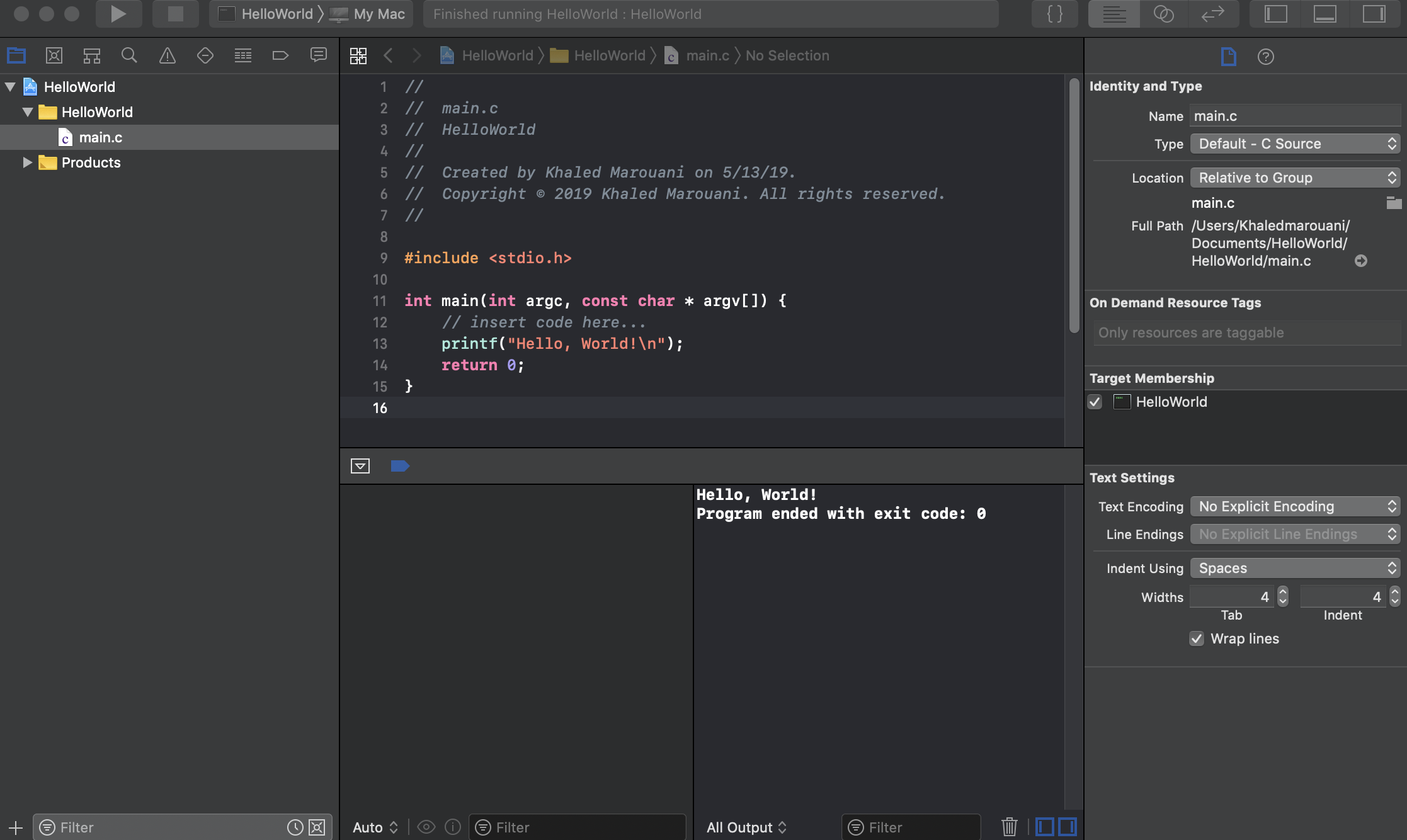
You can run the program: main.cpp

Soluții pentru problemele tale IT
How you can start with Xcode for Objective-C :
Xcode > Create a new Xcode project > macOS > Command Line Tool > Next.
Product Name: HelloWorld! > Language : Objective-C > Next :
You can run the program: main.cpp
Leave A Comment?